AEM Site Setup - No content and missing components | Community
Skip to main content
January 7, 2022
Solved

AEM Site Setup - No content and missing components

  • January 7, 2022
  • 4 replies
  • 4224 views

I was following the documentation for the archtype setup. I get everything setup from this link: https://experienceleague.adobe.com/docs/experience-manager-learn/getting-started-wknd-tutorial-develop/project-archetype/project-setup.html?lang=en


  • I'm using AEM 6.5 as my install, not cloud
  • When editing the 'en' page, the dummy content isn't present. It's a blank page.
  • Check my code and components are there
    • in AEM 'edit' mode for the page, none of the components load to be put onto the page

I'm working on a Mac Pro (intel). I didn't have any problems instaling java, maven etc. Can someone explain what I might have missed that the content and compoents aren't showing up when I log into my local and edit the site pages?

This post is no longer active and is closed to new replies. Need help? Start a new post to ask your question.
Best answer by jsolano918

I was able to fix the problem. I couldn't use @rajashankar solution. The build wouldn't work at all, having issues with the pom.xml in the ui.content. In the end I changed the aemVersion to 6.5.5 and the archetypeVersion to 34.


While this worked for a time, when I came back after restarting AEM, I was given a 503 error. I've seen this error before from not closing down AEM properly, but that wasn't the case this time. I did close it properly.


I think part of this fix is to have the documentation portion of the site updated. For now I'll just continue to re-install things and move on. This can be closed.

4 replies

RajaShankar
Community Advisor
Community Advisor
January 8, 2022

@jsolano918 

I am not sure what param you passed for archetype.Please try with below and let me  know

mvn -B archetype:generate -D archetypeGroupId=com.adobe.aem -D archetypeArtifactId=aem-project-archetype -D archetypeVersion=32 -D appTitle="WKND Sites Project" -D appId="wknd" -D groupId="com.adobe.aem.guides.wknd" -D aemVersion=6.5.9.0 -D includeDispatcherConfig=y -D frontendModule=general -D datalayer=y -D artifactId="aem-guides-wknd"


Above worked for me with all components and content.


Note: Execute the Command prompt in Admin Mode.


DEBAL_DAS
January 9, 2022

Please refer the below steps to debug the issue -

1.  Please check error.log file and find out the page path and verify whether you are getting any exceptions or not.

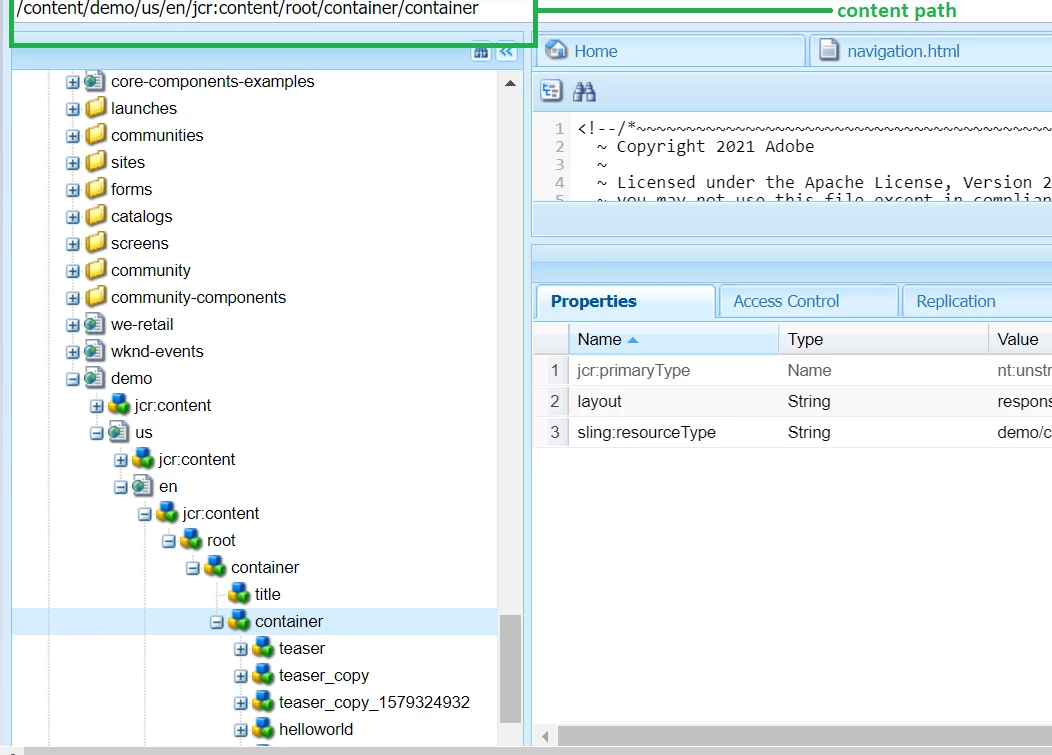
2. Regarding the none of the components load issue , please traverse the content path in crx/de as shown below and check whether component node is available or not after drag and drop the relevant component -


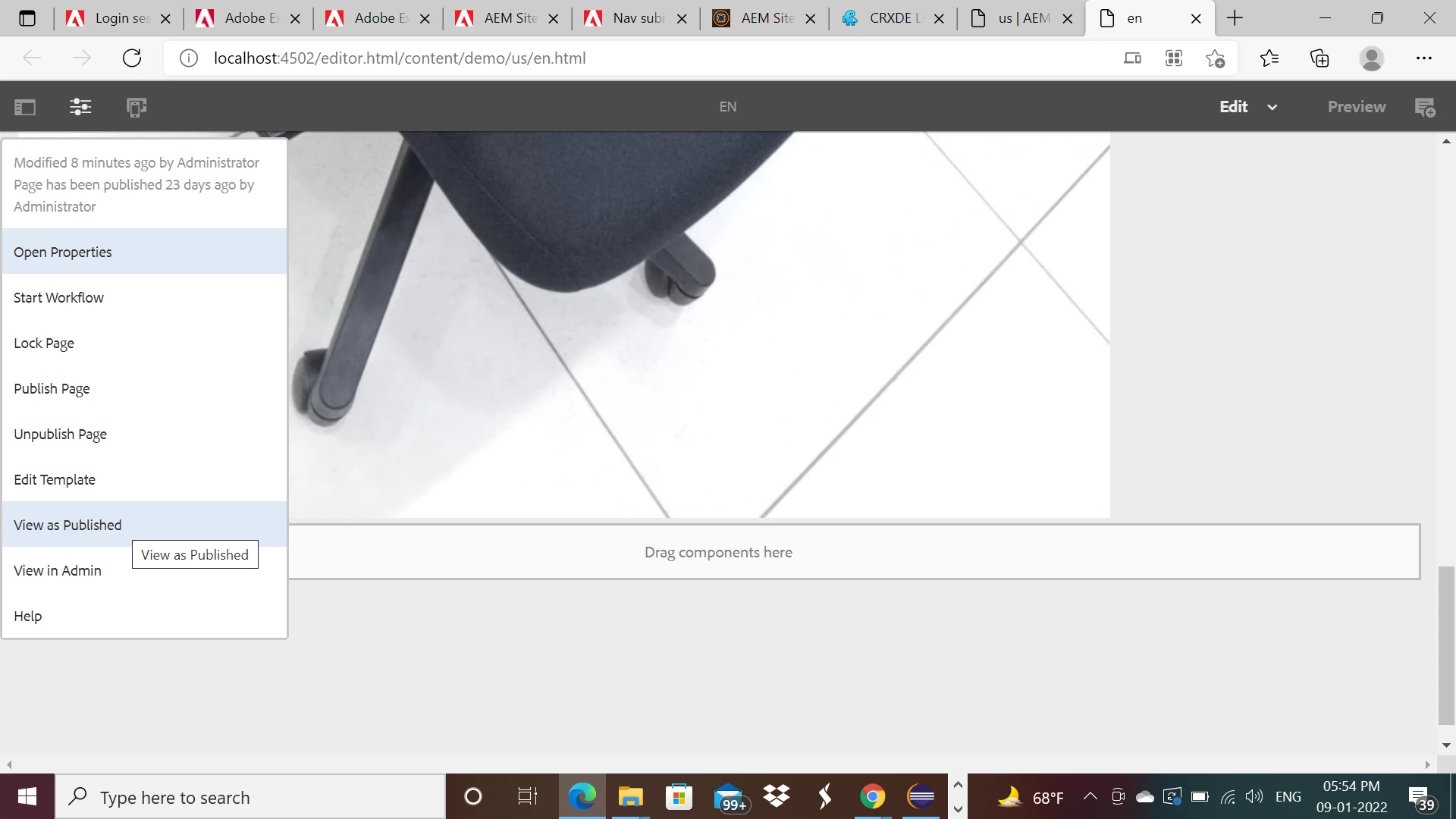
3. Please access the 'en' page as view as publish using page information and verify whether you are getting any exception or not -


I feel these steps will help us to debug the issue.

jsolano918AuthorAccepted solution
January 11, 2022

I was able to fix the problem. I couldn't use @rajashankar solution. The build wouldn't work at all, having issues with the pom.xml in the ui.content. In the end I changed the aemVersion to 6.5.5 and the archetypeVersion to 34.


While this worked for a time, when I came back after restarting AEM, I was given a 503 error. I've seen this error before from not closing down AEM properly, but that wasn't the case this time. I did close it properly.


I think part of this fix is to have the documentation portion of the site updated. For now I'll just continue to re-install things and move on. This can be closed.

November 22, 2023

How did you manage to fix this issue? 

November 22, 2023

Yeah, looks like I am still facing this issue as well with AEM 6.5