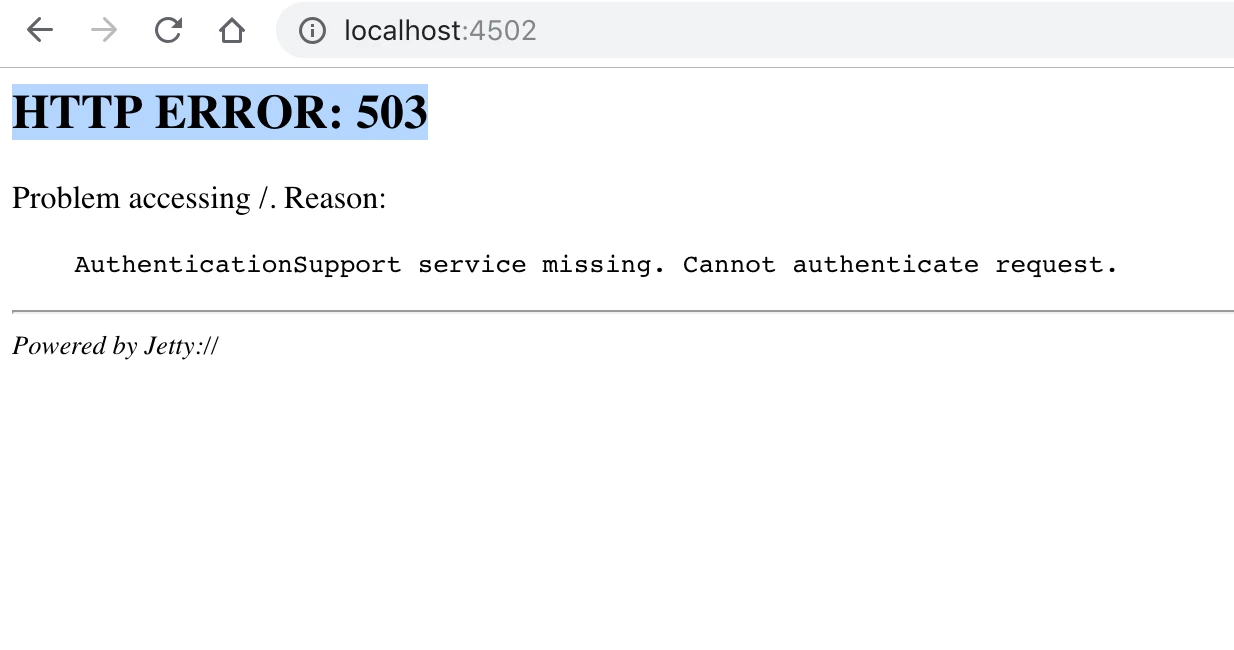
AEM showing http error 503 after upgrading from High Sierra to Mojave | Community
Skip to main content
This post is no longer active and is closed to new replies. Need help? Start a new post to ask your question.
Best answer by leoberliant

Mojave OS is not officially sported for AEM 6.2 - Technical Requirements

The meaning of the error is that the repository is not available, and Authentication Service is just a first service that is going to be called. You should try to run offline compaction along with a full re-indexing.  Also, make sure that teh account that you are using to start AEM has RW permissions to .../crx-quickstart/repository/segmentstore

4 replies

kautuk_sahni
Community Manager
Community Manager
September 27, 2018

There is a known issue with AEM 6.2 sp1. See 6.2 Service Pack 1 Release Notes

Otherwise,

You get that error when the authentication bundles haven't started yet. In some cases this is just a matter of time - the start up may still be progress. If it isn't just time then there are any number of reasons why the authentication bundles might not have started. There are two steps you need to take to troubleshoot the issues:

Look at your error.log during start up and look for exceptions and error messages. These exceptions and error messages will clue you into what the problem is.

If you don't see error messages log into felix and see if you have any bundles that aren't starting and try to manually start them and watch the error logs while you are manually starting them.

     1) Re-index repository -: Stop your AEM instance then rename/delete "index" folder present under "auhor\crx-quickstart\repository"

     2) Restart AEM instance.

PS:  make sure you have an adequate amount of space available.

Kautuk Sahni
leoberliantAdobe EmployeeAccepted solution
Adobe Employee
September 27, 2018

Mojave OS is not officially sported for AEM 6.2 - Technical Requirements

The meaning of the error is that the repository is not available, and Authentication Service is just a first service that is going to be called. You should try to run offline compaction along with a full re-indexing.  Also, make sure that teh account that you are using to start AEM has RW permissions to .../crx-quickstart/repository/segmentstore

September 27, 2018

Yes Im currently running offline and also have read write permission on the folder but still doesn't work.

Will there be a patch release for this issue in near future? or else I have to revert back to high sierra

joerghoh
Adobe Employee
Adobe Employee
September 27, 2018

Realistically, this upgrade should not cause any issue. Yes, it's not supported, but on a dev machine you simply wouldn't care.

In your case you either broke your repo (just shutting down the mac without having shut down AEM before), or you are using a different Java version. Never versions than java 8 are causing problems.

Jörg