AEM set focus point on an image in assets | Community
Skip to main content
Level 6
March 21, 2023
Solved

AEM set focus point on an image in assets

  • March 21, 2023
  • 1 reply
  • 1571 views

Hi,

Is there a way to find out in /crx/de if an image in assets has a focus point set? Any metadata used for focus point?


I searched for it in here but cannot find it:


Updating Media

Also how does one go about saving the "Set focus point" on the image? I cannot see any save option there.
This post is no longer active and is closed to new replies. Need help? Start a new post to ask your question.
Best answer by Rohan_Garg

Hi @anasustic,


As far as I know, there is no OTB metadata parameter for focal point in an AEM Asset.

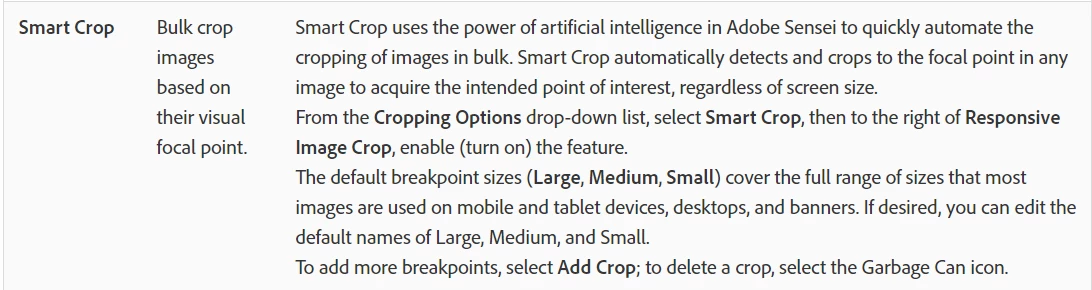
The smart crop feature in Dynamic Media uses focal point internally to select asset according to breakpoint.

Source - https://experienceleague.adobe.com/docs/experience-manager-cloud-service/content/assets/dynamicmedia/image-profiles.html?lang=en


You can try to use a npm library like focuspoint which allows you to view images in all different ratios after the user has defined a focus point (hot spot) in the image while uploading it.

Source - https://www.npmjs.com/package/focuspoint


Hope this helps!


1 reply

Rohan_Garg
Community Advisor
Rohan_GargCommunity AdvisorAccepted solution
Community Advisor
May 17, 2023

Hi @anasustic,


As far as I know, there is no OTB metadata parameter for focal point in an AEM Asset.

The smart crop feature in Dynamic Media uses focal point internally to select asset according to breakpoint.

Source - https://experienceleague.adobe.com/docs/experience-manager-cloud-service/content/assets/dynamicmedia/image-profiles.html?lang=en


You can try to use a npm library like focuspoint which allows you to view images in all different ratios after the user has defined a focus point (hot spot) in the image while uploading it.

Source - https://www.npmjs.com/package/focuspoint


Hope this helps!