AEM REACT - What is the correct way to extend core component dialog and implement SPA ?
I am extending all core components, notably the Content Fragment Component, but am running into an issue where nothing is being displayed when I select my content fragment.
Here is my .content.xml located in apps/cob-corp-acquisition/components/contentfragment
<?xml version="1.0" encoding="UTF-8"?>
<jcr:root xmlns:sling="http://sling.apache.org/jcr/sling/1.0" xmlns:cq="http://www.day.com/jcr/cq/1.0" xmlns:jcr="http://www.jcp.org/jcr/1.0"
    cq:styleElements="[div,section,article,main,aside,header,footer]"
    jcr:primaryType="cq:Component"
    jcr:title="Content Fragment"
    sling:resourceSuperType="core/wcm/components/contentfragment/v1/contentfragment"
    componentGroup="cob-corp-acquisition - Content"/>
and my _cq_editConfig.xml also located in apps/cob-corp-acquisition/components/contentfragment
<?xml version="1.0" encoding="UTF-8"?>
<jcr:root xmlns:cq="http://www.day.com/jcr/cq/1.0" xmlns:jcr="http://www.jcp.org/jcr/1.0" xmlns:nt="http://www.jcp.org/jcr/nt/1.0"
    jcr:primaryType="cq:EditConfig">
    <cq:inplaceEditing
        jcr:primaryType="cq:InplaceEditingConfig"
        active="{Boolean}true"
        editorType="contentfragment"/>
    <cq:dropTargets jcr:primaryType="nt:unstructured">
        <contentfragment
            jcr:primaryType="cq:DropTargetConfig"
            accept="[application/vnd.adobe.contentfragment]"
            groups="[media]"
            propertyName="./fragmentPath">
            <parameters
                jcr:primaryType="nt:unstructured"
                displayMode="multi"
                elementNames=""
                paragraphHeadings=""
                paragraphRange=""
                paragraphScope=""
                variationName=""/>
        </contentfragment>
    </cq:dropTargets>
    <cq:listeners
        jcr:primaryType="cq:EditListenersConfig"
        afterdelete="function (properties) { $(document).trigger('cq-contentfragment-delete'); }"
        afteredit="function (properties) { $(document).trigger('cq-contentfragment-edit'); }"
        afterinsert="function (properties) { $(document).trigger('cq-contentfragment-insert'); }"/>
</jcr:root>
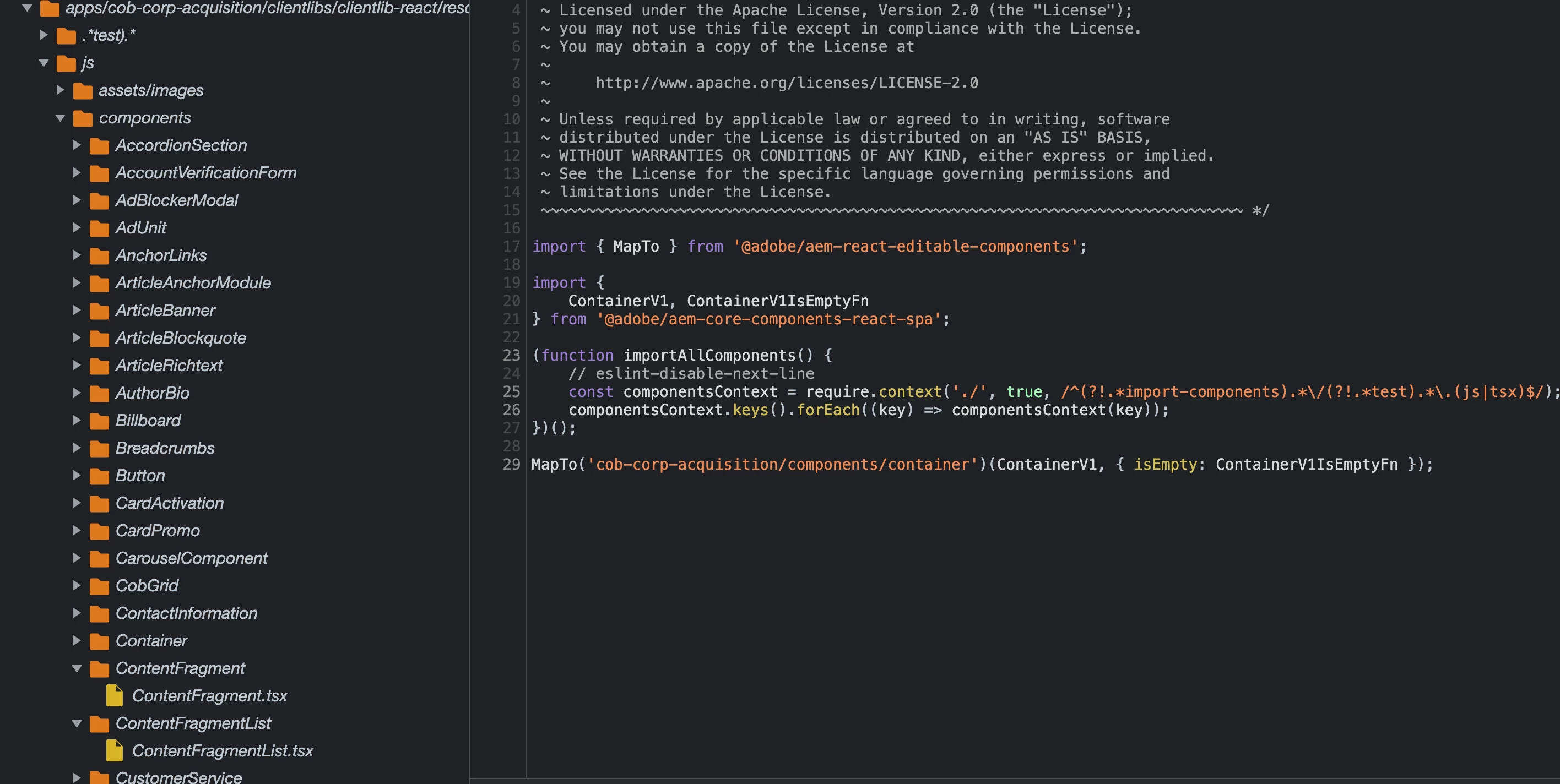
And here is my SPA implementation located in ui.frontend/src/components/ContentFragment
import React, {PropsWithChildren} from 'react';
import {MappedComponentProperties, MapTo} from '@adobe/aem-react-editable-components';

interface IProps extends MappedComponentProperties {
    displayMode ?: string;
    elementNames ?: string;
    variationName ?: string;
    fragmentPath ?: string;
}

const EditConfig = {
    emptyLabel: 'Content Fragment',
    isEmpty: (props: PropsWithChildren<IProps>) => {
        return !props || !props.fragmentPath;
    }
};

const ContentFragment = (props: PropsWithChildren<IProps>): JSX.Element => {
    console.log(props)
    return (
        <>
            <div>
            </div>
        </>
    )

}


export default MapTo('cob-corp-acquisition/components/contentfragment')(ContentFragment, EditConfig);
Am i supposed to create my own JAVA model/implementation similar to com.adobe.cq.wcm.core.components.internal.models.v1.contentfragment.ContentFragmentImpl or can i just use this existing implemenation? With what I have above I am able to see the component rendered
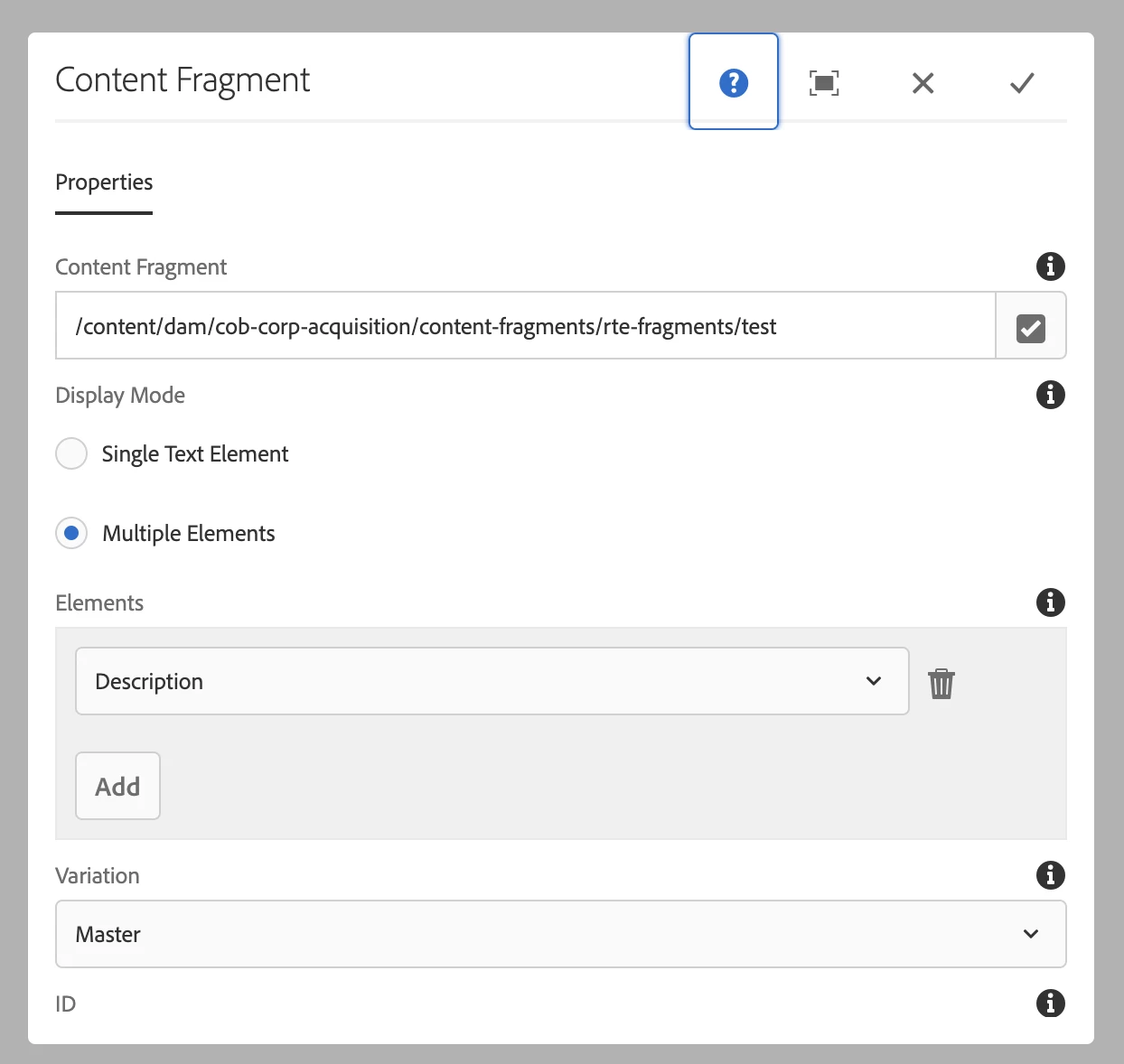
and it appears to grab the correct information via http://localhost:4502/content/cob-corp-acquisition/us/en/test.model.json
{
  "componentsResourceTypes": [
    "cob-corp-acquisition/components/contentfragment",
    "wcm/foundation/components/responsivegrid",
    "nt:unstructured",
    "cob-corp-acquisition/components/creditonebank/page-templates/corporate"
  ],
  "brandSlug": "",
  "cssClassNames": "corporate page basicpage",
  "designPath": "/libs/settings/wcm/designs/default",
  "templateName": "cob-corporate",
  "lastModifiedDate": 1662588257614,
  "title": "Test",
  "language": "en",
  ":items": {
    "root": {
      "columnClassNames": {
        "responsivegrid": "aem-GridColumn aem-GridColumn--default--12"
      },
      "gridClassNames": "aem-Grid aem-Grid--12 aem-Grid--default--12",
      "columnCount": 12,
      "allowedComponents": {
        "applicable": false,
        "components": [

        ]
      },
      ":items": {
        "responsivegrid": {
          "columnClassNames": {
            "contentfragment": "aem-GridColumn aem-GridColumn--default--12"
          },
          "gridClassNames": "aem-Grid aem-Grid--12 aem-Grid--default--12",
          "columnCount": 12,
          "allowedComponents": {
            "applicable": false,
            "components":[...]
          },
          ":items": {
            "contentfragment": {
              "id": "contentfragment-7db61cc5b3",
              "description": "",
              "title": "Test",
              "elements": {
                "description": {
                  "dataType": "string",
                  "title": "Description",
                  "value": "<p>PP TEXT</p>\n<p>HELLO</p>\n<p>BYBY</p>\n",
                  "multiValue": false,
                  ":type": "text/html"
                }
              },
              "elementsOrder": [
                "description"
              ],
              ":items": {

              },
              ":itemsOrder": [

              ],
              ":type": "cob-corp-acquisition/components/contentfragment",
              "model": "cob-corp-acquisition/models/rte",
              "dataLayer": {
                "contentfragment-7db61cc5b3": {
                  "@type": "cob-corp-acquisition/components/contentfragment",
                  "repo:modifyDate": "2022-09-07T22:04:17Z",
                  "dc:title": "Test",
                  "elements": [
                    {
                      "xdm:text": "<p>DISPLAY TEST TEXT</p>\n",
                      "xdm:title": "Description"
                    }
                  ]
                }
              }
            }
          },
          ":itemsOrder": [
            "contentfragment"
          ],
          ":type": "wcm/foundation/components/responsivegrid"
        }
      },
      ":itemsOrder": [
        "responsivegrid"
      ],
      ":type": "wcm/foundation/components/responsivegrid"
    }
  },
  ":itemsOrder": [
    "root"
  ],
  ":path": "/content/cob-corp-acquisition/us/en/test",
  ":hierarchyType": "page",
  ":type": "cob-corp-acquisition/components/creditonebank/page-templates/corporate"
}
But I cannot select a content fragment and display the information. How do I fix this? Please and thank you