Hi @santhosh_talepalle
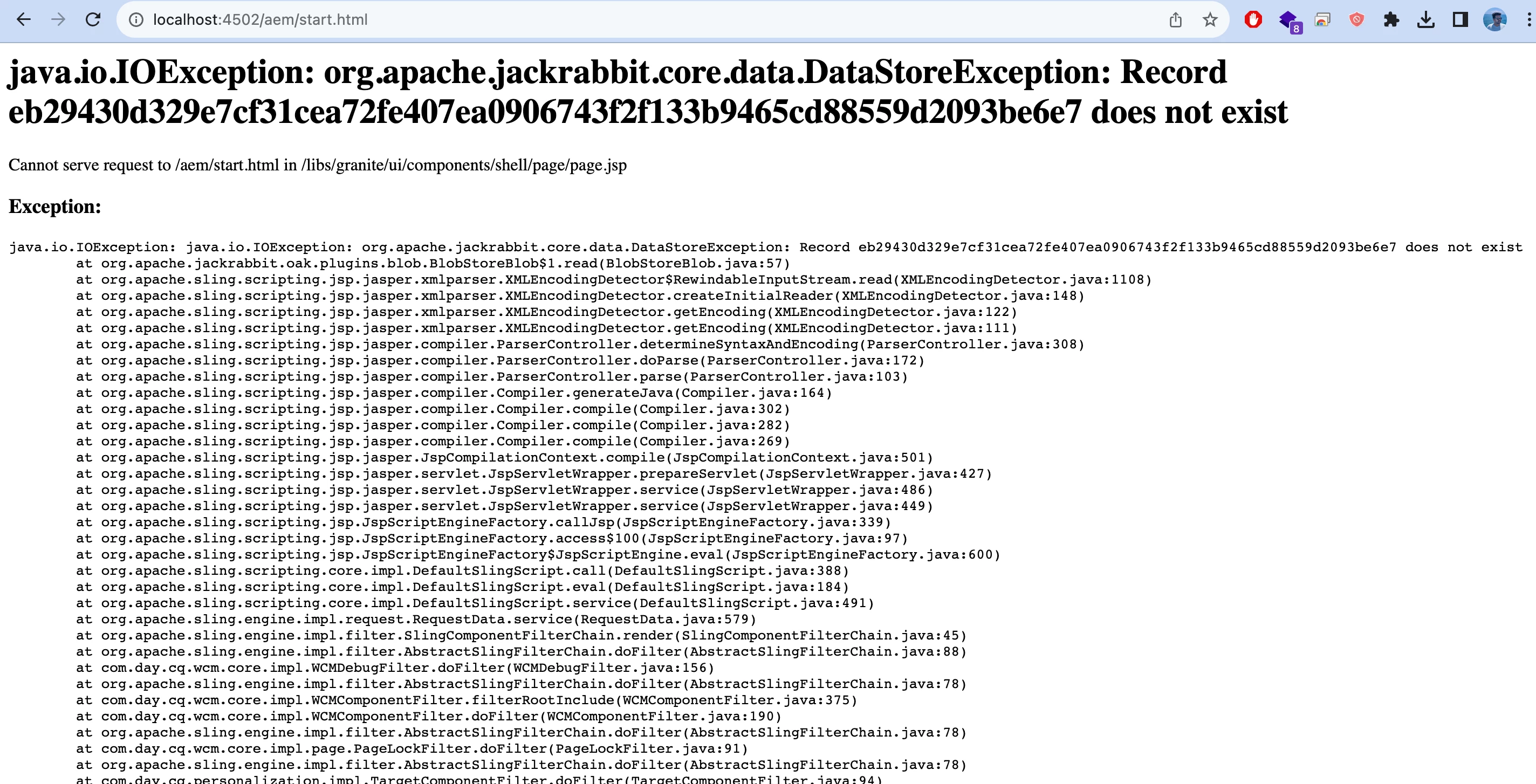
The error message you've provided, java.io.IOException: org.apache.jackrabbit.core.data.DataStoreException, typically indicates an issue related to the data storage subsystem in Adobe Experience Manager (AEM).
There could be many reasons for the same :
1. Disk Space: Insufficient disk space on the server where AEM is running can lead to errors.
- Check the available disk space on the server.
- Clear any unnecessary files to free up disk space.
- If disk space is low, consider resizing or cleaning up disk space.
2. Data Store Configuration: The data store configuration might be incorrect or there could be issues with the data store itself.
- Check the AEM configuration files related to the data store (usually in the
crx-quickstart/repository/datastore directory).
- Ensure that the data store configuration points to the correct storage location and that the necessary permissions are set.
- Validate the configuration against AEM documentation and best practices.
3. Logs and Stack Traces: Review the AEM logs and stack traces for more detailed information about the specific error.
- Check the AEM logs for additional error messages or context.
- Look for any stack traces that might provide insights into the root cause of the issue.