AEM Maintenance jobs deleted | Community
Skip to main content
msina
Level 3
May 10, 2021
Solved

AEM Maintenance jobs deleted

  • May 10, 2021
  • 2 replies
  • 1739 views

Hi,


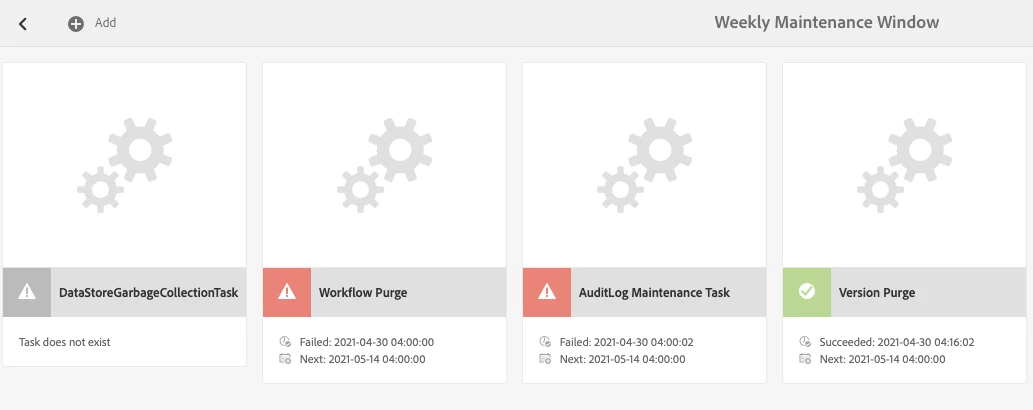
We have deleted the tasks from OSGI config cause our repo was corrupted and it was creating alert in our monitoring system. Now we have fixed the repo corruption with offline compaction.


How can i add those config again in OSGI ?
 

Thanks

Sina
This post is no longer active and is closed to new replies. Need help? Start a new post to ask your question.
Best answer by Ritesh_Mittal

 Hi @msina ,


If I understood your question correctly then you can access the OSGI configuration for specific maintenance task either via from site Sites > tools> Operations > Maintenance  and configure the task (this way also the user will go to system/console only) OR directly open the /system/console/configMgr and search the right service name. BTW since AEM as cloud service does not allow direct console update so in that case configs can only go through source code.


Reference - 

https://experienceleague.adobe.com/docs/experience-manager-cloud-service/operations/maintenance.html?lang=en#:~:text=Enable%20the%20maintenance%20task%20by%20adding%20a%20node%20under%20the,granite_ProjectPurgeTask%20)%20with%20the%20appropriate%20properties.&text=Customers%20can%20schedule%20each%20of,weekly%2C%20or%20monthly%20maintenance%20windows.


2 replies

Ritesh_Mittal
Community Advisor and Adobe Champion
Ritesh_MittalCommunity Advisor and Adobe ChampionAccepted solution
Community Advisor and Adobe Champion
May 10, 2021

 Hi @msina ,


If I understood your question correctly then you can access the OSGI configuration for specific maintenance task either via from site Sites > tools> Operations > Maintenance  and configure the task (this way also the user will go to system/console only) OR directly open the /system/console/configMgr and search the right service name. BTW since AEM as cloud service does not allow direct console update so in that case configs can only go through source code.


Reference - 

https://experienceleague.adobe.com/docs/experience-manager-cloud-service/operations/maintenance.html?lang=en#:~:text=Enable%20the%20maintenance%20task%20by%20adding%20a%20node%20under%20the,granite_ProjectPurgeTask%20)%20with%20the%20appropriate%20properties.&text=Customers%20can%20schedule%20each%20of,weekly%2C%20or%20monthly%20maintenance%20windows.


msina
msinaAuthor
Level 3
May 10, 2021

There is no gear button to click and modify cause the config itself does not exists. I think we need to add the OSGI config first without source code is there any option.


Ritesh_Mittal
Community Advisor and Adobe Champion
May 10, 2021

Hi @msina ,


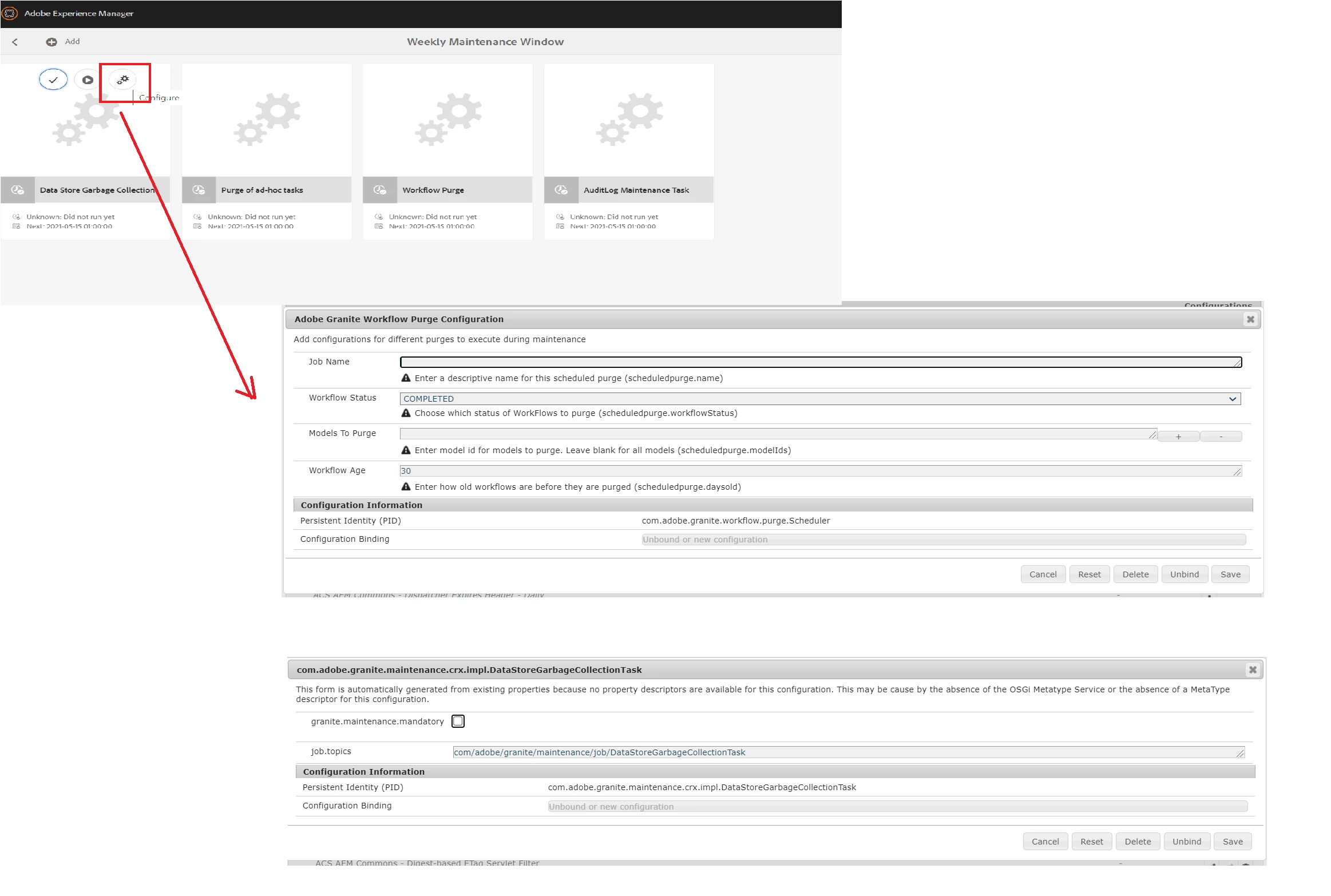
The gear icon will come once you hover on the tile of the activity. Also you can always go to /system/console and update the config, for example for revision cleanup activity the URL will be /system/console/configMgr/com.adobe.granite.maintenance.crx.impl.RevisionCleanupTask~main

msina
msinaAuthor
Level 3
May 10, 2021

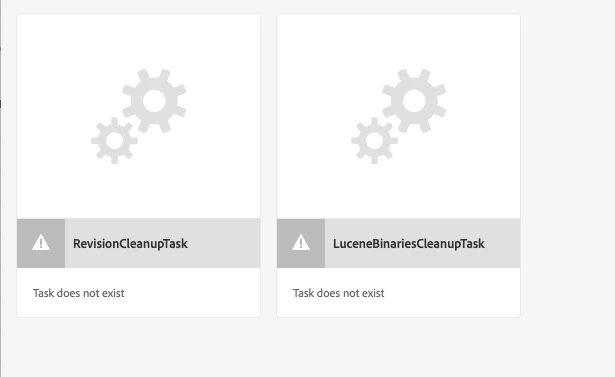
I think my question was not clear. e.g /system/console/configMgr/com.adobe.granite.maintenance.crx.impl.DataStoreGarbageCollectionTask configuration does not exists Cause we deleted the configuration.If you see my screen shot it says task does not exists hover over this job dont give me any option also it does not exists in the system>console .


Now we wanted to add this config again.


Anyway we got the workaroud we added the configuration in the server inside the launchpad 


 /opt/aem/author/crx-quickstart/launchpad/config/com/adobe/granite/maintenance/crx/impl/

Then created this below config file

LuceneBinariesCleanupTask.config

RevisionCleanupTaskmain.config 

DataStoreGarbageCollectionTask.config


And restarted the AEM service the above config got created again in system>console.


Thanks for your help.