Hi jazhou,
I've tried to put that meta-tag in the head, however, due to how AEM author works, it is not putting it in the <head> in author mode:

It is under the author mode iframe of the page as per above.
I've even tried to put that meta-tag in the parent page component that my proxyPage inherited from and it is the same.
Since I am trying to author those Campaign components, what else can I do? I've also tried to restart my session, but I still don't see amcGetDeliveryMetadata in the logs (with debug log level).
Ok, finally have time to type in the solution I have.
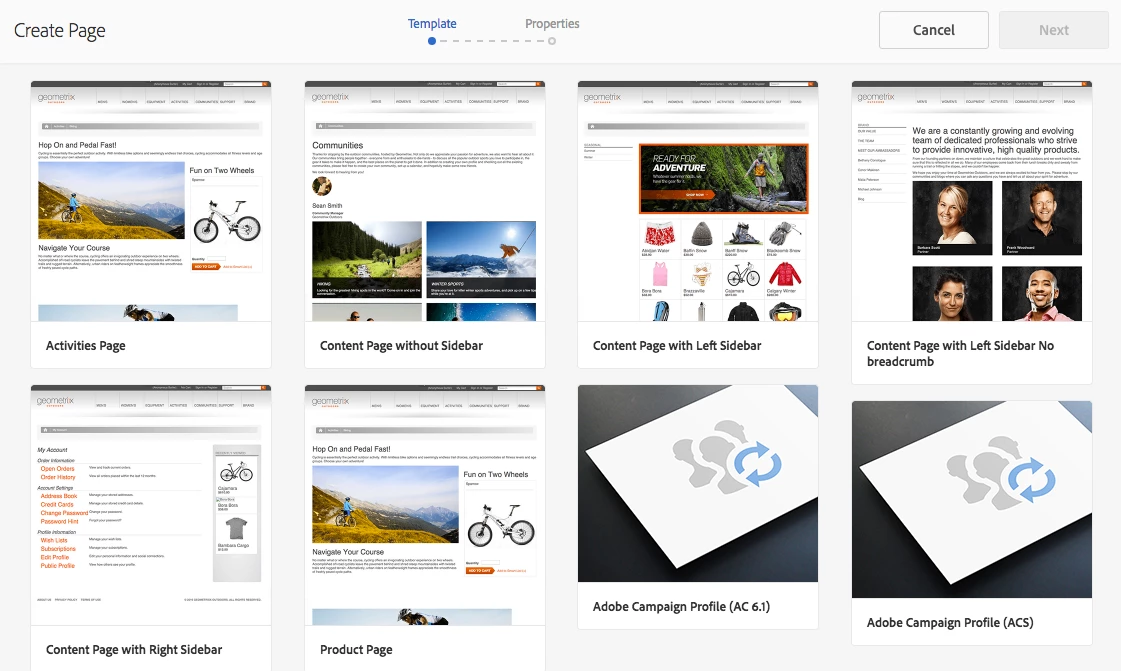
Apparently, it is required (hard-coded) to use a page component that is either mcm/campaign/components/profile or a proxy page component from it.
So to get it working, I have to overlay it as /apps/mcm/campaign/components/profile and use my own proxy page component of core/wcm/components/page/v2/page:
/apps/mcm/campaign/components/profile --> /apps/<my-site>/components/structure/page --> core/wcm/components/page/v2/page
In summary, here are the steps to make it work (in 6.4 author):
- enable CTA-Lead-Form components in template
- overlay mcm/campaign/components/profile to use core/wcm/components/page/v2/page
- add page properties of acMapping -> "mapRecipient" and acTemplateId -> "mail"
- set context hub settings in head: <meta id="campaignContextHub" data-register="true" />
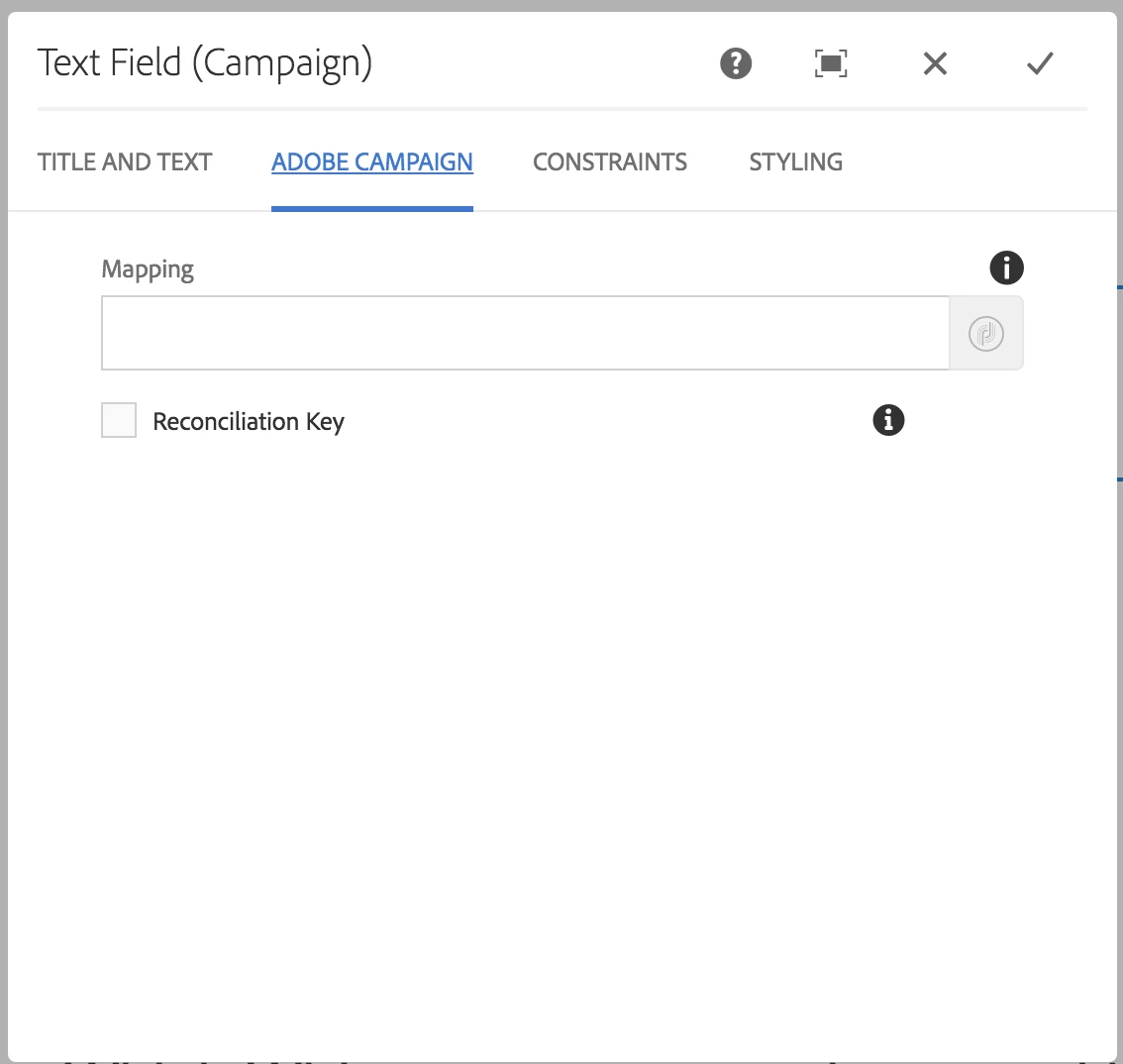
After all that I can see the Adobe Campaign mappings available in the component dialog.
Next is to get it work in Publish...