AEM Asset Folder > Custom thumbnail expected size | Community
Skip to main content
Level 4
February 27, 2019
Solved

AEM Asset Folder > Custom thumbnail expected size

  • February 27, 2019
  • 2 replies
  • 3113 views

Hi there

Should be an easy answer - if you want to use a custom thumbnail on an assets folder (Open the folder properties) - what are the ideal dimensions / size so that it will maintain aspect ratio

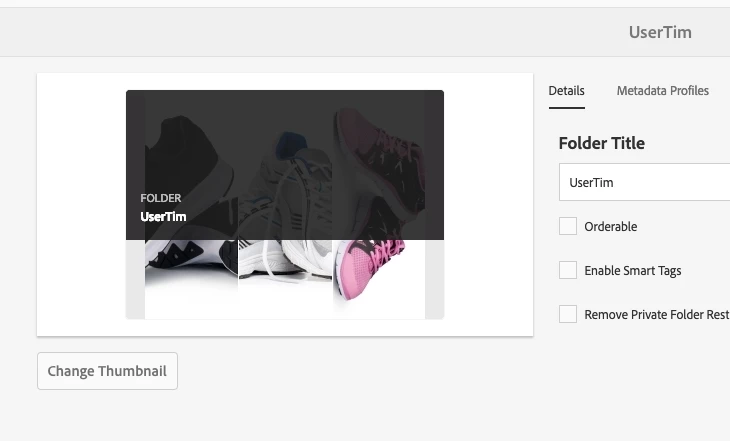
This is the feature I am looking at:
This post is no longer active and is closed to new replies. Need help? Start a new post to ask your question.
Best answer by Gaurav-Behl

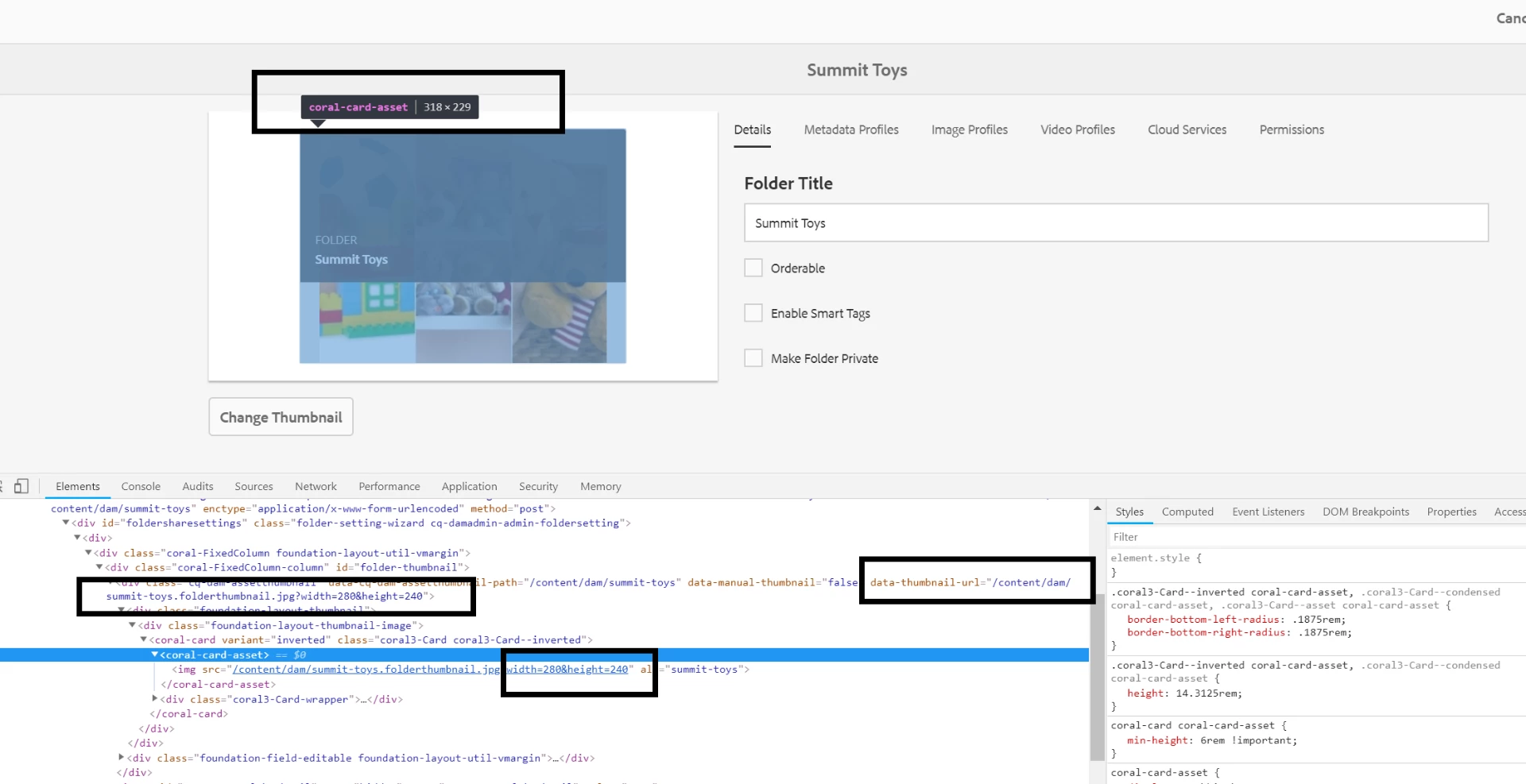
Checked with an available example - The OOB coral card dimensions are 318*229. The image to be uploaded should be in similar aspect ratio for best results, otherwise the card container will adjust it accordingly.

2 replies

Gaurav-Behl
Gaurav-BehlAccepted solution
Level 10
February 27, 2019

Checked with an available example - The OOB coral card dimensions are 318*229. The image to be uploaded should be in similar aspect ratio for best results, otherwise the card container will adjust it accordingly.

Prince_Shivhare
Community Advisor
Community Advisor
February 27, 2019

Dimensions should be as Gaurav mentioned above.

however if you want to make any custom change. then please go through with below file. you will get more info.

/libs/dam/gui/coral/components/commons/thumbnail/thumbnail.jsp

~ Prince