AEM as cloud sandbox: Published asset is not getting unpublished when it expires. | Community
Skip to main content
July 14, 2023

AEM as cloud sandbox: Published asset is not getting unpublished when it expires.

  • July 14, 2023
  • 2 replies
  • 1783 views

I have created an assets folder in the cloud sandbox. To be specific in this directory: "https://author-XXXX-XXXX.adobeaemcloud.com/ui#/aem/assets.html/content/dam/demo-assets/sampleassetsexample" 


I have uploaded 3 images in this folder. Then, i have selected each images one by one and get into the "properties" of each images.

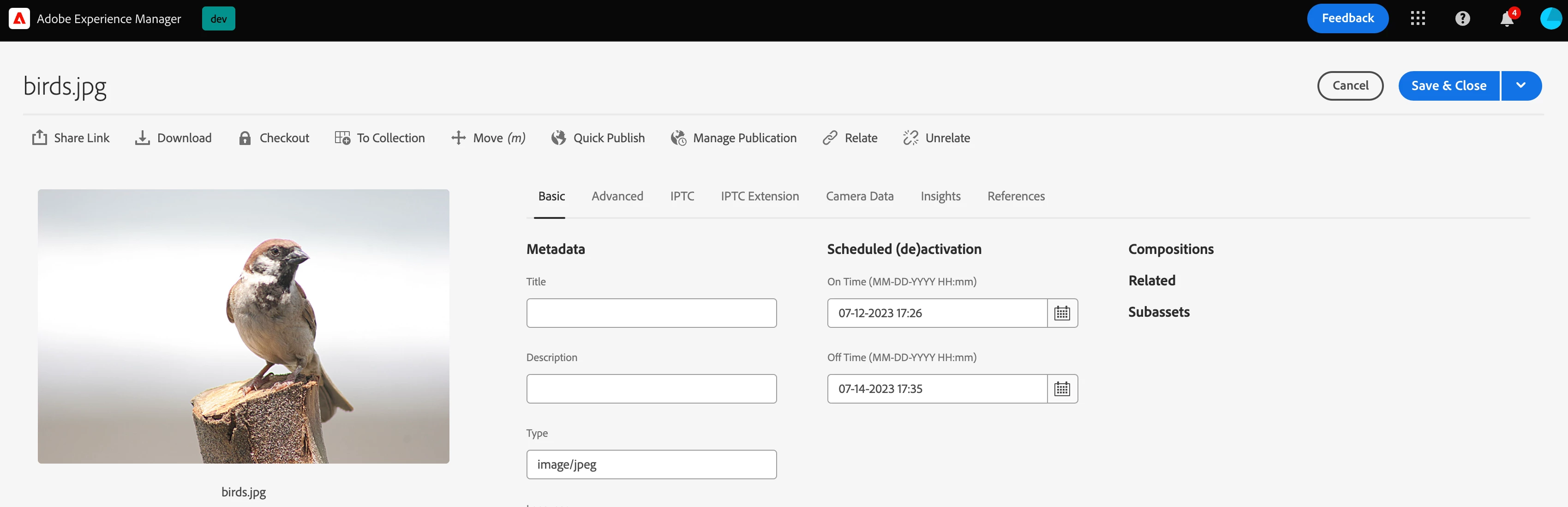
In the "Basic" tab of "Properties" i have set the "Scheduled (de)activation" like this:


On Time (MM-DD-YYYY HH:mm): 07-12-2023 17:26 Off Time (MM-DD-YYYY HH:mm): 07-14-2023 17:35
 

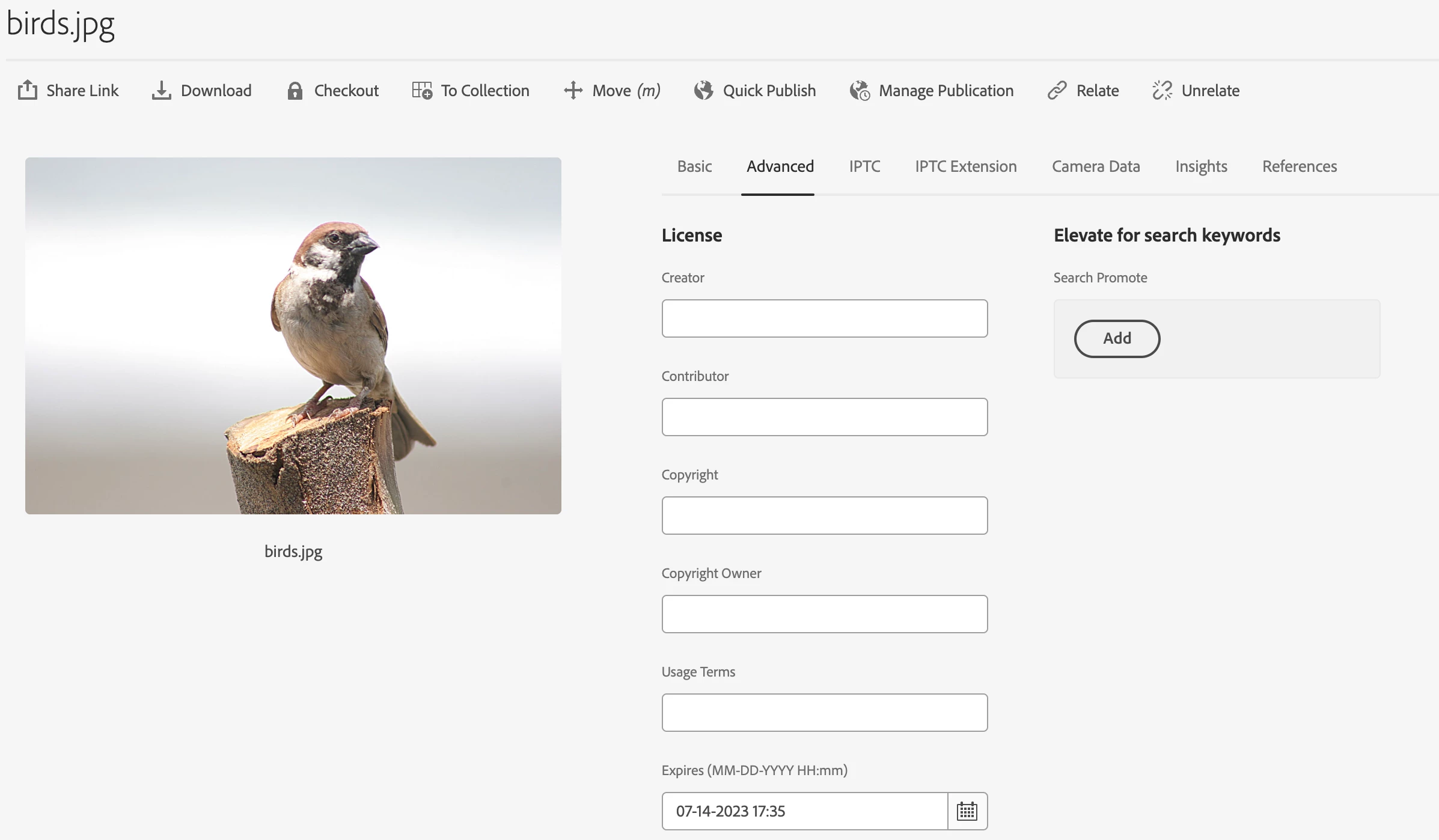
In the "Advanced" tab of "Properties" i have set the "Expires (MM-DD-YYYY HH:mm)" like this:


07-14-2023 17:35
 

After that i have linked these images in my project's site. Next, i have published those sites containing these images. 

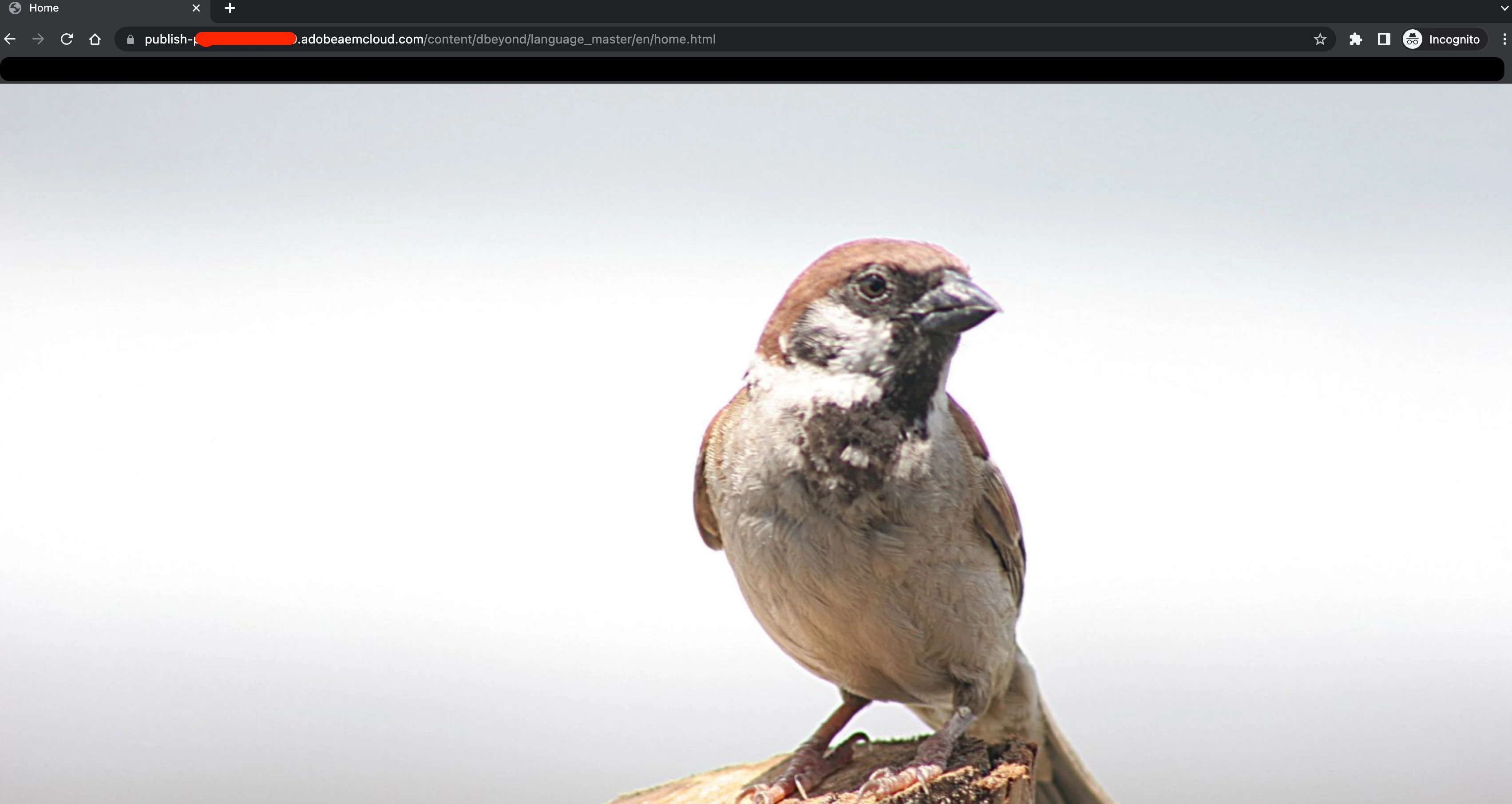
So, when i went to the published site after the expiration time the images are still visible in that site. But it should not be there according to this documentation of AEM. 
 

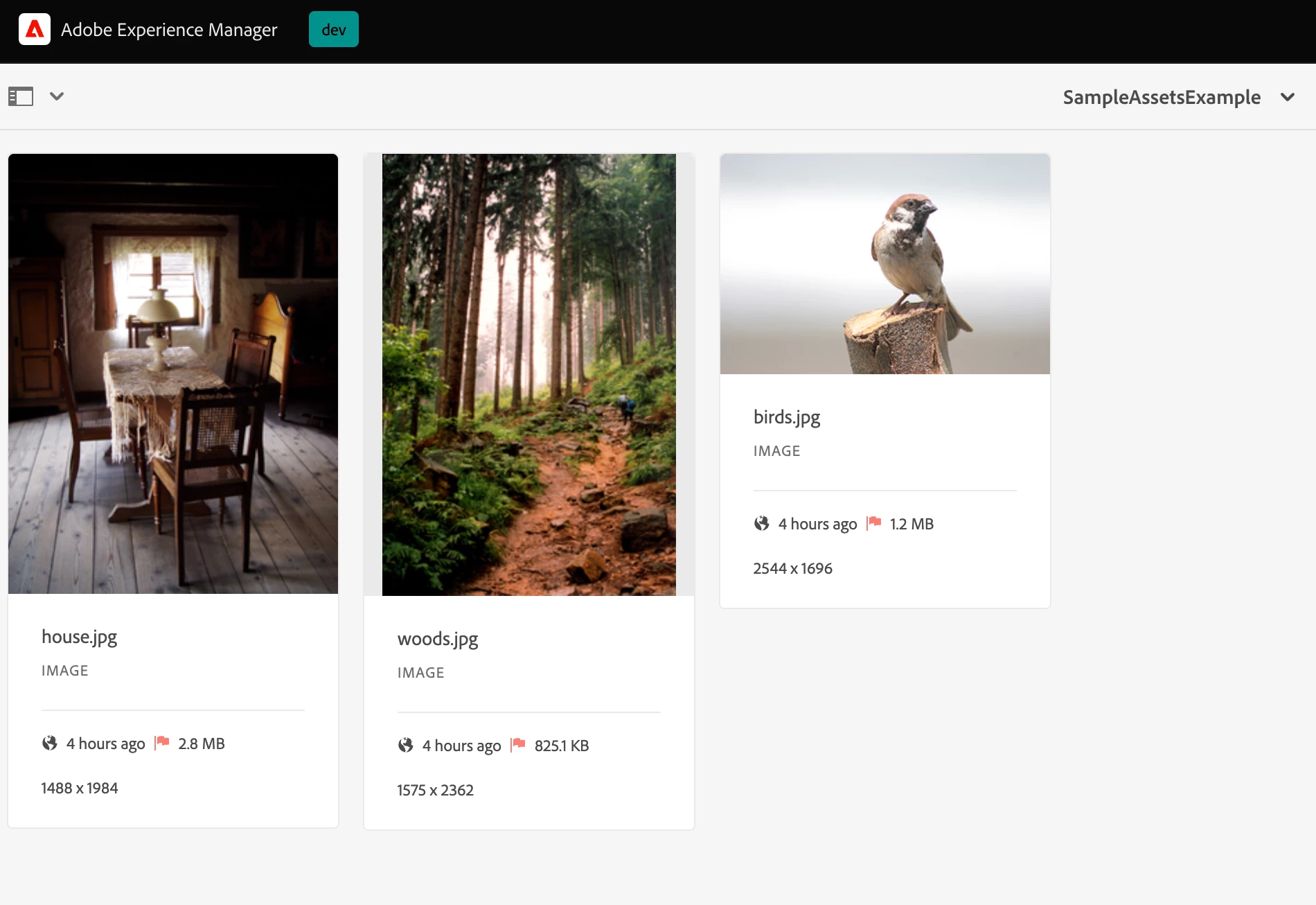
The below picture is the screenshot of the assets folder which contains this image. Where the red flag is clearly visible that this image is expired. But unfortunately the image is not getting unpublished from the published site.
Please tell me what i am doing wrong or what to do to remove the images after it passes the expiration date. 


This post is no longer active and is closed to new replies. Need help? Start a new post to ask your question.

2 replies

DPrakashRaj
Community Advisor
Community Advisor
July 14, 2023

Do you see any error on aem error log for the time of expiry?

are you able to login on aem publisher and verify that asset is still present in Dam folder?

are you logged in as administrator user on sandbox?

July 18, 2023

are you logged in as administrator user on sandbox?

Ans: yes.


are you able to login on aem publisher and verify that asset is still present in Dam folder?

Ans: Can you please tell me how to login on aem publisher on sandbox.


Do you see any error on aem error log for the time of expiry?

Ans: No

Adobe Employee
July 14, 2023

Hi @muhaiminho ,


You might be seeing the assets on the page as page gets cached. Could you please check whether that asset is there or not in publish instance. You can check that by logging into your publish instance.


Thanks,

Nikita Garg

Level 4
July 14, 2023

hi @muhaiminho 

Please Re-activate the Page where the assets are referenced, as mentioned above the page should have been cached. 

I don't think asset References would get flushed on the pages  when the actual asset expires by default on the dispatcher or CDN and needs to handle via custom process if that is the ask


July 18, 2023

The assets are not getting unpublished even after re-activating the pages.

P.S: I have also tried it in incognito mode and in different browser.