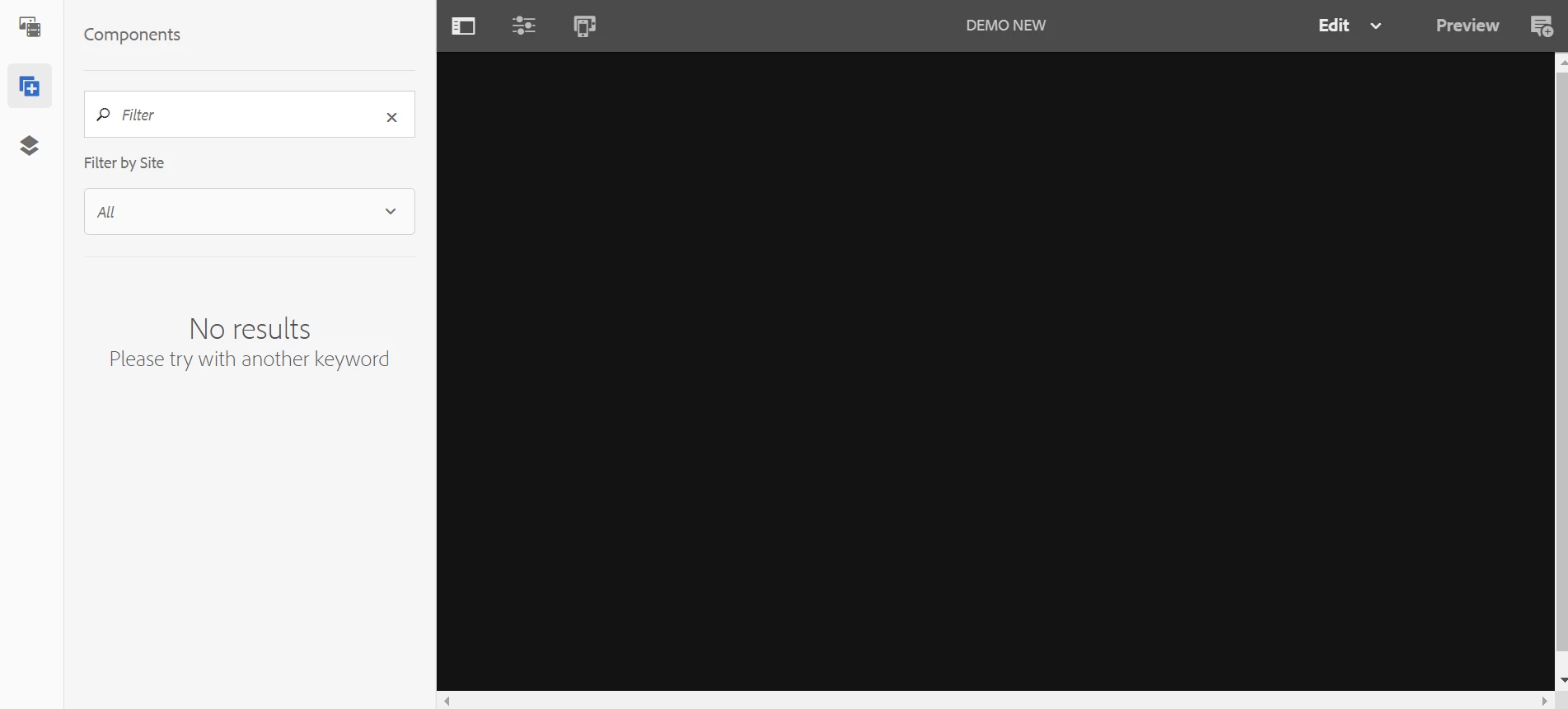
AEM 6.5 showing blank page | Community
Skip to main content
Level 2
May 17, 2022
Solved

AEM 6.5 showing blank page

  • May 17, 2022
  • 2 replies
  • 3361 views

Hi all,


I have AEM 6.5 with service pack 12 installed and created a new project using maven archetype 35 and deployed it on the AEM.

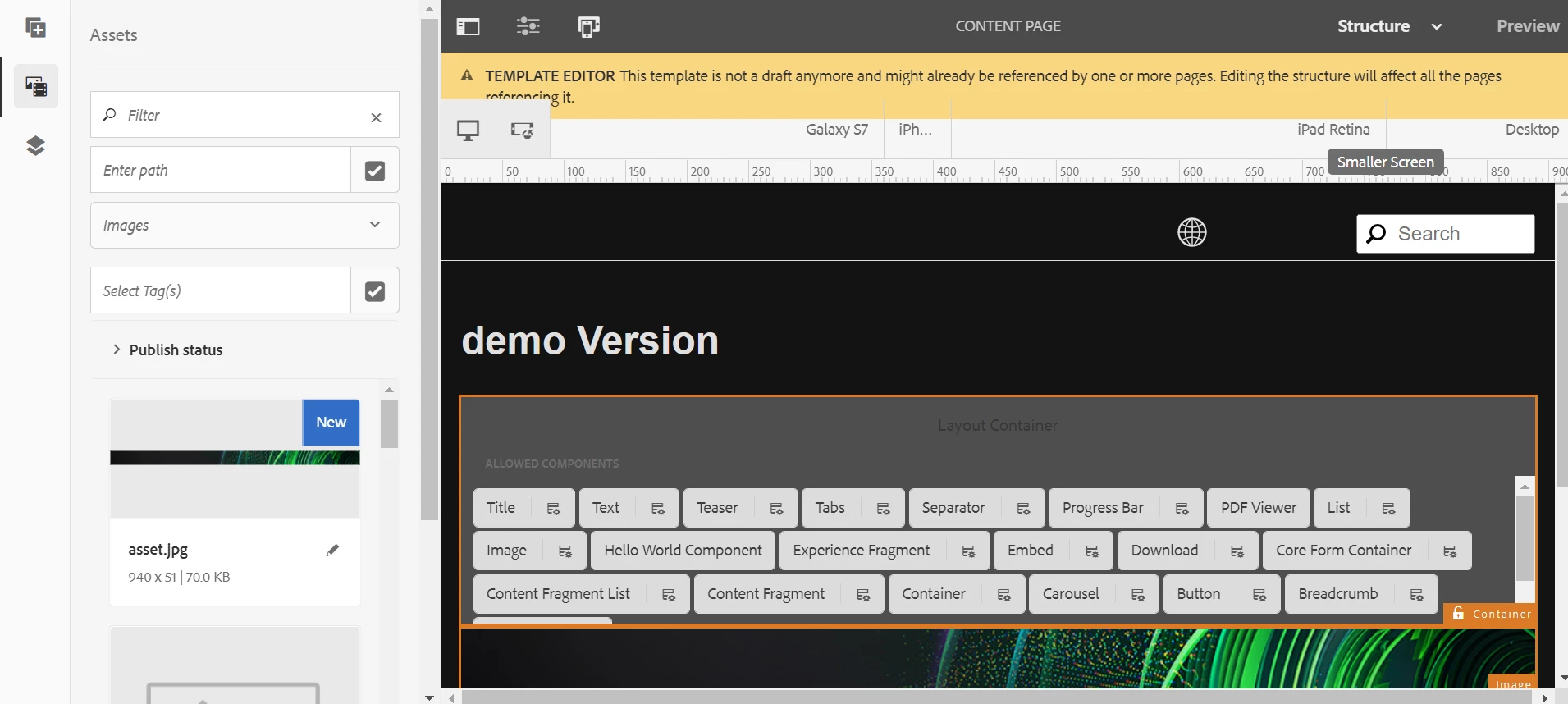
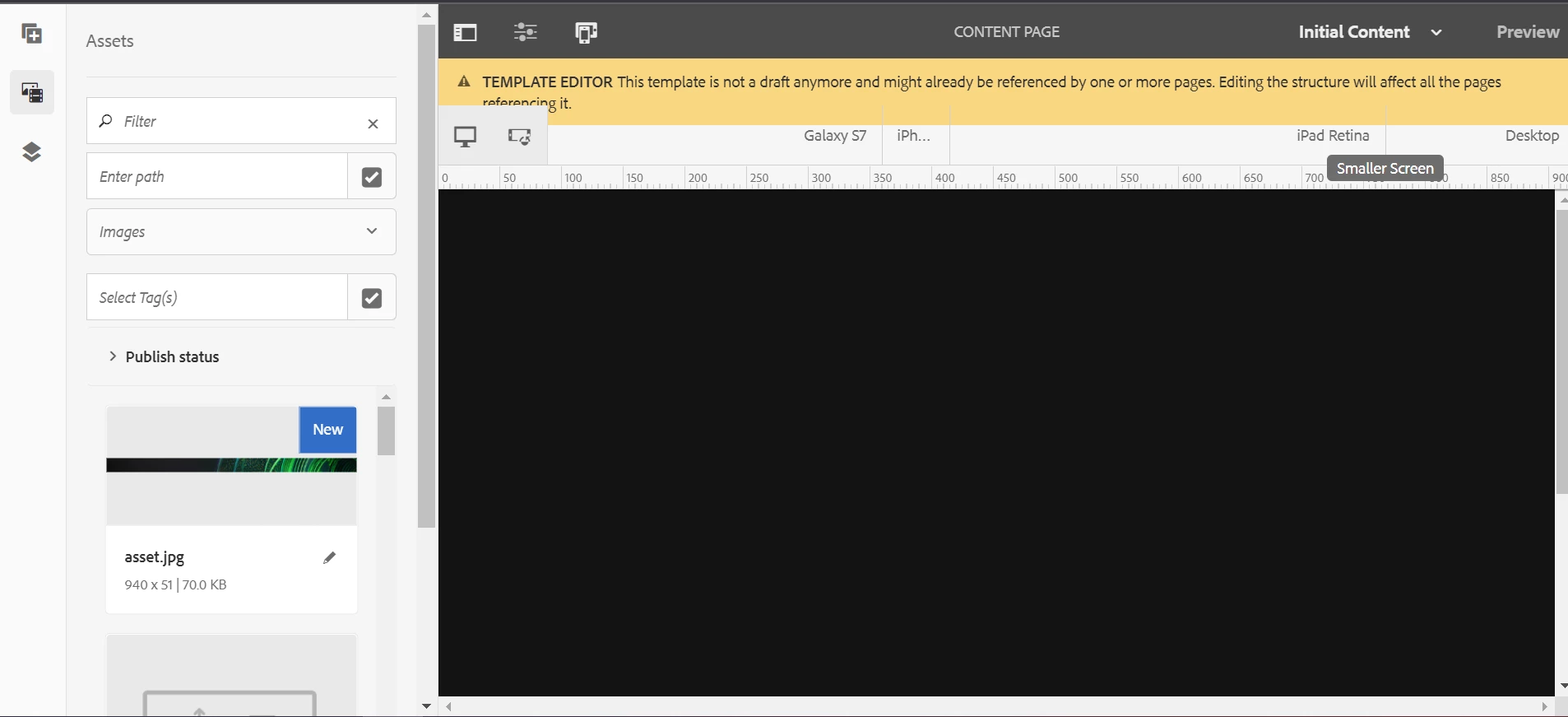
But now when I am creating a new page and even existing pages are also not showing any content in them. And in the template all the components are available in structure mode but when I do initial content mode then that is also showing blank. 

There is no error in the logs also.

Below are some screenshots of the problem


This post is no longer active and is closed to new replies. Need help? Start a new post to ask your question.
Best answer by SantoshSai

Hi @jangra98 

Your Adobe Experience Manager Core WCM Components Core Bundle com.adobe.cq.core.wcm.components.core bundle must be in Installed state, please check if you have CFP2 and Feature Packs installed? As per https://github.com/Adobe-Marketing-Cloud/aem-core-wcm-components/blob/master/README.md#system-requirements, these are required dependencies for 2.19.2.

Hope that helps!

Regards,
Santosh

2 replies

RajaShankar
Community Advisor
Community Advisor
May 17, 2022

Hi @jangra98 

Check whether all the bundles are resolved properly.Check for any dependency error in resolving. 

Regards,

Rajashankar.R

SantoshSai
Community Advisor
SantoshSaiCommunity AdvisorAccepted solution
Community Advisor
May 17, 2022

Hi @jangra98 

Your Adobe Experience Manager Core WCM Components Core Bundle com.adobe.cq.core.wcm.components.core bundle must be in Installed state, please check if you have CFP2 and Feature Packs installed? As per https://github.com/Adobe-Marketing-Cloud/aem-core-wcm-components/blob/master/README.md#system-requirements, these are required dependencies for 2.19.2.

Hope that helps!

Regards,
Santosh

Santosh Sai
Jangra98Author
Level 2
May 18, 2022

Thanks @santoshsai  , @rajashankar for your help. 

Found the solution, actually aem-core-wcm-components package installed was of older version and updating that to the latest worked.