Hi,
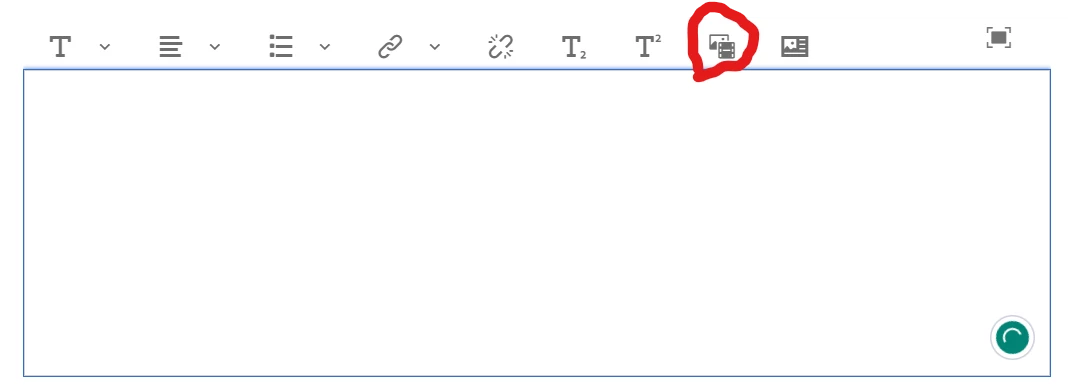
he default RTE (Rich Text Editor) in Adobe Experience Manager (AEM) has limited support for inserting PDF files directly into the editor. When you select a PDF file using the "Insert asset" option in the RTE, it may not display the PDF file directly within the RTE.
This behavior is expected because the default RTE is designed primarily for inserting and editing text content, rather than multimedia content such as PDFs. However, there are alternative solutions that you can use to insert PDF files into your AEM pages.
One option is to use the AEM Assets functionality to upload and manage your PDF files, and then use the AEM Assets embed code feature to embed the PDF file within your page. To do this, you can select the PDF file in the AEM Assets console, click on the "Embed" button, and then copy the embed code to your clipboard. You can then paste this code into your page's HTML source code to display the PDF file within the page.
Another option is to use a third-party plugin or extension that extends the capabilities of the RTE and allows you to insert PDF files directly into the editor. There are several such plugins available, both free and paid, that can be easily installed and configured within AEM. These plugins typically provide additional functionality and flexibility for working with multimedia content in the RTE, and can be a good option if you frequently need to work with PDF files in your AEM pages.