[AEM 6.5] Experience Fragment adding a horizontal scroll bar to the page due to OOTB content.css | Community
Skip to main content
September 22, 2020
Solved

[AEM 6.5] Experience Fragment adding a horizontal scroll bar to the page due to OOTB content.css

  • September 22, 2020
  • 2 replies
  • 3433 views

Hi team,


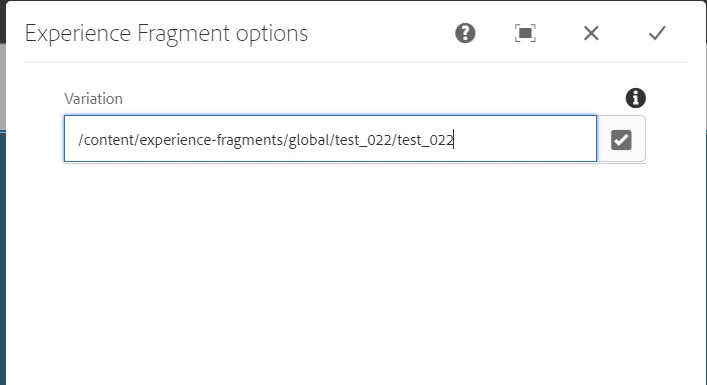
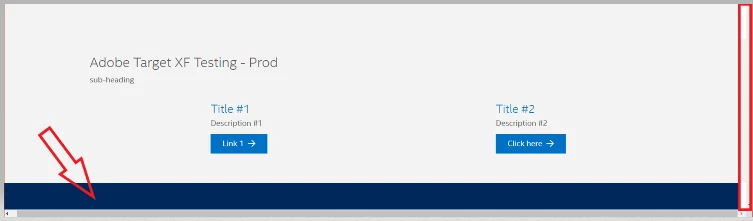
I have added XF component to a page and after giving the variation path to it, it is adding an extra margin to the XF component, due to which a horizontal scroll bar is getting added as shown in the screenshots below.

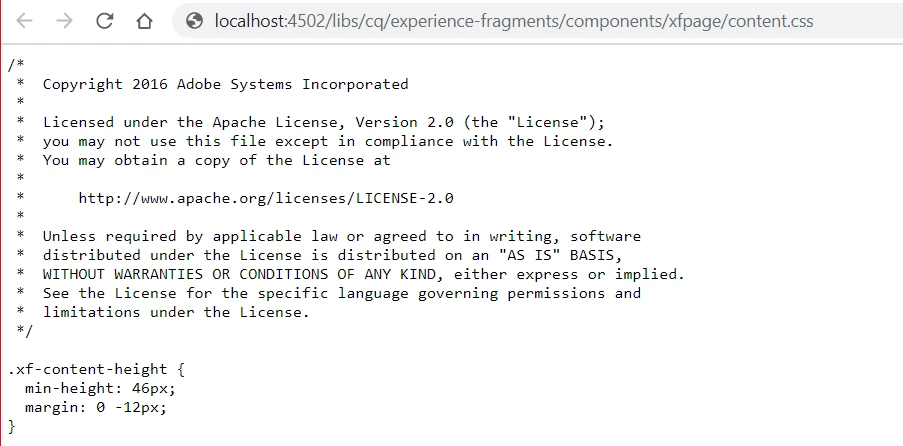
The margin is coming up from the OOTB CSS

Path: /libs/cq/experience-fragments/components/xfpage/content.css

Class name: xf-content-height


If we remove the margin , the issue will resolve. But I wanted to know what is the use of this class in /libs/cq/experience-fragments/components/xfpage/content.css and how to restrict the usage of the CSS for XF when any variation is added.


@kautuk_sahni  @vijayalakshmi_s @theo_pendle @arunpatidar @briankasingli 

This post is no longer active and is closed to new replies. Need help? Start a new post to ask your question.
Best answer by BrianKasingli

@sudeshna1992,

When dealing with XF, its good practice create and overlay your own xf base page (/apps/my-site/components/structure/xfpage). This gives flexibility to overlay existing scripts and files without doing tricky things like overwriting CSS or JS for the resources & components within /libs. 

At a glimpse, /libs/cq/experience-fragments/components/xfpage/content.css looks like styles Adobe added to enhance the authoring experience or to ensure that the component has a min-height... looks to me that content.css is not significant, and will not cause any broken behavior, so your own xf base page, and overlay .content.css, and leave this file empty. 

I hope this helps.

2 replies

BrianKasingli
Community Advisor and Adobe Champion
BrianKasingliCommunity Advisor and Adobe ChampionAccepted solution
Community Advisor and Adobe Champion
September 22, 2020

@sudeshna1992,

When dealing with XF, its good practice create and overlay your own xf base page (/apps/my-site/components/structure/xfpage). This gives flexibility to overlay existing scripts and files without doing tricky things like overwriting CSS or JS for the resources & components within /libs. 

At a glimpse, /libs/cq/experience-fragments/components/xfpage/content.css looks like styles Adobe added to enhance the authoring experience or to ensure that the component has a min-height... looks to me that content.css is not significant, and will not cause any broken behavior, so your own xf base page, and overlay .content.css, and leave this file empty. 

I hope this helps.

arunpatidar
Community Advisor
Community Advisor
September 22, 2020

I would not recommend to overlay just to remove margin. If it is only in edit mode then you can ignore, if you see extra padding in publisher then handle it using extra CSS specific to your project.


Arun Patidar
tushaar_srivastava
Level 6
September 22, 2020
Yes, observing the same in publisher, so instead of overlaying that css, we can use the class .xf-content-height{} and make changes accordingly and put this class into a CSS file which loads on every page load.