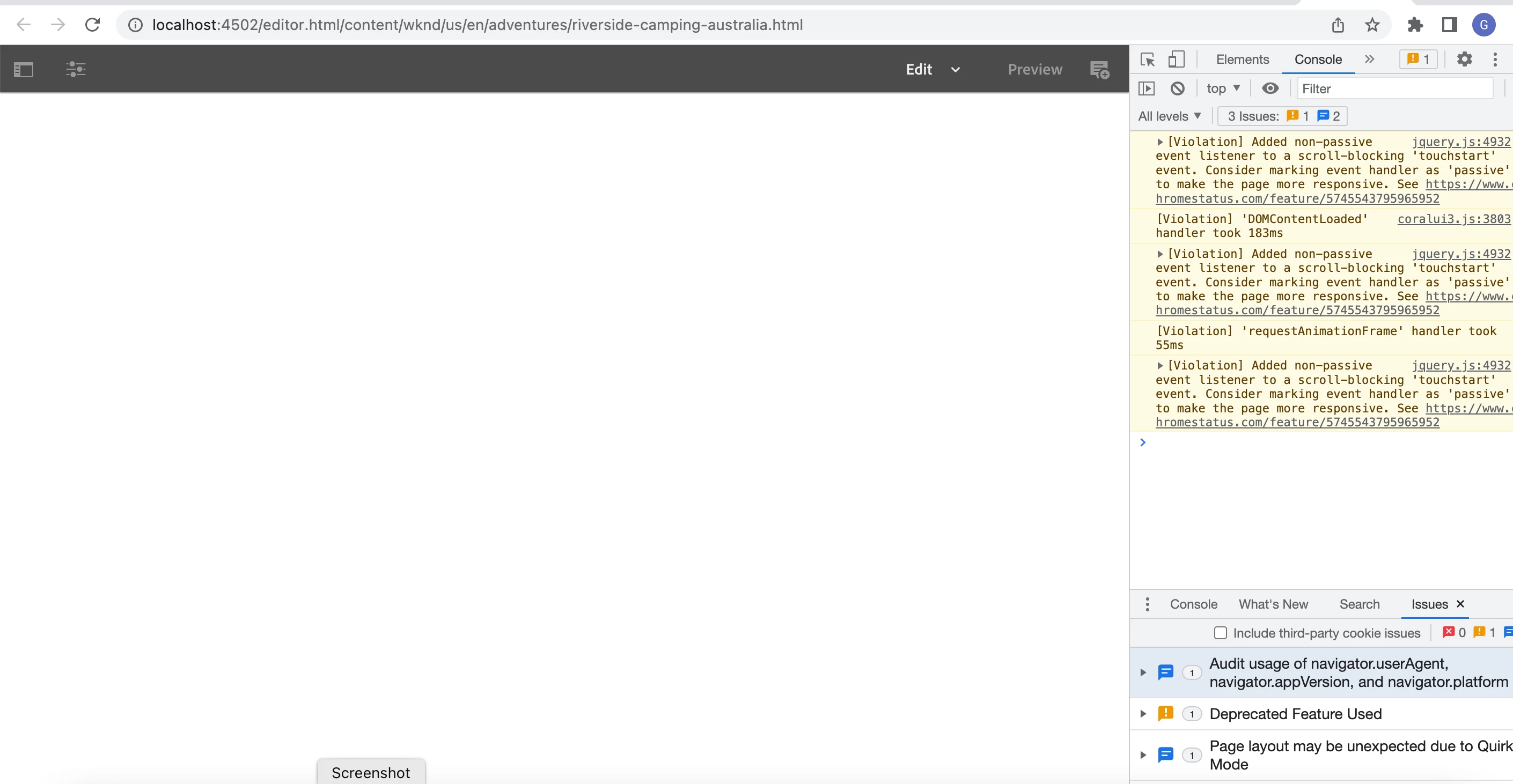
AEM 6.5 editor instance loading a blank page | Community
Skip to main content
This post is no longer active and is closed to new replies. Need help? Start a new post to ask your question.
Best answer by SantoshSai

Hi @gayathri23_1992_05_3565t8 ,


Can you please check if your wknd bundle is in active state through system/console? Also please trail error.log there should be something captured about it, based on it you can correct it to make it functional.


Regards,

Santosh

1 reply

SantoshSai
Community Advisor
SantoshSaiCommunity AdvisorAccepted solution
Community Advisor
June 9, 2022

Hi @gayathri23_1992_05_3565t8 ,


Can you please check if your wknd bundle is in active state through system/console? Also please trail error.log there should be something captured about it, based on it you can correct it to make it functional.


Regards,

Santosh

Santosh Sai
June 9, 2022

Hi @santoshsai 


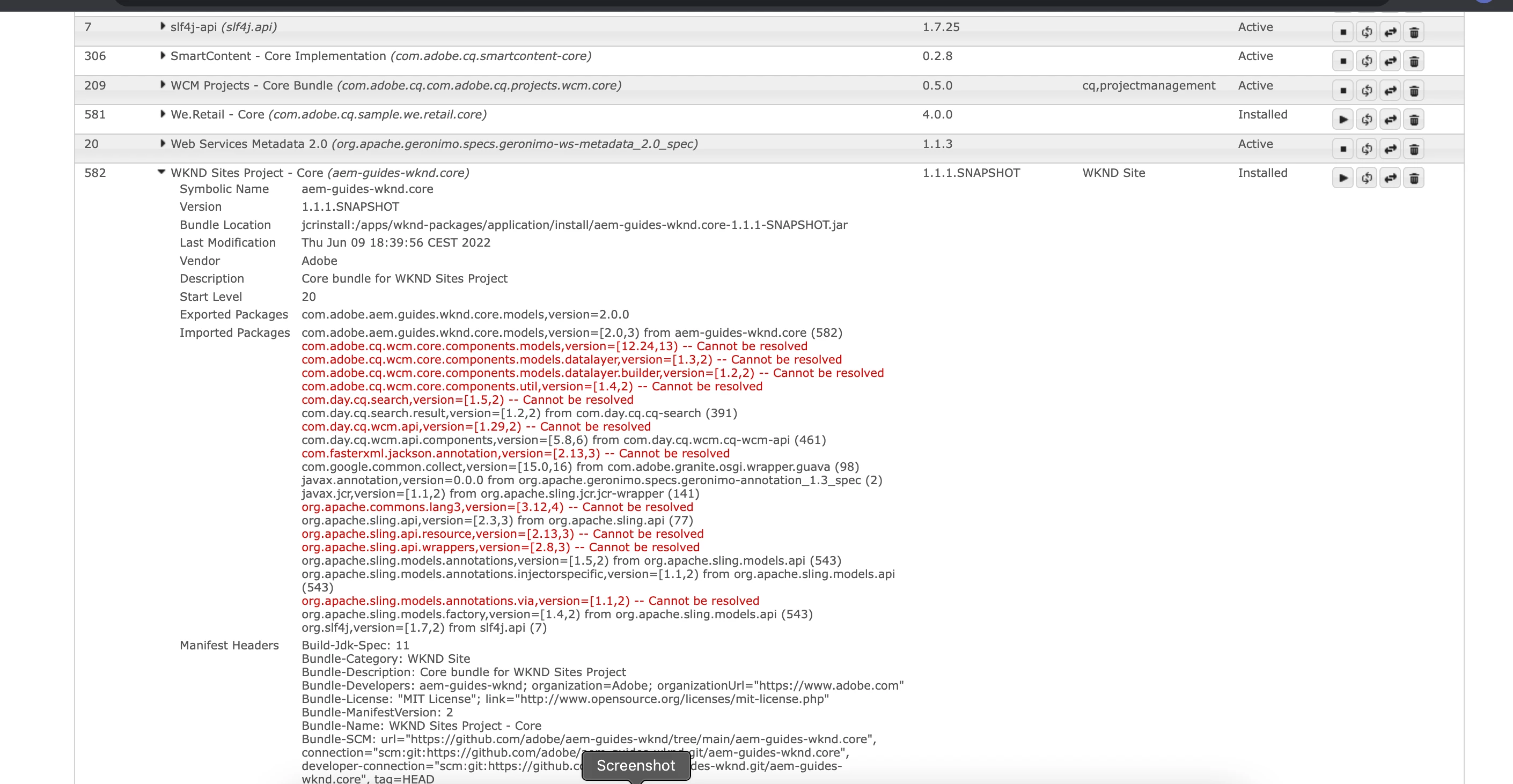
When I checked in AEM console the wknd bundle is not active and it throws few package error.I am new to AEM any help to resolve the issue will be highly appreciated 


Kind Regards

Gayathri


SantoshSai
Community Advisor
Community Advisor
June 9, 2022

@gayathri23_1992_05_3565t8 

Whenever you are building the WKND project for AEM 6.x, make sure to use the classic Maven profile, which will instruct the WKND Core project to build using the AEM 6.5 UberJar rather than the AEM SDK API Jar -- which have different versions of some dependencies.

You can do this form the command line, by adding the -Pclassic argument, and most IDE's that have Maven runners have a way to default specific Maven profiles to always run (but you'll have to check your IDE for how to do that)

$ mvn clean install -PautoInstallSinglePackage -Pclassic

Reference: https://github.com/adobe/aem-guides-wknd 

Santosh Sai