AEM 6.5 - Customize image component having DM media capability | Community
Skip to main content
Level 2
March 10, 2021
Solved

AEM 6.5 - Customize image component having DM media capability

  • March 10, 2021
  • 2 replies
  • 1648 views

AEM Guru,


We want to customize the Image V2 core component which is having DM functionality. like adding few CTA functionality  along with the existing core functionality like DM and Lazy loading.


When i tried to add the cq:dialog my screen is looking like this :
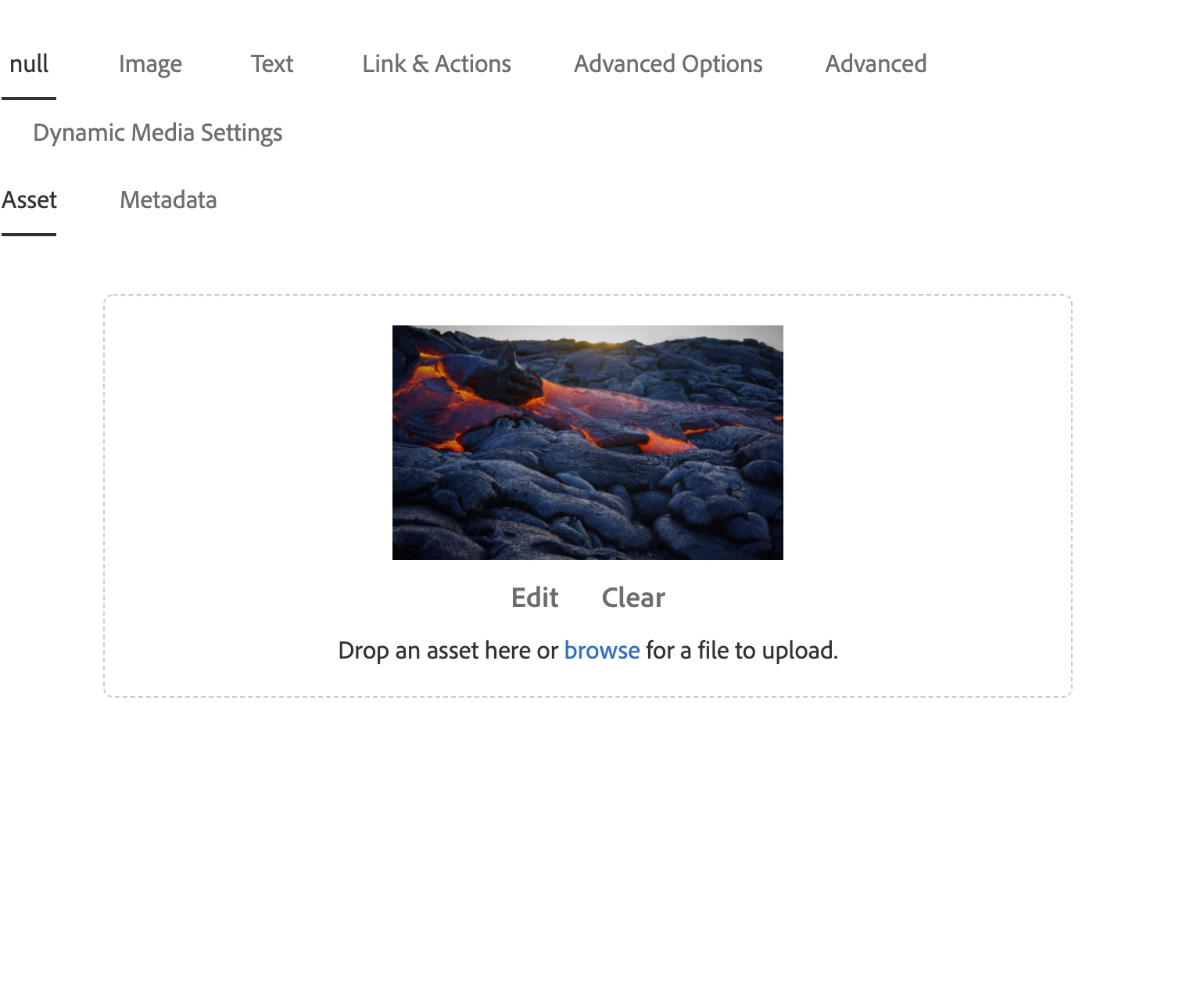
 

null tab is from image component and other ones are from my customization.


Any help will be appreciated. 

This post is no longer active and is closed to new replies. Need help? Start a new post to ask your question.
Best answer by Vijayalakshmi_S

Hi @aem_dev2,

For override/extend the dialog when your component is inheriting from core Image V2

  • Copy the cq:dialog node from core v2 image to your image component
  • If you want the Asset and Metadata tabs and its content to be available along with new tabs,
    • Delete the asset and metadata node under /cq:dialog/content/items/tabs/items
    • add new tab items under this path.
  • If you don't want the Asset and Metadata tabs and its content to be part of your dialog,
    • let the node name be asset and metadata, you can choose to change the title of tab item (asset node for example) and its contents. 
    • node named asset and metadata should be available which indicates we are overriding the respective nodes, otherwise the same will be available in your dialog as we are inheriting the component from core v2 Image.

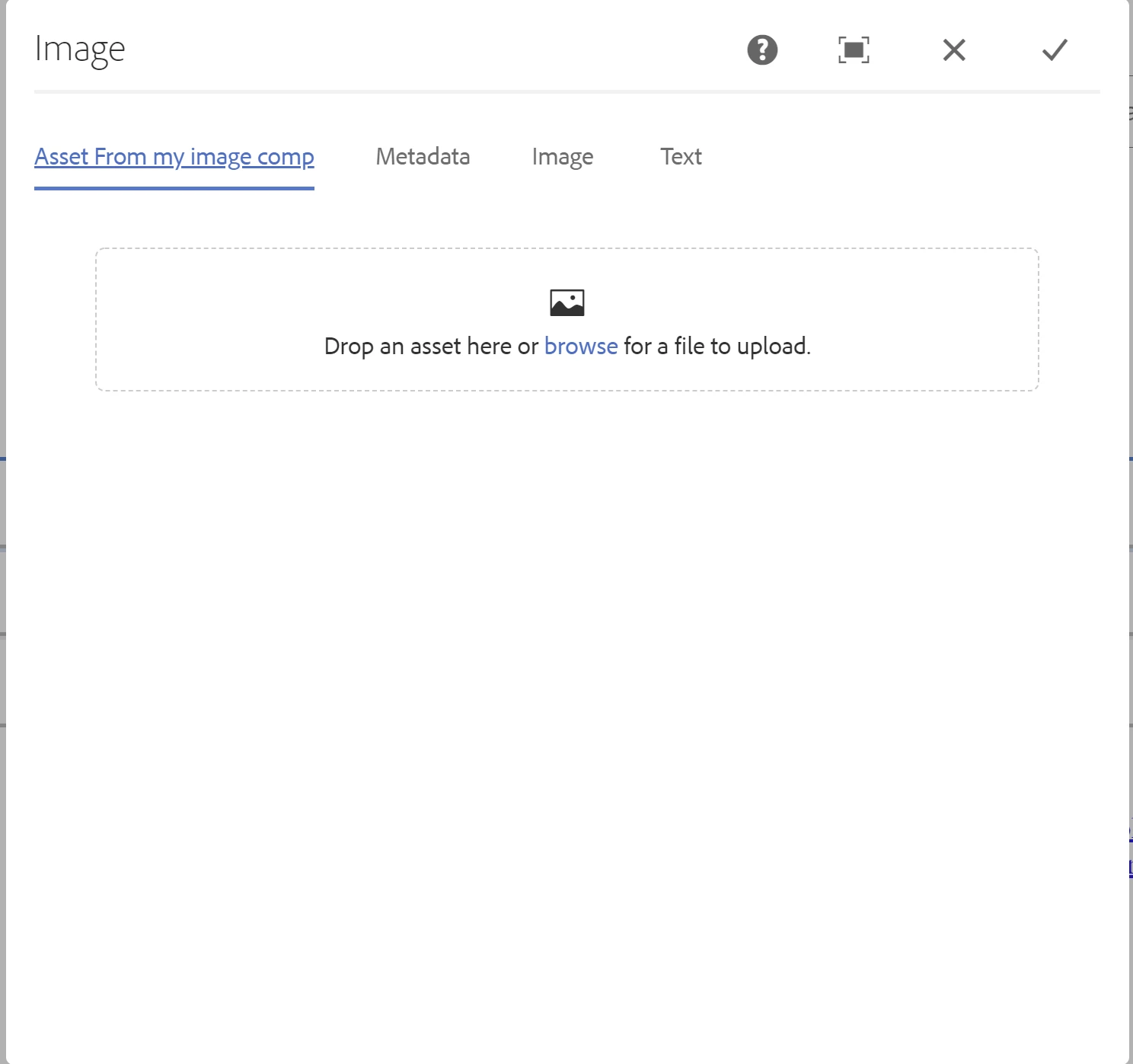
Screenshot for clarity:

Only asset node is overridden, metadata tab is coming from Core Image V2 dialog


2 replies

Vijayalakshmi_S
Vijayalakshmi_SAccepted solution
Level 10
March 10, 2021

Hi @aem_dev2,

For override/extend the dialog when your component is inheriting from core Image V2

  • Copy the cq:dialog node from core v2 image to your image component
  • If you want the Asset and Metadata tabs and its content to be available along with new tabs,
    • Delete the asset and metadata node under /cq:dialog/content/items/tabs/items
    • add new tab items under this path.
  • If you don't want the Asset and Metadata tabs and its content to be part of your dialog,
    • let the node name be asset and metadata, you can choose to change the title of tab item (asset node for example) and its contents. 
    • node named asset and metadata should be available which indicates we are overriding the respective nodes, otherwise the same will be available in your dialog as we are inheriting the component from core v2 Image.

Screenshot for clarity:

Only asset node is overridden, metadata tab is coming from Core Image V2 dialog


Vijayalakshmi_S
Level 10
March 11, 2021

Small correction in my response. If we don't want the parent tabs to be part of the dialog, solution mentioned by @anudeep_garnepudi should be the way.

I overlooked to mention sling resource merger properties. You can leverage other properties like sling:orderBefore, sling:hideProperties and sling:hideResource based on the need.

Anudeep_Garnepudi
Community Advisor
Community Advisor
March 11, 2021

@aem_dev2 

Make sure your tabs are under cq:dialog/content/items/tabs/items path. If you don't want the parent component tabs use sling resource merger property sling:hideChildren   String[]    asset,metadata to items node under tabs.