AEM 6.5 CRXde Loading forever | Community
Skip to main content
Level 3
April 27, 2025
Solved

AEM 6.5 CRXde Loading forever

  • April 27, 2025
  • 4 replies
  • 791 views

Hi All,

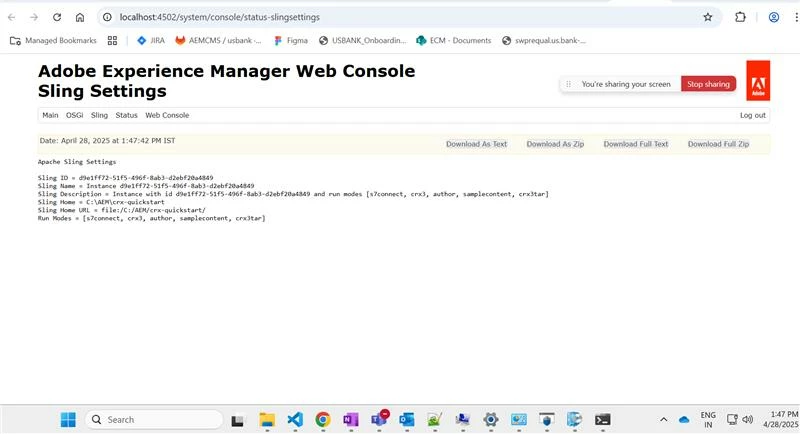
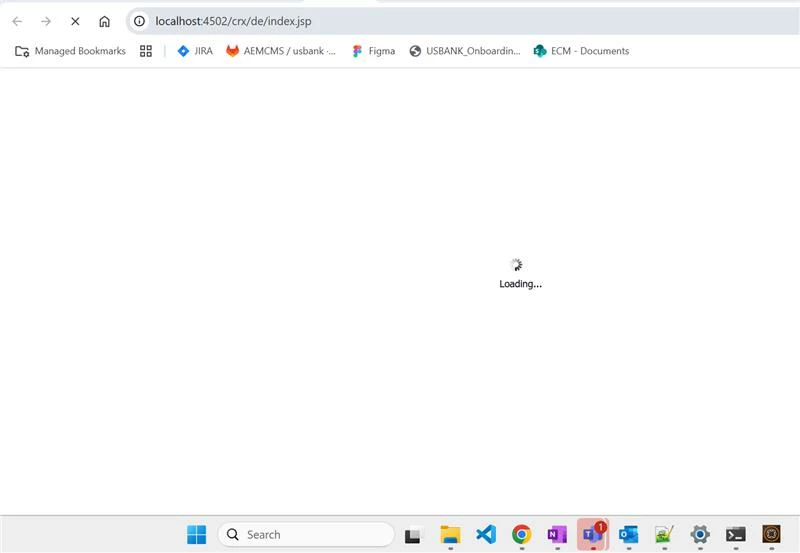
I did my local setup recently but if i try to open CrxDe it is loading infinity and then an blank page is appearing. I tried multiple blogs but could not resolve this issue and not able to find the error in the error log as well.

FYI : all my bundles are active 

Loading : 
After load :
 

Can anyone help me resolving this issue.

Blogs i already tried to refer and fix this issue.
https://experienceleaguecommunities.adobe.com/t5/adobe-experience-manager/aem-6-5-instance-provisioning-crx-de-not-loading/td-p/407172
https://experienceleaguecommunities.adobe.com/t5/adobe-experience-manager/aem-6-2-crxde-doesn-t-work/m-p/221566

Best answer by HariDo

Hi All,

The issue was resolved a firewall was blocking the JS that's the issue.

 it was an system user permission issue. once we got the local amin rights its resolved.


PageEditor.js DialogEditor.js


Thanks to @santoshsai @aanchal-sikka @anupampat  for helping out.

4 replies

SantoshSai
Community Advisor
Community Advisor
April 27, 2025

Hi @harido,

Most probably, this problem typically happens because of:

  • Some JS errors on the CRXDE page

  • Missing bundles (some OSGi bundles not active)

  • Incorrect Java version (AEM 6.5 needs Java 8 or Java 11, depending on service pack)

  • Corrupt repository initialization or some libraries missing

If nothing else works:

Try adding these runmodes if you don't have:

-Dsling.run.modes=crx3,crx3tar,nosamplecontent

(especially crx3, crx3tar)

You can set it in your start.bat / start.sh file or however you start AEM.

Hope that helps!

Santosh Sai
HariDoAuthor
Level 3
April 28, 2025

Hi @santoshsai 

I tried updating the run mode in start.bat file but still getting the same .


if not defined CQ_RUNMODE set CQ_RUNMODE=author,crx3,crx3tar,nosamplecontent


aanchal-sikka
Community Advisor
Community Advisor
April 28, 2025

@harido 


Have you noticed any errors or warnings in logs, while loading CRXDE?

Any errors in browser console?

Aanchal Sikka
HariDoAuthor
Level 3
April 28, 2025

Hi @aanchal-sikka 

got the below console error

GET http://localhost:4502/crx/de/js/CRX/plugins/external/PageEditor.js net::ERR_CONNECTION_RESET index.jsp:1 GET http://localhost:4502/crx/de/js/CRX/plugins/external/DialogEditor.js net::ERR_CONNECTION_RESET
anupampat
Community Advisor
Community Advisor
April 28, 2025

Hi @harido ,


Is the behavior same when you open it in incognito or on another browser ?

Can you try to set it up and then open the vanilla instance and check if the same continues ?


Regards,

Anupam Patra

HariDoAuthor
Level 3
April 28, 2025

Hi @anupampat 

yes till having the same issue in incognito and on another browser as well.

the setup is clean there is no custom configs made for this installation.

HariDoAuthorAccepted solution
Level 3
April 28, 2025

Hi All,

The issue was resolved a firewall was blocking the JS that's the issue.

 it was an system user permission issue. once we got the local amin rights its resolved.


PageEditor.js DialogEditor.js


Thanks to @santoshsai @aanchal-sikka @anupampat  for helping out.