AEM 6.5.14 Icon not showing only in HTTPS Author instance | Community
Skip to main content
Level 2
November 15, 2022
Solved

AEM 6.5.14 Icon not showing only in HTTPS Author instance

  • November 15, 2022
  • 1 reply
  • 1080 views

Hello everyone,

My AEM author instance doesn't show the icon on the starter page and also on the content page if i open it in Https.
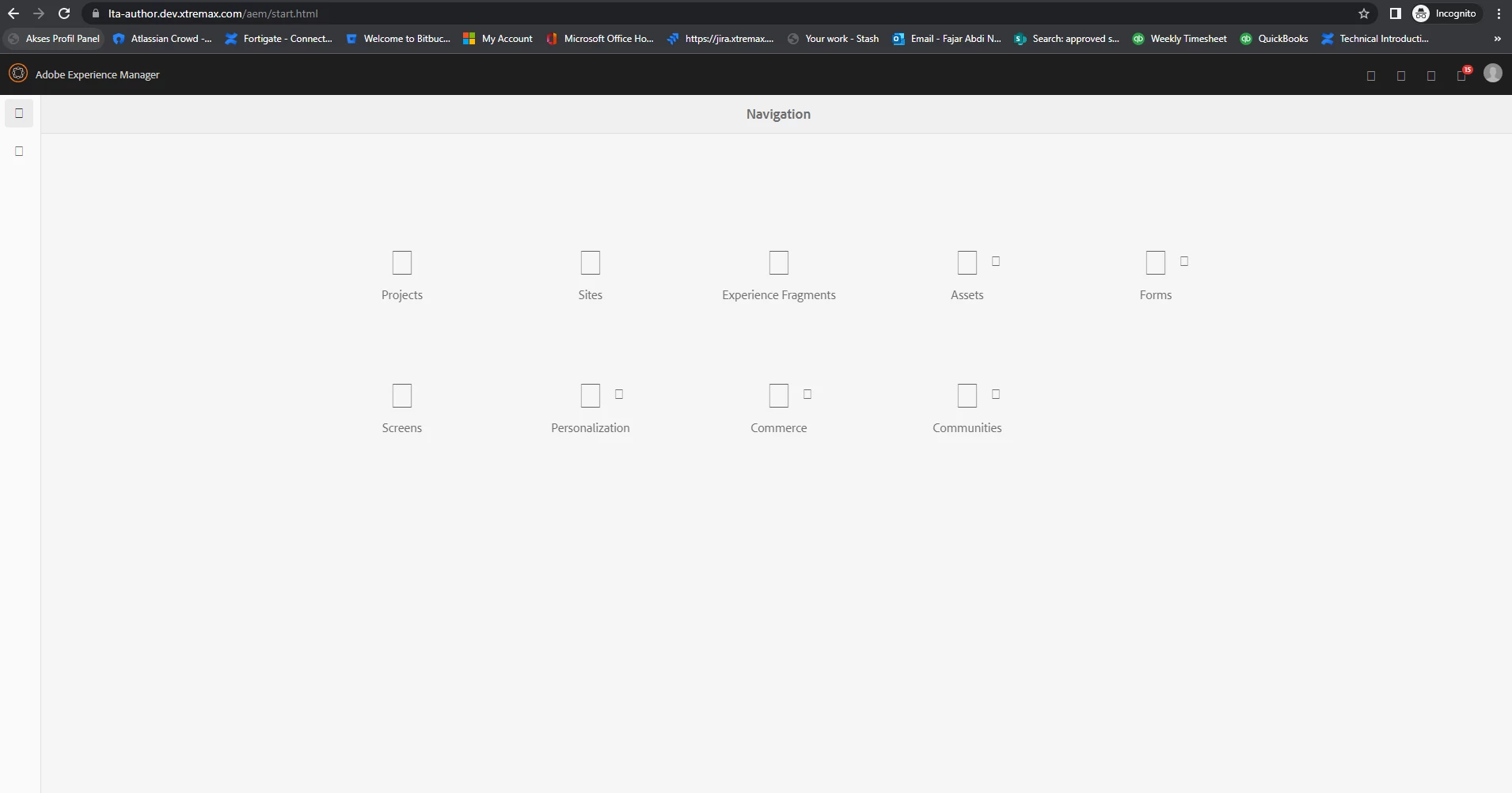
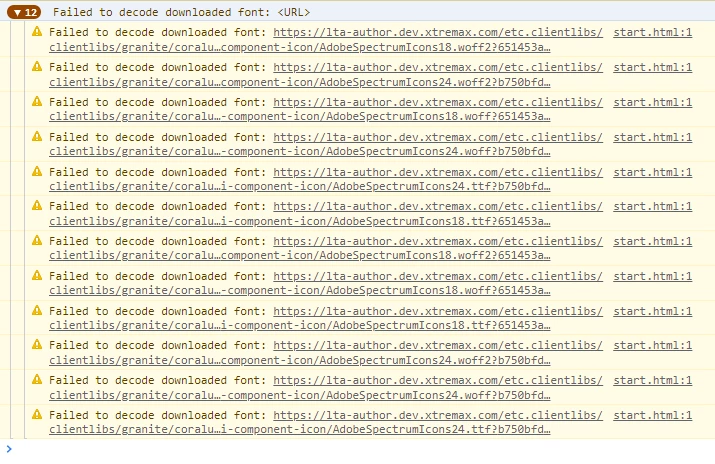
if you look at the console it says "failed to decoded downloaded font" but if i open the font url directly it still downloads the font.
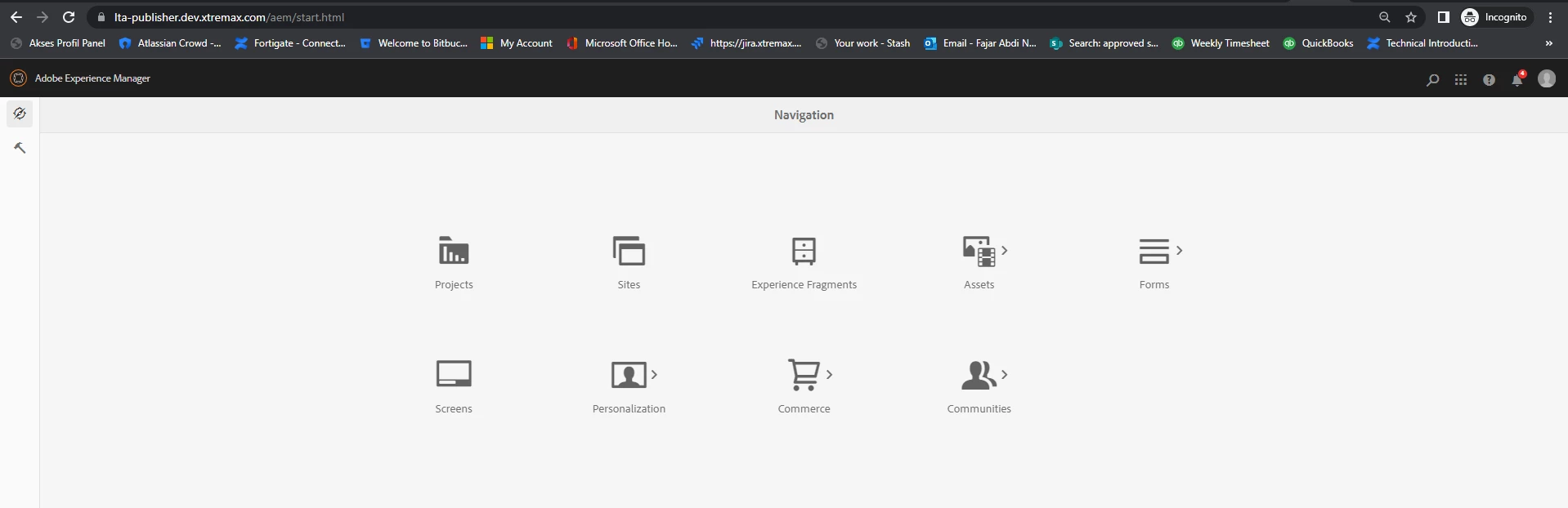
and this only happens on Https in author instance (for http the icon shows), for publishers it runs normally (the image below is the publisher with https).
in addition I use nginx as a https reverse proxy.

I have "Invalidate Caches", "Rebuild Libraries" and "Clear ClassLoader" but the icon still doesn't show.
I've also tried to re-install the service pack but it still the same.


thanks.

This post is no longer active and is closed to new replies. Need help? Start a new post to ask your question.
Best answer by fajarnugraha

problem has been resolved. the problem is in the CORS settings in the author instance.

Thank you

1 reply

arunpatidar
Community Advisor
Community Advisor
November 15, 2022

Hi,

Can you please check error logs. maybe the clientlibs are not built properly.

Arun Patidar
fajarnugrahaAuthorAccepted solution
Level 2
November 15, 2022

problem has been resolved. the problem is in the CORS settings in the author instance.

Thank you