
AEM 6.4 Touch UI Parsys disappeared
Hey all,
I've encountered a weird issue on 4 separate templates that I use. I have several parsys set up so our editors can add text fields/images etc. As far as I can tell, no changes have been made to these templates in awhile. I'm trying to just out of the box AEM functions as well.
<div class="header__subtitle" data-sly-resource="${'header-text' @ resourceType='foundation/components/parsys'}">
</div>
<div class="body__lead summary" data-sly-resource="${'body-lead' @ resourceType='foundation/components/parsys'}">
</div>
<div class="body__main">
<div data-sly-resource="${'body-paragraph' @ resourceType='foundation/components/parsys'}">
</div>
</div>
<div class="body__form">
<h3 class="body__form__header">Request an Appointment Today!</h3>
<div data-sly-resource="${'body-form' @ resourceType='foundation/components/parsys'}"></div>
</div>
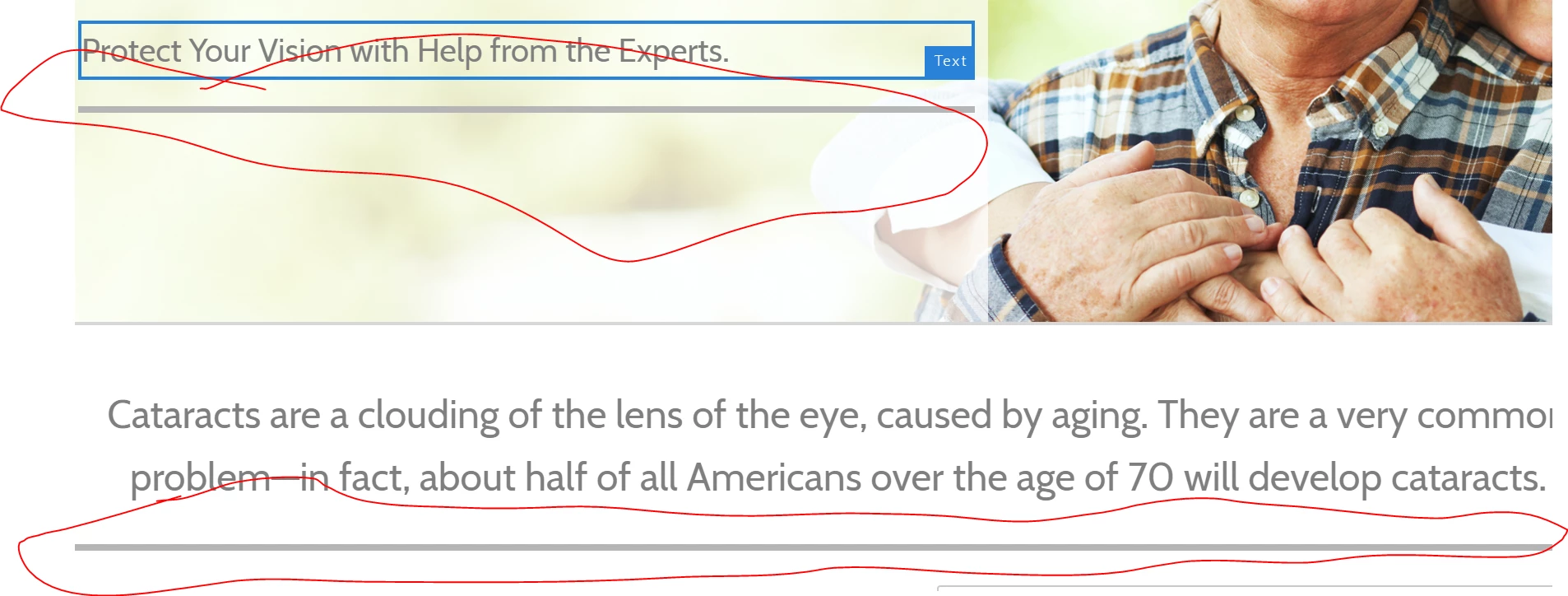
These all worked perfectly until a day or two ago. Suddenly all these parsys have disappeared. The lines are very tiny, there is no drag components here option. I can click on them to add a text component, but when I do that nothing shows up. Refreshing the page does nothing but checking through crx/de I can see that the text was added properly. They are taking the width of their parent div as expected, but they seem to have lost the height. The existing components are still there and are registering with the correct dimensions. I would think that it could be some minor change to a css class, but this happened in many different templates and they are all doing this. In total, there are 5 parsys to the page and all 5 have shrunk and do not do anything when you add something to them.
I checked the logs/console and I don't see anything super telling. Can someone tell me where to start to troubleshoot this? Heres what they look like.
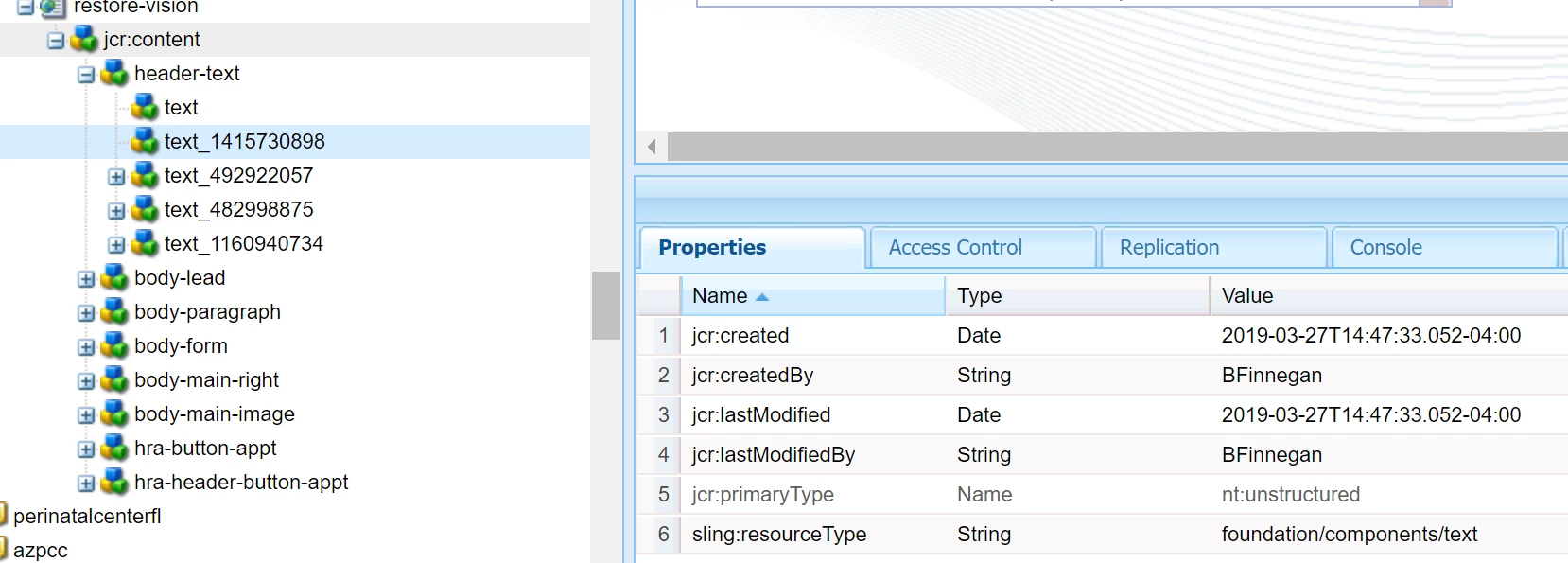
Heres the config from crx/de. The text is showing up but all the other text_ are nowhere to be found
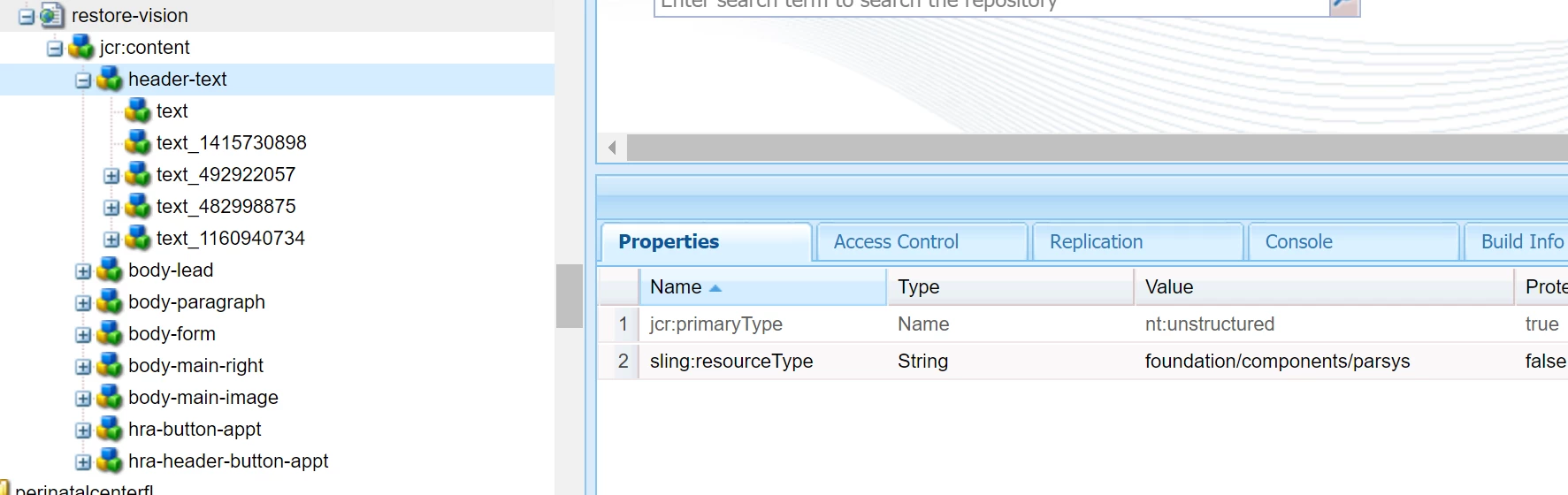
and lastly, the parsys component itself. all of them have the same sling:resourceType
Thanks for the help with this!