AEM 6.3 - RTE - unable to Paste text using Ctrl+V | Community
Skip to main content
rafael501
October 18, 2018

AEM 6.3 - RTE - unable to Paste text using Ctrl+V

  • October 18, 2018
  • 2 replies
  • 2583 views

Hi,

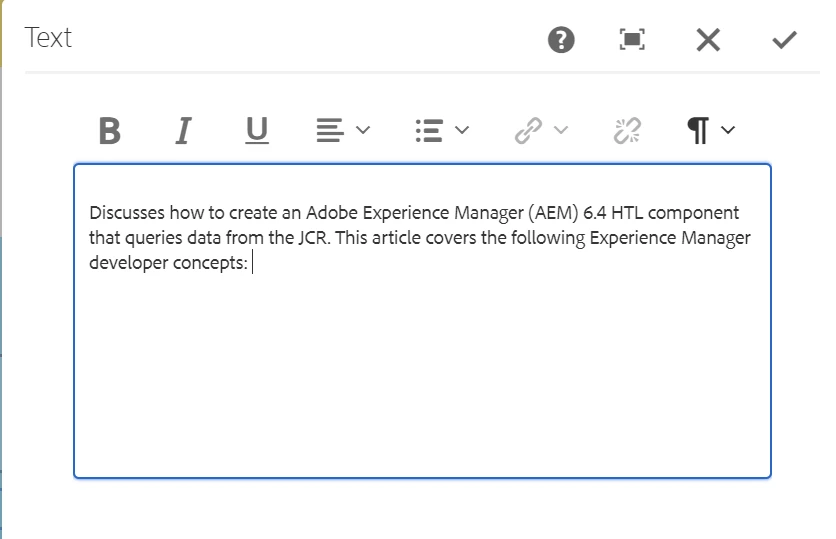
My users and I seem to have lost the ability to paste text into any RTE text box using Ctrl+V.

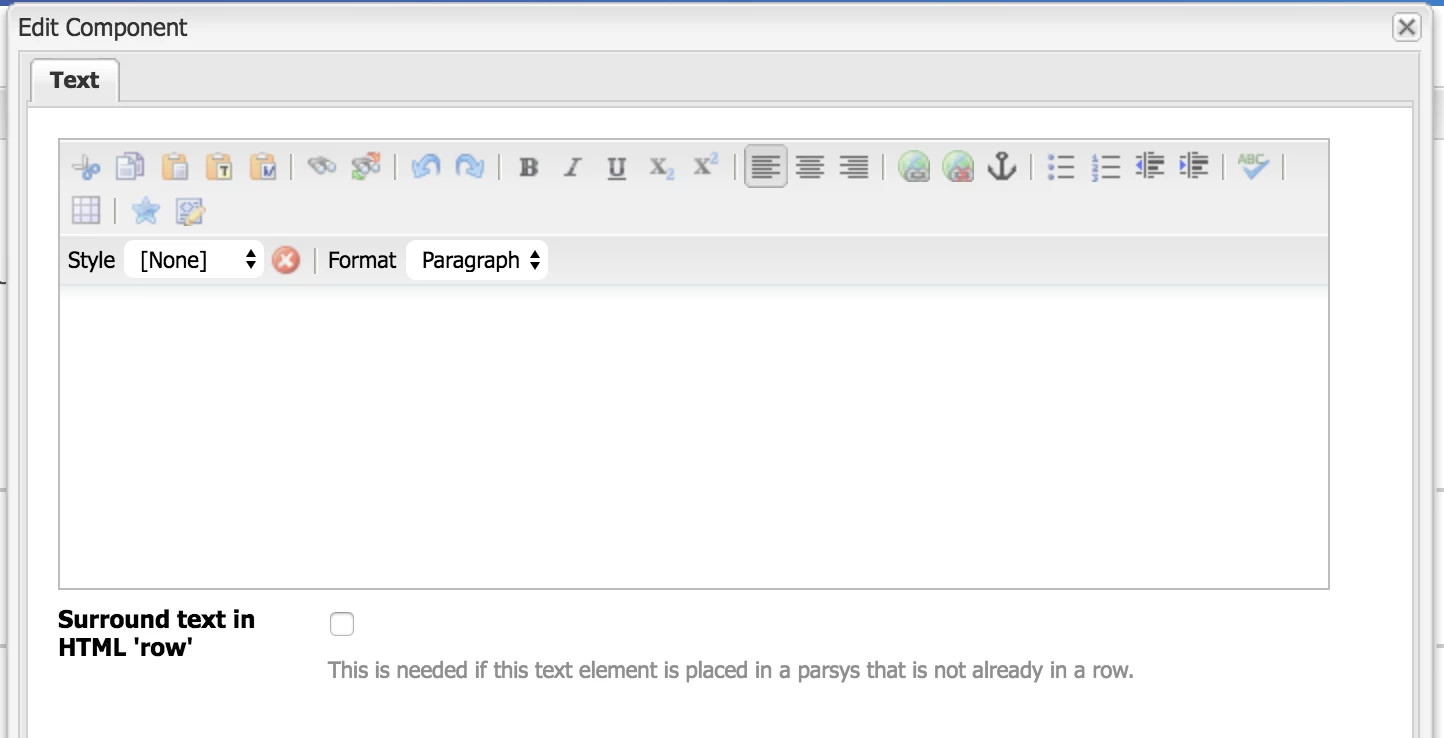
We can use the 3 Paste buttons and paste (Ctrl+V) the copied text into the provided input fields, but when we try to Ctrl+V directly into the RTE box, nothing gets pasted. We can also paste the text via the Source Edit option.

Have any of you encountered this issue?

Please help,

-Raf

This post is no longer active and is closed to new replies. Need help? Start a new post to ask your question.

2 replies

smacdonald2008
Level 10
October 18, 2018

I am not able to reproduce this. I am able to paste text into the RTE using this method.

WHat AEM Version are you using. Is this an OOTB component or a custom one?

rafael501
rafael501Author
October 19, 2018

Sorry, forgot to mention, we are using the Classic UI.

November 30, 2018

Can you try this on a FRESH AEM 6.3 instance - this will tell us:

A - bug in AEM version or

B - there is something wrong in your specific instance.


Hi there,

we are also experiencing this problem as described above.

We are using an AEM 6.3 Cloud Instance ( https://author-***-prod63.adobecqms.net/ ). Copy & Paste usually works one or two times in RTE, after that, the usual hotkeys CTRL+C and CTRL+V stop working. Sometimes, it works when flooding the system with lots of those keypresses, but that seems to be a rare and random case. It is as if something tries to re-define what these hotkeys do, but fails to do this reliably. Possibly scripting-related.

Environment is: Windows 10, tested build 1709 and 1803.

Browsers tested: Chrome, Mozilla Firefox (Firefox seems more problematic than Chrome)

Unfortunately, I cannot disclose any more information about the AEM installation in question, it belongs to our customer and we are editing content "only".

If I should post a bug report, please provide a link, if that is even possible for an AEM instance that officially isn't really our own.

Thanks in advance for any help you can provide.

Mark

January 4, 2019

Hi Rafael, Mark,

I was also facing this issue. This happens mostly because of invalid paste mode.

You can see the error in the console. Just change the defaultPasteMode in RTE plugin to plaintext or as per requirement.

This resolved issue to me. If not, please check for any other incorrect plugin property values.

- Saurabh