AEM 6.3 - RTE - unable to Paste text using Ctrl+V | Community
Skip to main content
rafael501
October 18, 2018

AEM 6.3 - RTE - unable to Paste text using Ctrl+V

  • October 18, 2018
  • 2 replies
  • 2583 views

Hi,

My users and I seem to have lost the ability to paste text into any RTE text box using Ctrl+V.

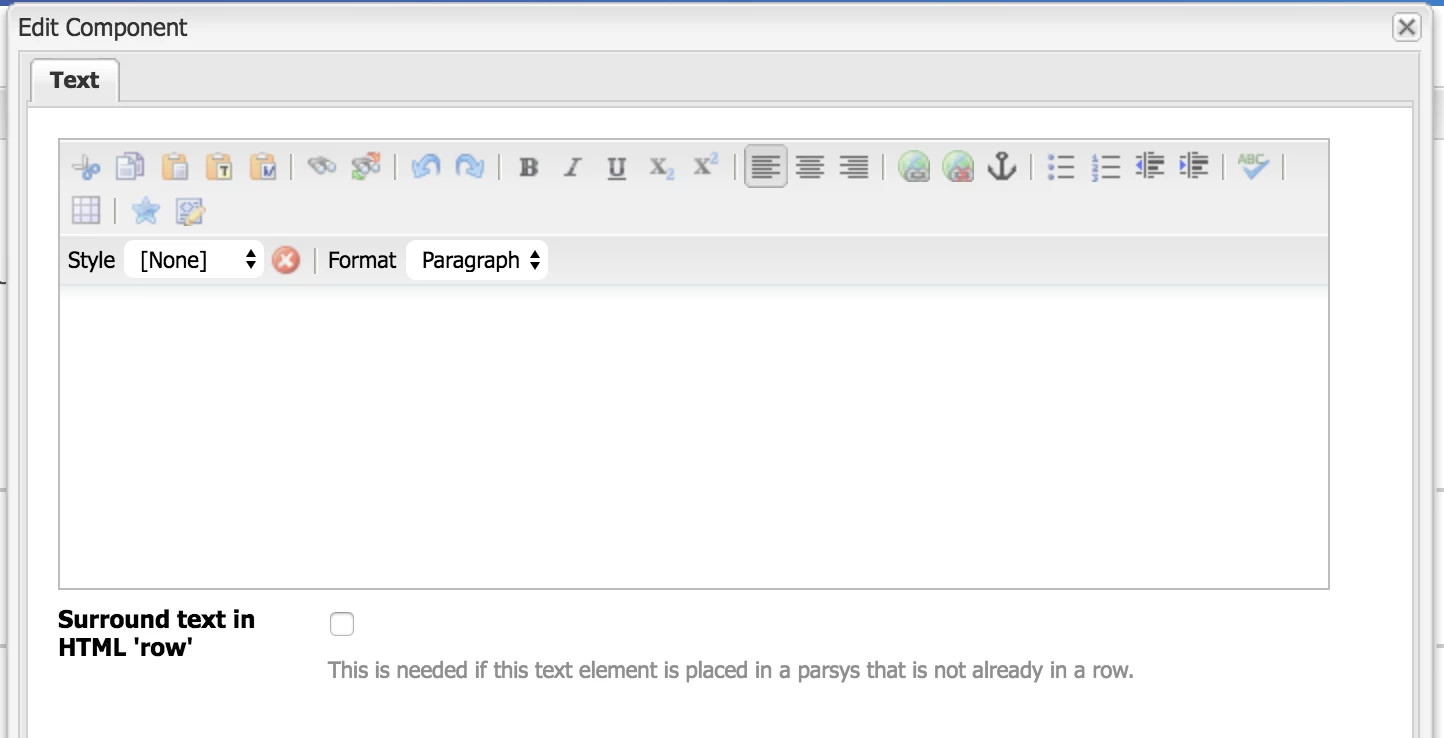
We can use the 3 Paste buttons and paste (Ctrl+V) the copied text into the provided input fields, but when we try to Ctrl+V directly into the RTE box, nothing gets pasted. We can also paste the text via the Source Edit option.

Have any of you encountered this issue?

Please help,

-Raf

This post is no longer active and is closed to new replies. Need help? Start a new post to ask your question.

2 replies

smacdonald2008
Level 10
October 18, 2018

I am not able to reproduce this. I am able to paste text into the RTE using this method.

WHat AEM Version are you using. Is this an OOTB component or a custom one?

rafael501
rafael501Author
October 19, 2018

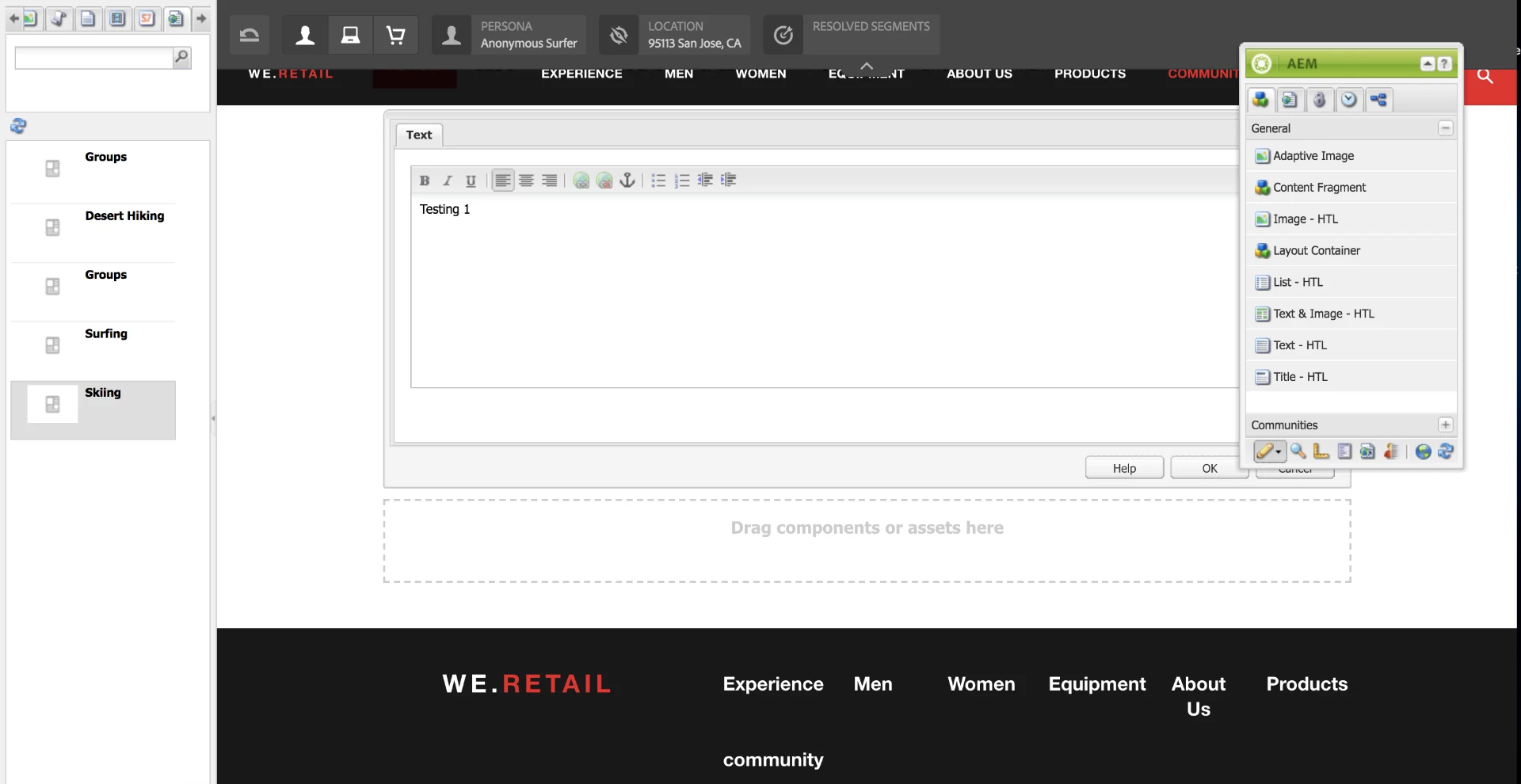
Sorry, forgot to mention, we are using the Classic UI.

smacdonald2008
Level 10
October 22, 2018

I started up a clean version of 6.3.2 and was not able to paste there either.

Are you able to reproduce it in the Classic UI?

Should I submit a bug report?


that would be a good way to proceed.

January 4, 2019

Hi Rafael, Mark,

I was also facing this issue. This happens mostly because of invalid paste mode.

You can see the error in the console. Just change the defaultPasteMode in RTE plugin to plaintext or as per requirement.

This resolved issue to me. If not, please check for any other incorrect plugin property values.

- Saurabh