
AEM 6.3 Environment Indicator | ACS AEM Commons
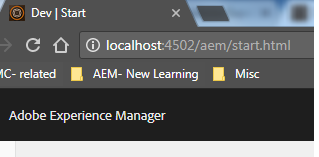
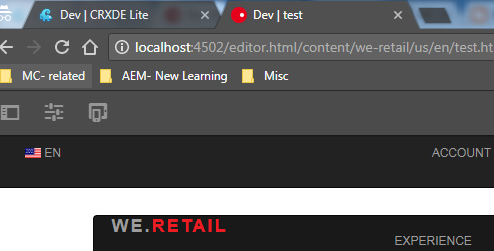
ACS AEM Commons provides a feature to indicate AEM author and publish environment like Local, Dev, QA or Staging on browser tab.
This is a indicator which differentiates between multiple environment and different wcm modes.
How to Start:
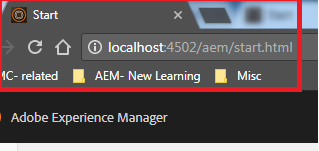
Step 1: AEM 6.3 start window.
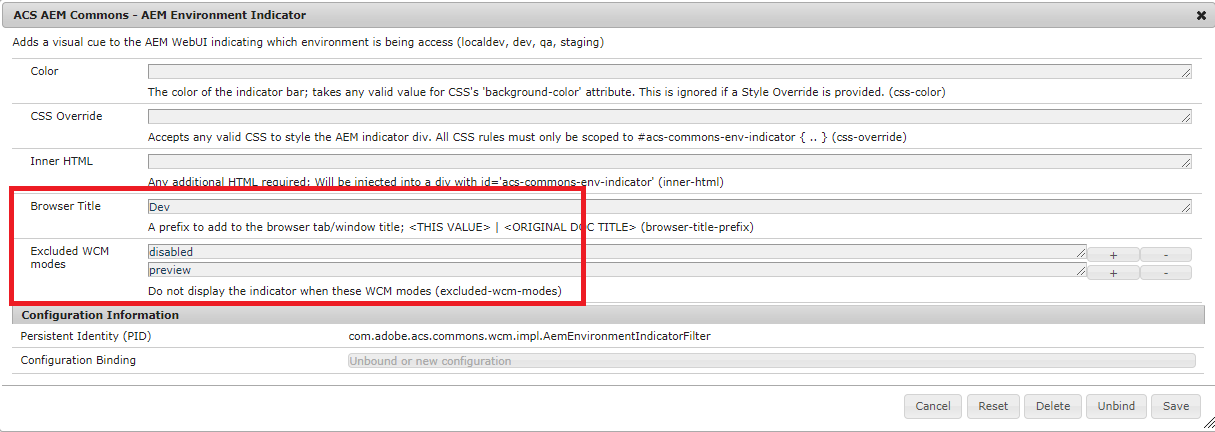
Step 2: Go to felix console, search for AEM Environment indicator.
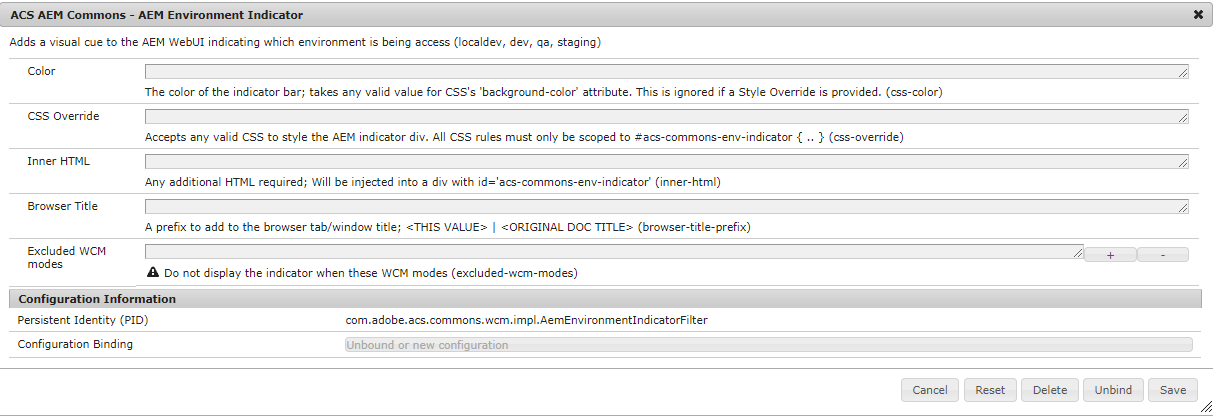
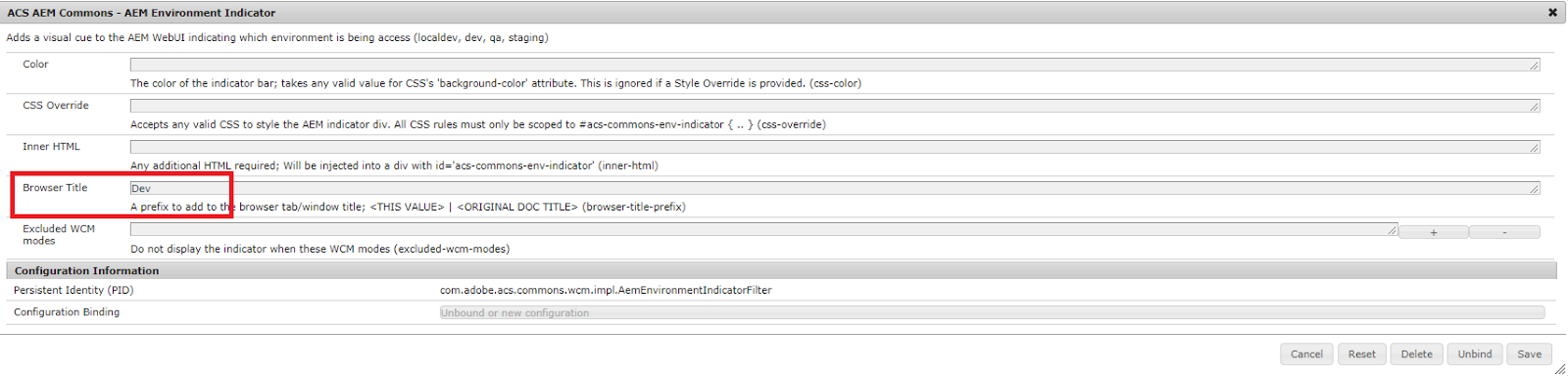
Step 3: Provide the value in Browser title field according to environments. i.e
Dev, Stage, Pre-Prod, Prod.
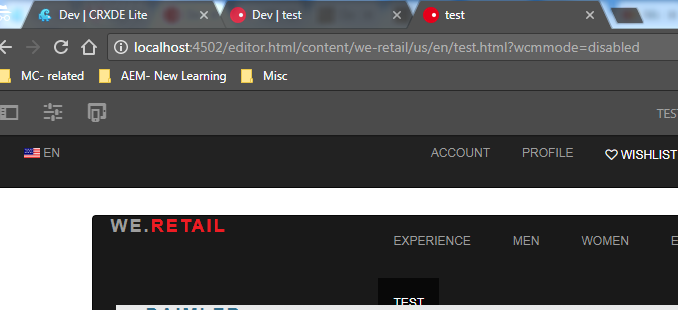
Step 4: This also provides feature to differentiate between run modes i.e preview, disabled.
Provide the values in excluded wcm modes in configuration as shown in snapshot below.
Reference:


