Adobe Launch script not loading in author | Community
Skip to main content
DhirajAg
September 6, 2019
Solved

Adobe Launch script not loading in author

  • September 6, 2019
  • 13 replies
  • 8689 views

Hey, i have configured Adobe IMS configuration for Launch and also created the cloud configuration under /conf. The launch script is not loading on author but it is loading in publish instance. I have published the same config and page from author instance to publish.

Any idea as to why this is happening. I am running AEM 6.5.1 for reference.

This post is no longer active and is closed to new replies. Need help? Start a new post to ask your question.
Best answer by DhirajAg

Issue was with author /conf permissions getting messed up. Thank you everyone for the suggestions.

13 replies

Adobe Employee
September 6, 2019

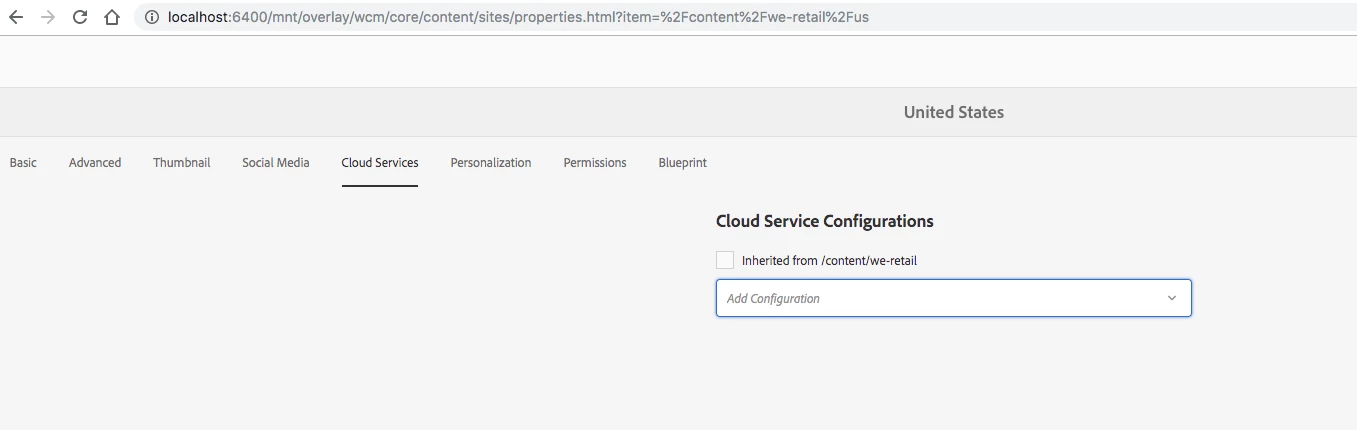
Have you applied the launch configuration to the site's cloud configuration page as per below:

Adobe Employee
September 6, 2019

Hello,

Do you see any errors in the browser console, network or in logs when you load the page?

You can map the launch integration to your site through "Configuration" path available in the Page properties Advance tab. Check section "Map an Adobe Launch integration to a site in AEM" here [1]

[1] https://helpx.adobe.com/experience-manager/using/aem_launch_adobeio_integration.html

Regards,

Vishu

DhirajAg
DhirajAgAuthor
September 6, 2019

Hi,

I have added the configuration in page properties. The same has been published and validated in publish environment. It is just not working in author environment.

Adobe Employee
September 6, 2019

Okay. As asked before, do you see any errors in the browser console, network or in logs when you load the page?

DhirajAg
DhirajAgAuthor
September 6, 2019

No errors in browser console, network or logs.

DhirajAg
DhirajAgAuthor
September 6, 2019

I am working on AMS provided environment for reference.

Adobe Employee
September 6, 2019

Might need deeper analysis. Please raise a daycare ticket.

Adobe Employee
September 6, 2019

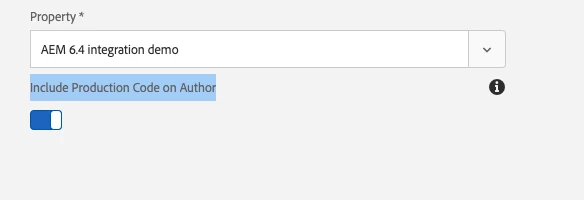
Did you set Adobe Launch Cloud Configuration to "Include Production Code on Author"

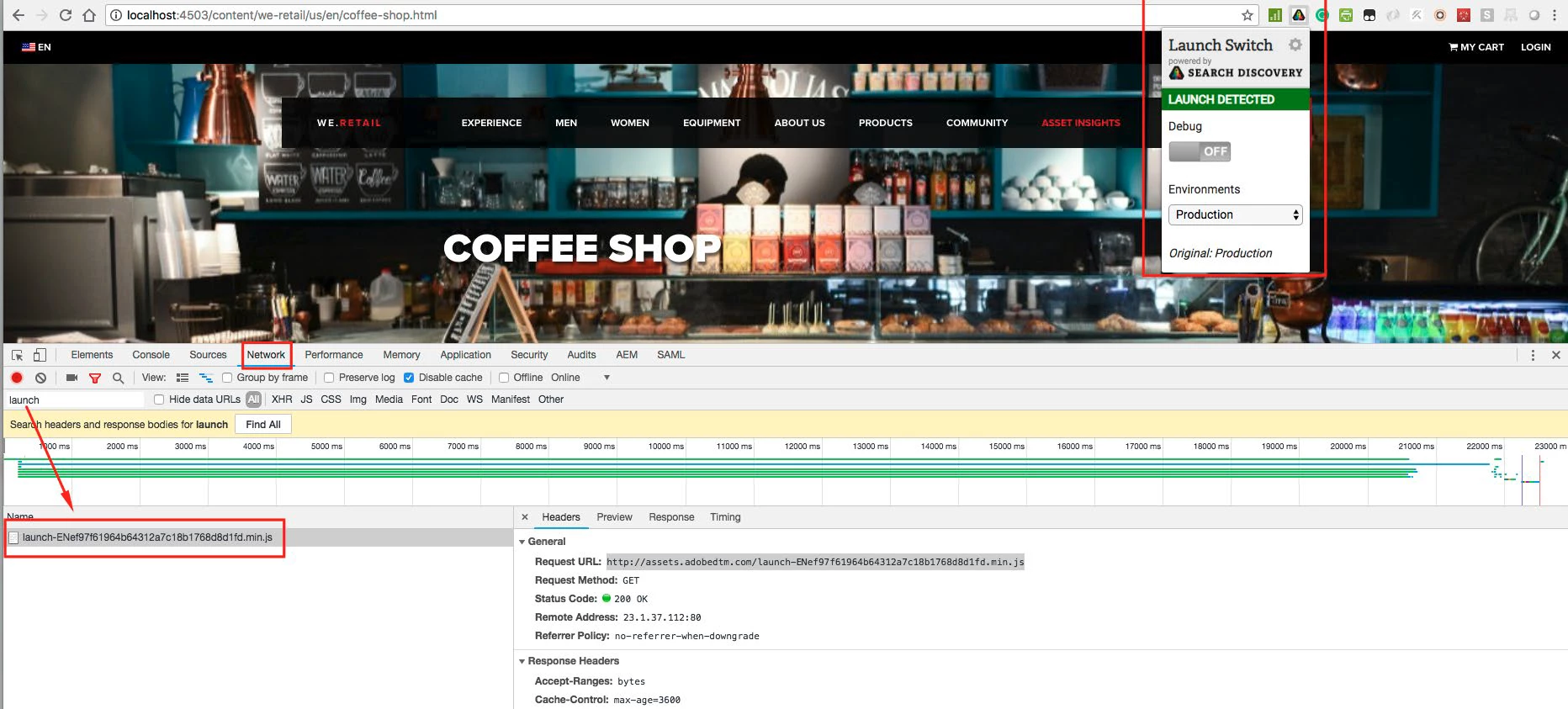
If you have not, you need to switch to "Staging" env,  you can use "Launch and DTM Switch":

Launch and DTM Switch - Chrome Web Store

DhirajAg
DhirajAgAuthorAccepted solution
September 6, 2019

Issue was with author /conf permissions getting messed up. Thank you everyone for the suggestions.

prashantonkar
November 23, 2019

Can you please elaborate on the solution? I am having the same problem.