Add item to AEM Home page and link it to an internal page, not loosing the nav menu | Community
Skip to main content
July 28, 2020
Solved

Add item to AEM Home page and link it to an internal page, not loosing the nav menu

  • July 28, 2020
  • 2 replies
  • 2877 views

Hey there!

I wonder if is possible and, if so, if you guys can point me in the right direction.

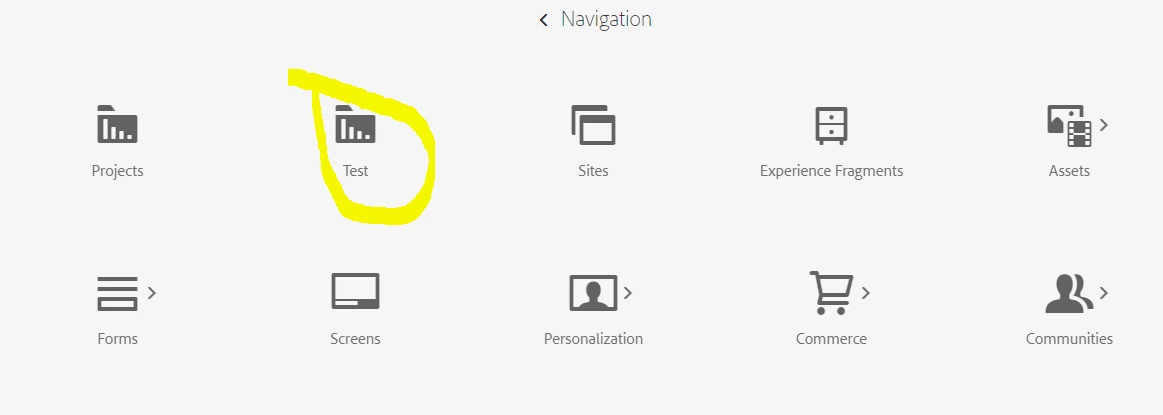
I want to create an icon in the home page of AEM, next to sites, community, experience fragments, etc and link it to a page inside my code (let´s say I create a folder "test" where I put a file "test.html"), so, when an administrator / author click on that item, they go to that page, not loosing the top navigation menu, nor the feel and look of AEM.


About creating the icon, I have done it so far, through crx
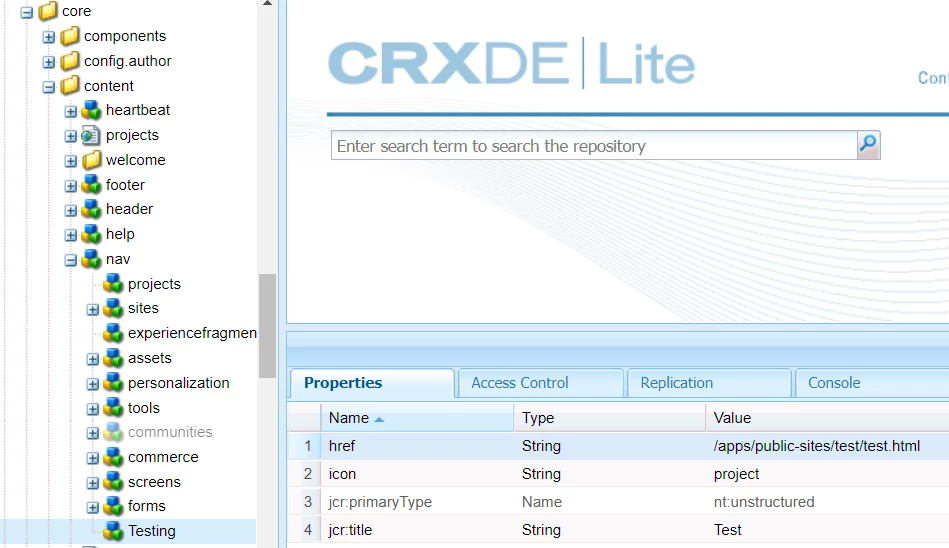
 

problem, here, are two things:

1) if I click on the new icon, it downloads the file, instead of showing it

2) I guess, if I manage to get to the page, I am going to loose the top nav menu.


Any ideas on how can I do this?


Thanks!
This post is no longer active and is closed to new replies. Need help? Start a new post to ask your question.
Best answer by p1hampi

Hi @gusboca , 

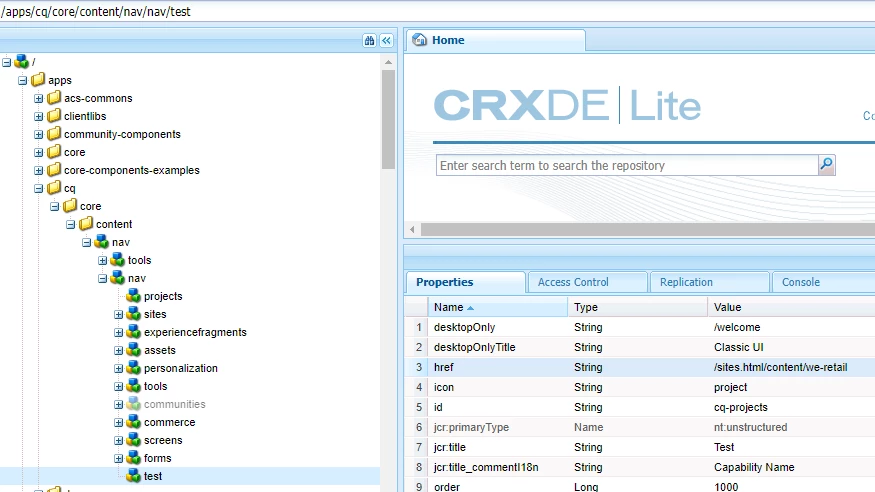
You can achieve this by Overlaying node , as it is good practice not to touch "libs" folder.Please find attached two screenshot. One is of Navigation & other is crxde nodes. 


Hope this will help you. 


2 replies

Shashi_Mulugu
Community Advisor
Community Advisor
July 28, 2020

@gusboca I guess you are trying to build custom admin console page with your own data to be displayed. 


Please refer to excellent article by one of our AEM experts on this:


https://blogs.perficient.com/2020/04/21/part-2-building-aem-admin-consoles-that-will-not-break-with-new-aem-releases/

gusbocaAuthor
July 29, 2020
Hey @shashi_mulugu. I tried to follow the explanation in the page you suggested. I´d got a compilation error due to the sly data-sly-set.clientlibPath; so I called the css and js scripts manually. It compiled ok, however I had 4 things: 1) using the sync provided by VSCode, it did not sync due to error "Error importing package into AEM". 2) using aemsync I had many errors. 3) In the crx I do not have the new folder and finally 4) I still have the same issue if I try to go to the folder/ page
p1hampiAccepted solution
Level 2
July 28, 2020

Hi @gusboca , 

You can achieve this by Overlaying node , as it is good practice not to touch "libs" folder.Please find attached two screenshot. One is of Navigation & other is crxde nodes. 


Hope this will help you. 


gusbocaAuthor
July 29, 2020
Hey @p1hampi! I have tried that... but I have to point this to a specific folder where I want to set up "kind of" a console, but not using the BE (as a matter of fact I want to set up a React SPA page to work as a console). So I tried that and, if I point to the html it downloads the file and if I point to the folder I get a 403 error code