ACS-commons console breaking after upgrade to latest version -AEM Cloud services | Community
Skip to main content
Level 3
May 12, 2025
Solved

ACS-commons console breaking after upgrade to latest version -AEM Cloud services

  • May 12, 2025
  • 2 replies
  • 943 views

Hi ,

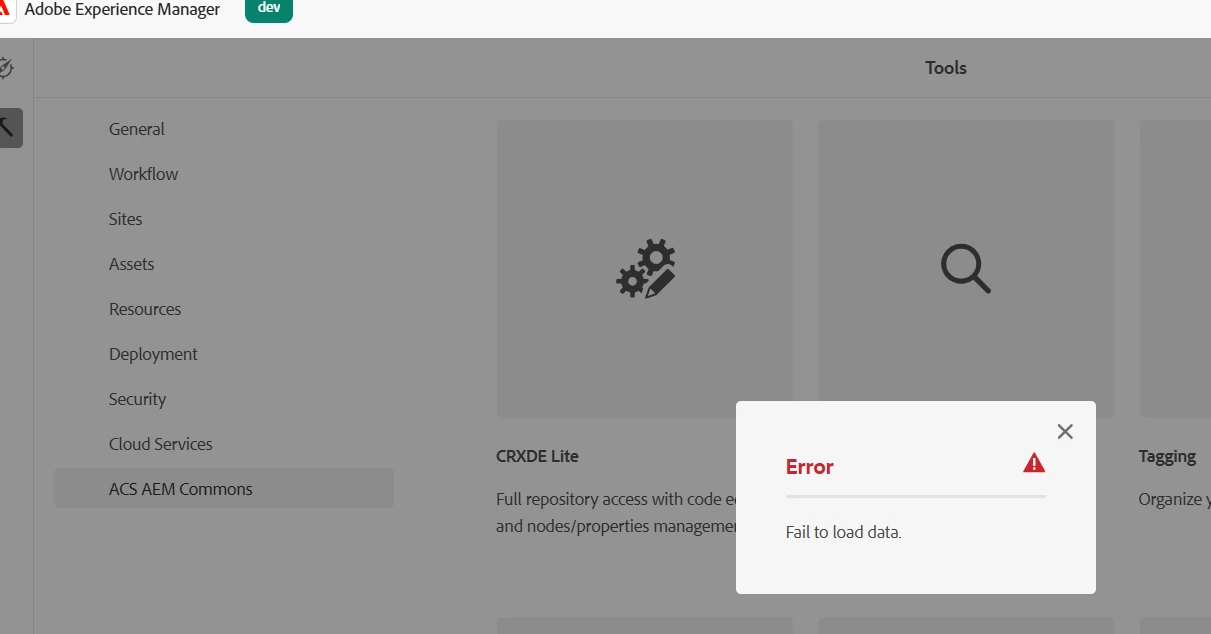
In our AEM cloud services the ACS-Commons existing version is "acs-aem-commons-ui.content-5.0.6-cp2fm". After upgrade to latest version 6.12.0 the acs-commons console breaking. Please suggest how to fix this. 

PFA error snippet. 


Thanks
 

Best answer by giuseppebaglio

You want me to ask Adobe support to do that ?

Kindly suggest.


Yes, request Adobe CSE to remove the path /apps/cq/core/content/nav/tools/acs-commons, then reinstall ACS via the Package Manager console.

2 replies

Level 3
May 12, 2025

You can try removing /apps/cq/core/content/nav/tools/acs-commons and reinstalling the ACS Commons package, unless you had something custom in there.

Level 3
May 12, 2025

is this is best practice to do, in AEM as cloud service delete node would not possible.

Level 3
May 12, 2025

That's a good point. You may have to ask a CSE to do. It just seems like it's 'stuck' on an older version "5.0.6-cp2fm"

AnkurAhlawat-1
Level 6
May 13, 2025

You can try uninstalling the ACS commons package via package manager and then trigger the build to installed latest version of ACS commons. 

Supriya_Savre
Level 4
May 20, 2025

Hi @neo-silicon,

Did the shared solution help you out? If yes, kindly consider marking the most suitable answer as ‘correct’.

If you’re still facing any challenges, please feel free to continue the conversation here. We’re happy to support further.