6.4: How do I edit the jcr:title of a PDF stored in the DAM? | Community
Skip to main content
jayv25585659
Level 8
March 25, 2019
Solved

6.4: How do I edit the jcr:title of a PDF stored in the DAM?

  • March 25, 2019
  • 2 replies
  • 3337 views

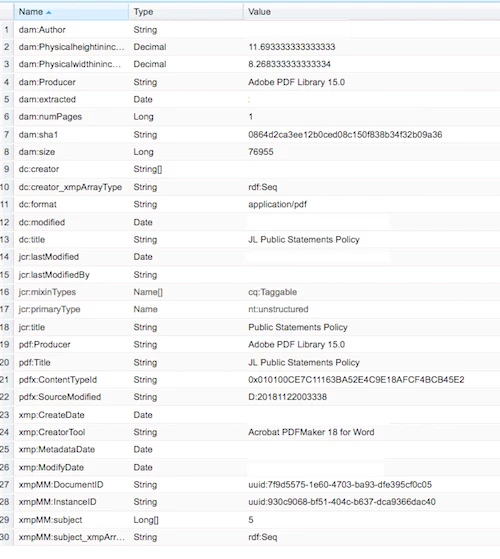
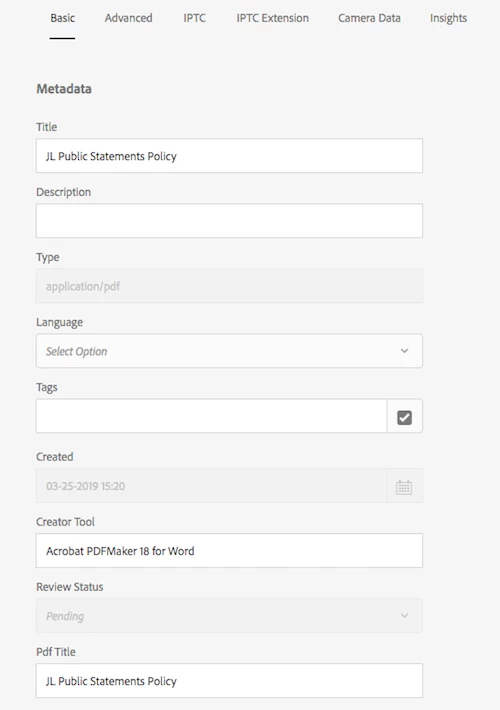
So I edited the properties of the PDF and changed the Title and PDF Title fields in the Basic Tabs. I then viewed the PDF properties inside CRX/DE (location is /content/dam/documents/staff/policies/my-folder/my-pdf1.pdf/jcr:content/metadata). But the jcr:title has not changed. There's also a jcr:title field at this location (/content/dam/documents/staff/policies/my-folder/my-pdf1.pdf/jcr:content) and this also hasn't changed.

What am I doing wrong? How do I change the jcr:title for the PDF?

The issue we're having is that the search indexers are not picking up the correct PDF title (jcr:title) for some of our PDFs as they don't have jcr:title and we don't know how to edit the jcr:title.

Thanks

---------------------------

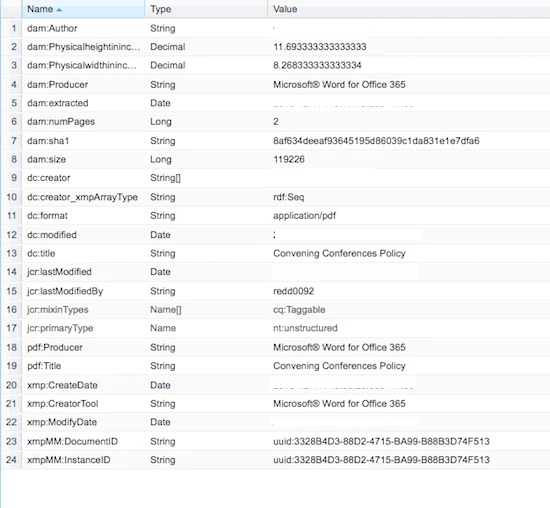
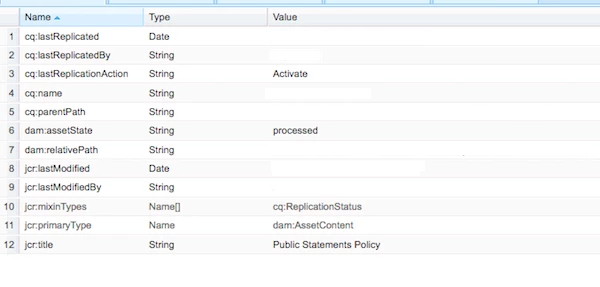
These are the PDF properties where jcr:title is present. The screenshots were made after editing Title/PDF Title.
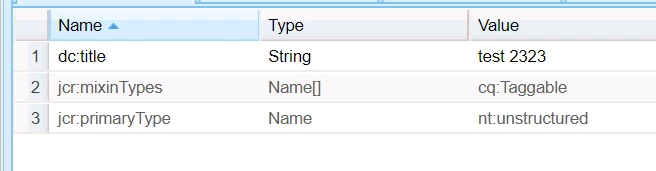
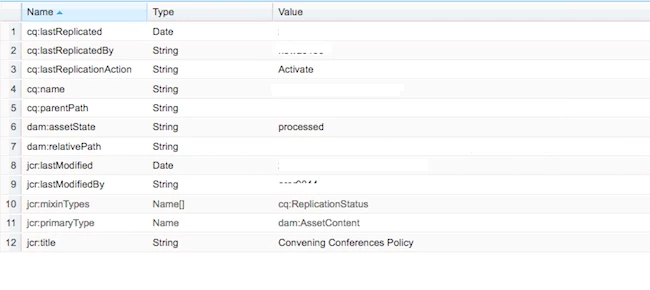
There are the PDF properties for an asset where jcr:title is NOT present.
This post is no longer active and is closed to new replies. Need help? Start a new post to ask your question.
Best answer by Hemant_arora

The title property gets stored as dc:title and not jcr:title. Check for dc:title property in metadata node

2 replies

Hemant_arora
Hemant_aroraAccepted solution
Level 8
March 25, 2019

The title property gets stored as dc:title and not jcr:title. Check for dc:title property in metadata node

Adobe Employee
March 25, 2019

After 6.2, the title is mapped to dc:title property.

For the short term, you can check [1] and change the console to use jcr:title instead of dc:title.

Long term solution will be to start using dc:title as the new version of jcr:title as updating Title in Touch ui will update the dc:title property.

[1] http://experience-aem.blogspot.com/2017/03/aem-62-touchui-assets-console-show-node-name-and-not-dc-title.html