AEMM Hot Fix 2018.1.1 Errors | Community
Skip to main content
travisd42936554
Level 2
February 5, 2018
Solved

AEMM Hot Fix 2018.1.1 Errors

  • February 5, 2018
  • 7 replies
  • 9226 views

Hello,

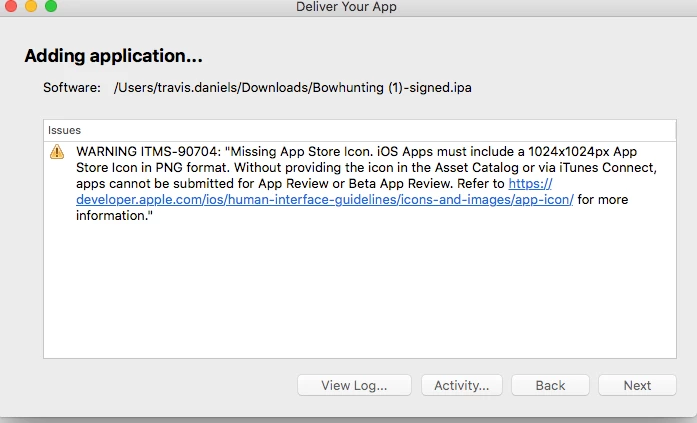
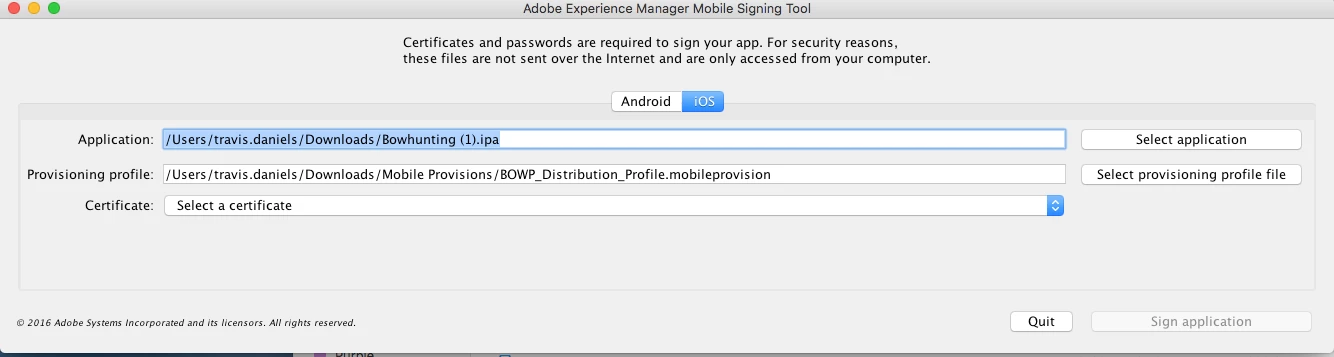
I recently saw there was Hot Fix 2018.1.1  addressing the splash screen errors I had reported few weeks back. I followed all directions and updated Xcode to 9.2 and the AEMM signing tool to 2018.1. Then made a new build and sent to Apple. I received an error from Apple and the Splash Screens are still blank upon launch (see below). Please advise.

Thanks,

Travis Daniels

This post is no longer active and is closed to new replies. Need help? Start a new post to ask your question.
Best answer by Mobile_Support

Hi Travis,

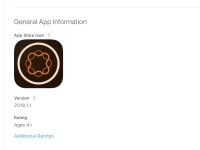
Can you try updating the 1024x1024 image directly in itunes-connect portal. As seen here:

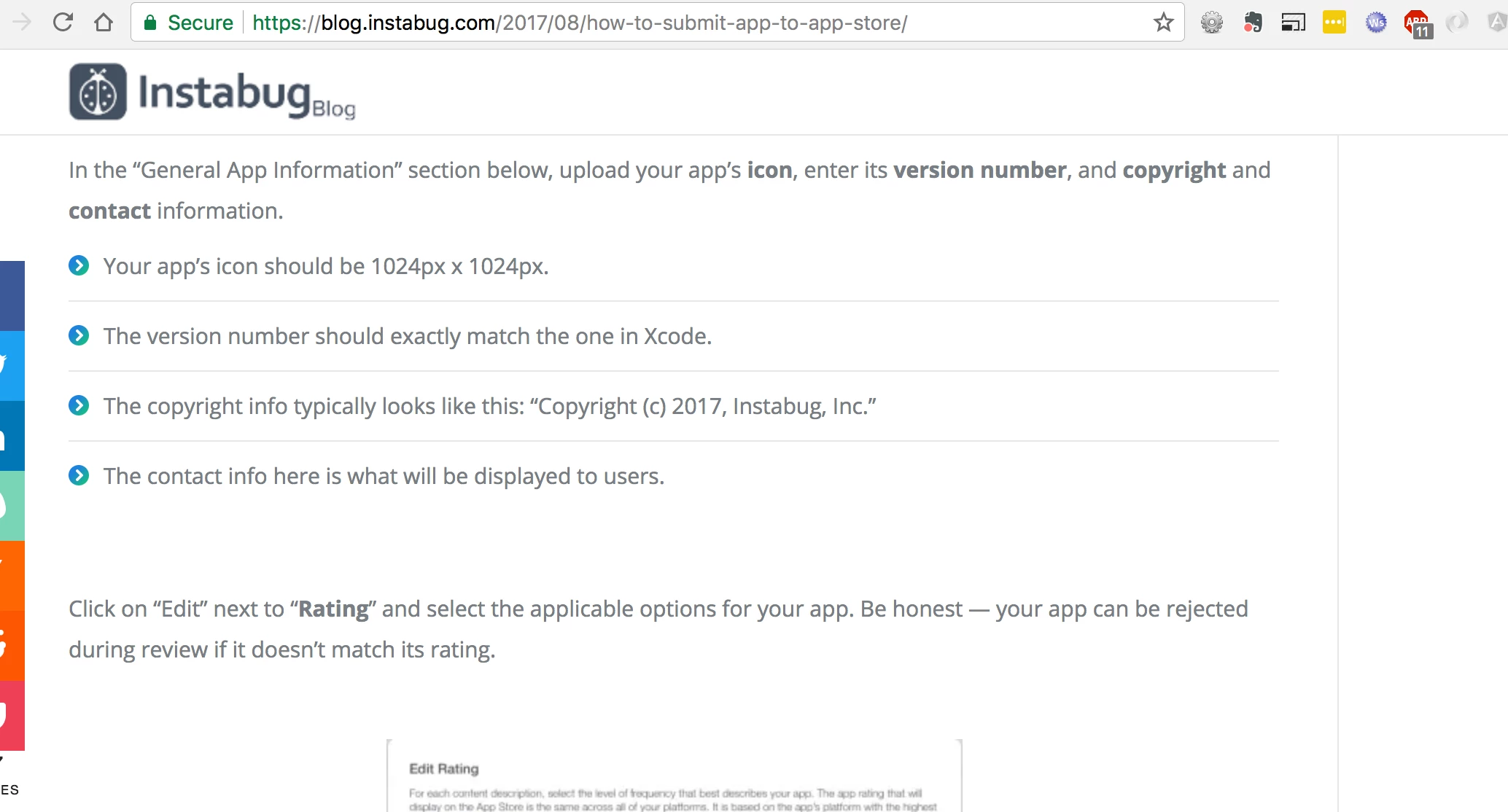
If you hover over the icon a red delete icon will appear. Once the old icon is deleted you can upload a new version that is 1024x1024. More generic info here How to Submit Your App to the App Store in 2018 – Instabug Blog :

7 replies

Mobile_Support
Mobile_SupportAccepted solution
Level 2
February 6, 2018

Hi Travis,

Can you try updating the 1024x1024 image directly in itunes-connect portal. As seen here:

If you hover over the icon a red delete icon will appear. Once the old icon is deleted you can upload a new version that is 1024x1024. More generic info here How to Submit Your App to the App Store in 2018 – Instabug Blog :

travisd42936554
Level 2
February 6, 2018

Thanks for the reply. To my knowledge there has always been a 1024x1024 image there in Itunes Connect, but this is the first time I have seen the error. No problem though, replaced the image. However the splash screen is still blank upon launch, do I need rebuild the app again? Appreciate the help,

Travis

TommyDAQ-Bates
Level 6
February 6, 2018

Is this related??? I'm sure it is. We are building a Dev app. The 180x180 App Icon is visible during the installation process, but as soon as it finishes installing, the App Icon reverts to the default AEM Icon.  Is there a fix for this? 

Mobile_Support
Level 2
February 6, 2018

Hi Travis,

Apple seems have changed things with ios 11/ xcode 9.2 where they pick up these images from the ipa. Glad you were able to resubmit from iTunes Connect portal. About the splash screen, We have seen reports of splash screen images being cached or not updating on some devices with ios 11. Splash screen seems to be working as I have tested your app on:

iphone 7 plus:

and ipad mini

and it seems like it is working. There is an issue on iphone X and we are working on a fix for this to update the required images on aem portal. There is a manual workaround now if you want to have that addressed. Will send you the details if you want to address that iphone X specific issue manually.

Adobe Employee
February 6, 2018

Hi Tommy,

This issue occurs if you use older version of AEM Mobile App Signing tool. This is fixed in version 2018.1 of AEM Mobile App Signing Tool.

Download the newer version from App management page​. You also need to update to Xcode 9.2 or later on the local machine where you install the AEM Mobile App Signing Tool. To download Xcode for free from the Apple app store, go to https://itunes.apple.com/us/app/xcode/id497799835.

Vinod Tanwar

Mobile_Support
Level 2
February 6, 2018

Hi TommyDAQ-Bates,

The issue you are seeing is because you are probably using the old 2017.1 version of AEM Mobile App Signing Tool. Please refer to this link for updating the AEM Mobile App Signing Tool to version 2018.1 . Bug fix release notes for Adobe Experience Manager Mobile

Please update your Xcode also to Xcode9.2 on the machine where AEM Mobiel App Signing Tool is installed as mentioned in the release notes.

travisd42936554
Level 2
February 7, 2018

Yep looks like it was cached. Thanks for the help!

Travis