


Hide AEM Component Touch UI dialog editor field using AEM Render Condition | AEM Community Blog Seeding
Hide AEM Component Touch UI dialog editor field using AEM Render Condition by Debal Das
Abstract
Recently I got the opportunity to explore AEM render condition and being AEM developer I really enjoyed this feature.

I have explored AEM render condition with built-in rendercondition and Custom rendercondition both.

I will talk about both with built-in rendercondition and Custom rendercondition with one simple use case here.

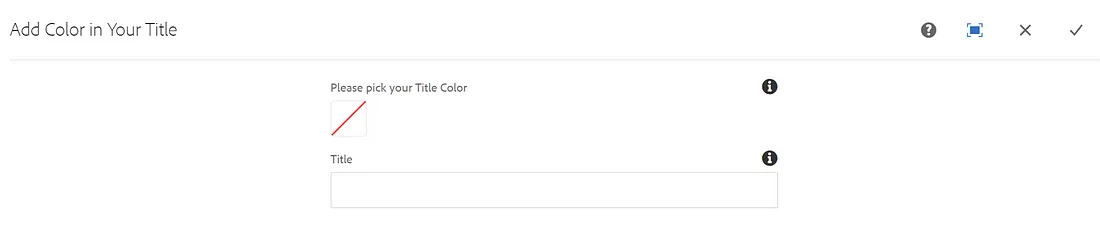
Let’s consider I have one component named: Add Color in Your Title and it’s dialog editor fields
Read Full Blog
Hide AEM Component Touch UI dialog editor field using AEM Render Condition
Q&A
Please use this thread to ask the related questions.