Unable to connect to campaign from aem | Community
Skip to main content
Adobe Employee
June 26, 2020
Solved

Unable to connect to campaign from aem

  • June 26, 2020
  • 3 replies
  • 1490 views

Hi

Have installed campaign classic v7 client and server on a windows 10 server

It also has AEM 6.5 installed

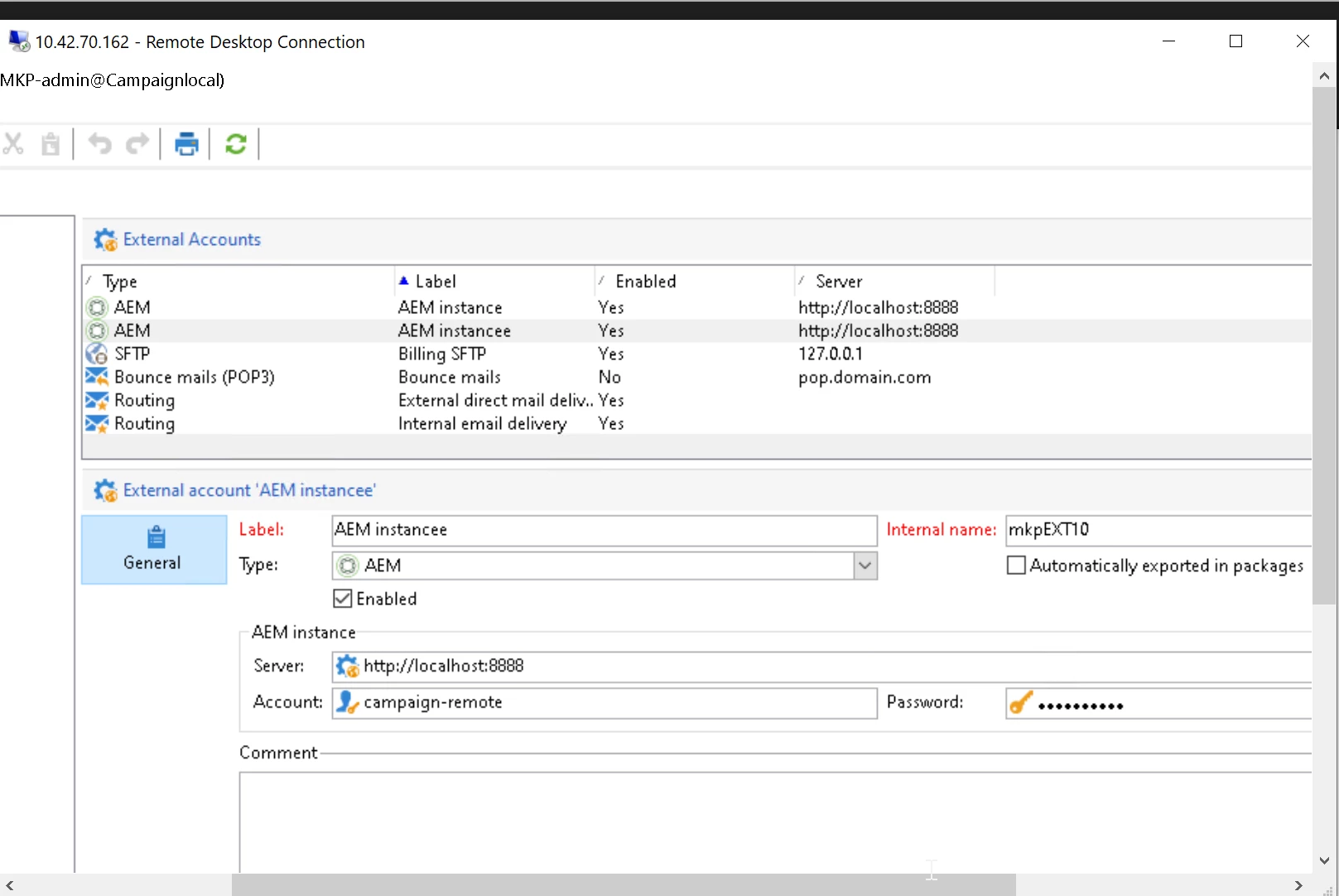
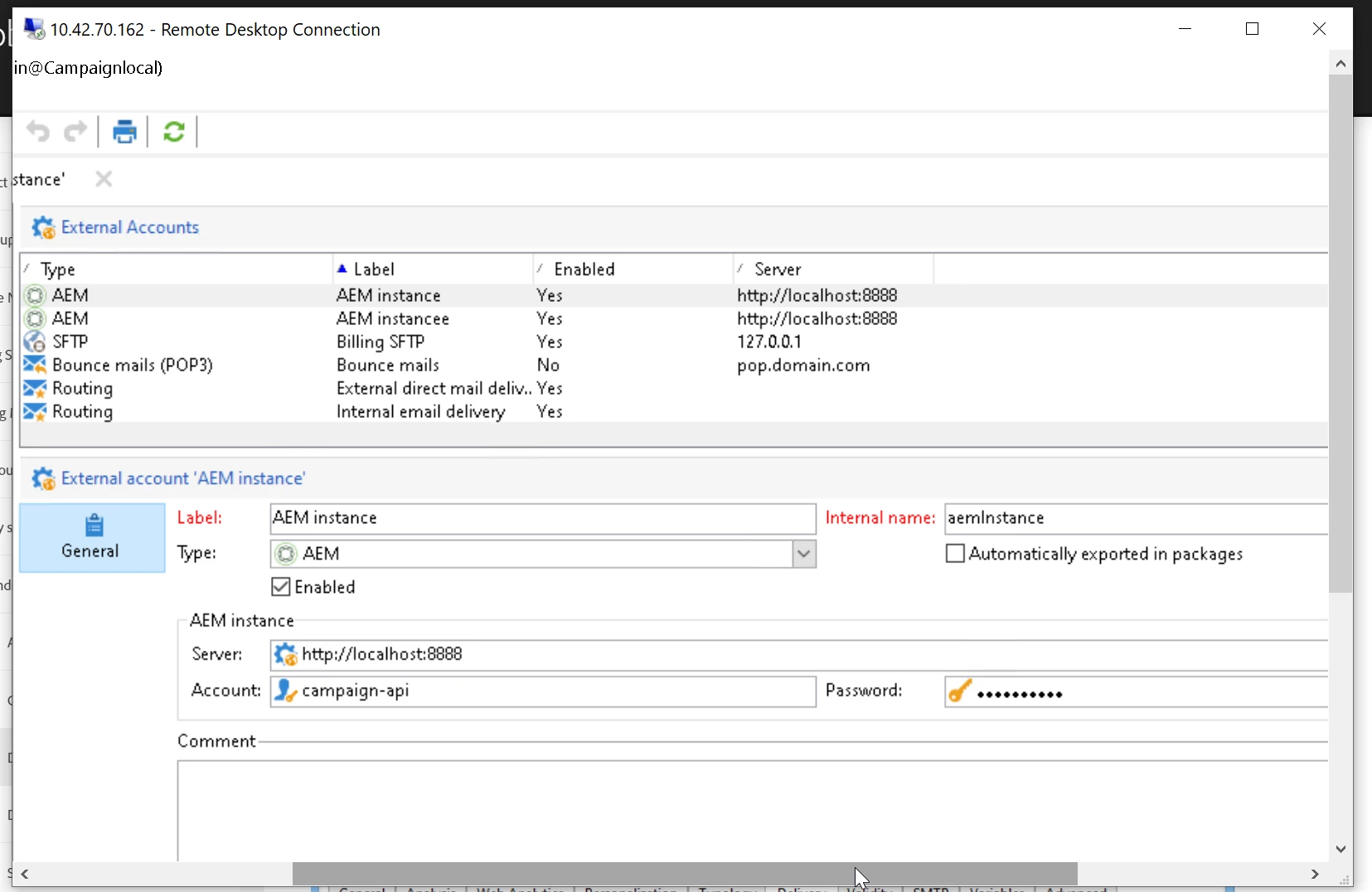
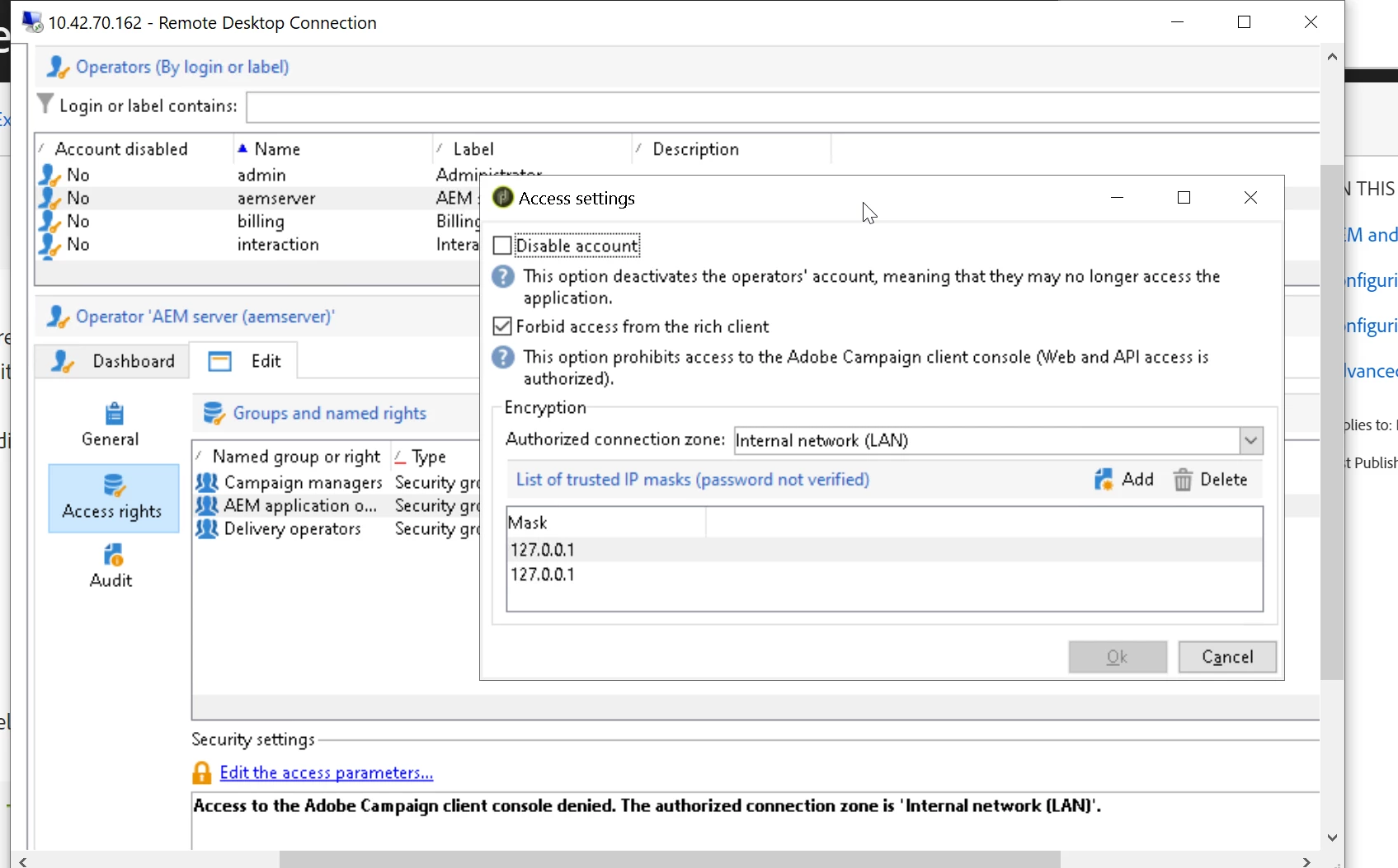
The external account and aemserver operator in campaign are set up as follows
But when tried to create a cloud service config using aemserver user, getting error belo
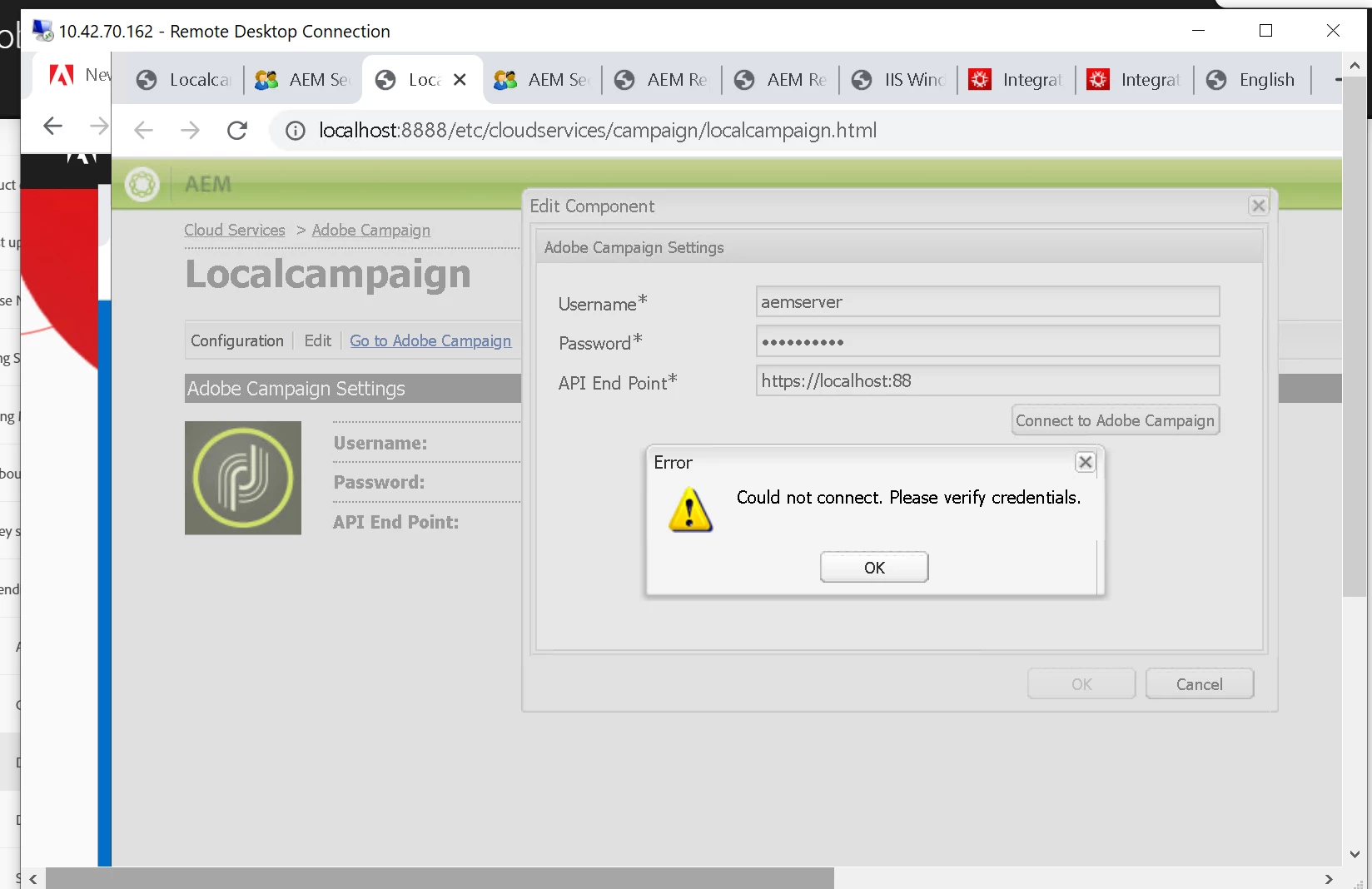
Any help on this please to resolve the connection error

This post is no longer active and is closed to new replies. Need help? Start a new post to ask your question.
Best answer by Darren_Bowers
Check your connection string in the client when you connect to Adobe Campaign. Use the same value in the server thats in there

3 replies

Darren_Bowers
Level 9
June 26, 2020

Hi @poojake - is your local Campaign server actually https://localhost:88 ?

Is that a typo?

Port 88 TCP is reserved by Kerberos, so probably not a great choice for local Campaign instance port. Port 8080 is probably a better choice since your AEM is on port 8888.

PoojaKeAdobe EmployeeAuthor
Adobe Employee
June 26, 2020

Hi Darren


Thanks for the reply.

 Have tried with 8888 and 8080 ports ,but its the same error

Also tried with external URL configured in deployment wizard but still same error

What should be the API endpoint value ?


Darren_Bowers
Darren_BowersAccepted solution
Level 9
June 26, 2020
Check your connection string in the client when you connect to Adobe Campaign. Use the same value in the server thats in there