
Solved
ACC technical monitoring error page
Hello guys,
Anyone knows how to fix the Technical Monitoring page? When I click on Technical monitoring page I have the screen below
Thanks
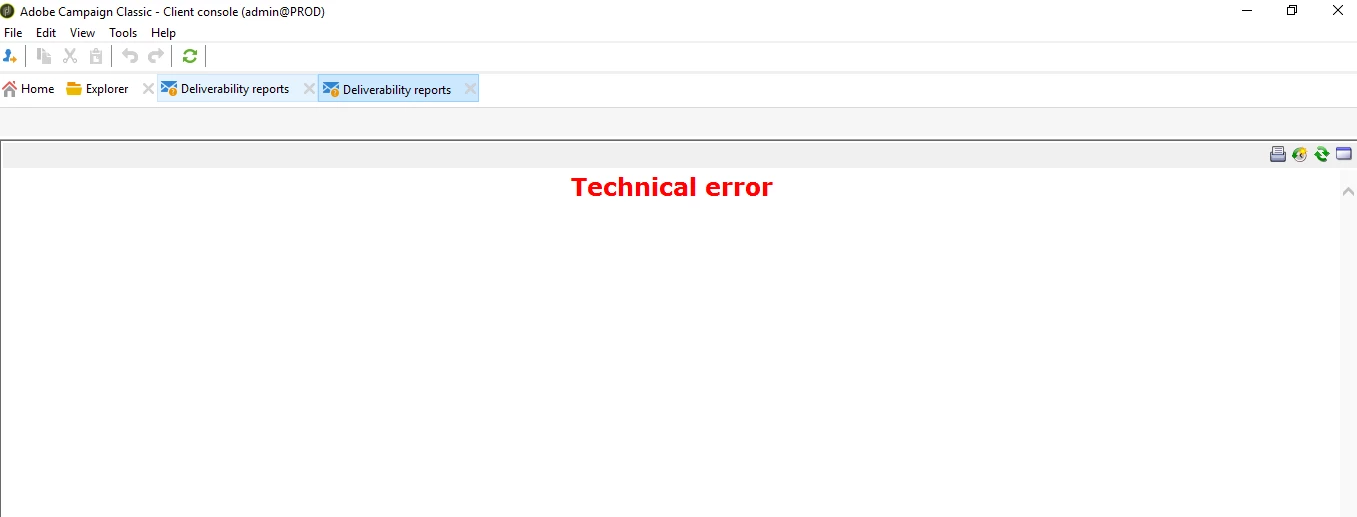
Hello guys,
Anyone knows how to fix the Technical Monitoring page? When I click on Technical monitoring page I have the screen below
Thanks
That's an error with the MTA (Mail Transfer Agent) for email deliverability, if you have a hybrid solution, the MTAs will be on the Adobe cloud solution, so that is perhaps why is not configured on your on-premise marketing, try setting the following
config-<instancename>.xml
<mta autoStart="true" statServerAddress="localhost:7777">
If xoesnt work then try the adobe instance url
<instance>.<id>.<region>.rds.amazonaws.com
Enter your E-mail address. We'll send you an e-mail with instructions to reset your password.