Workspace - you do not have access to the requested metric | Community
Skip to main content
Level 2
May 16, 2018
Solved

Workspace - you do not have access to the requested metric

  • May 16, 2018
  • 2 replies
  • 2669 views

Hi,

I'm trying to create a calculated metric based on a segment I have (it includes only internal traffic, based on an event we set by IP in processing rules).

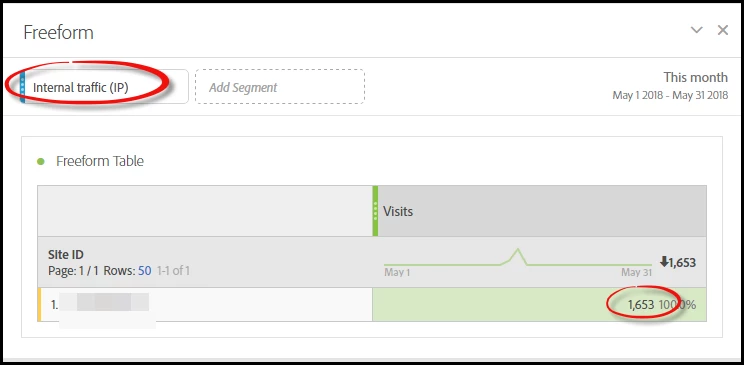
The segment works if I apply it to a report with a visit metric. The dimension is a prop that's present on every event on the site:
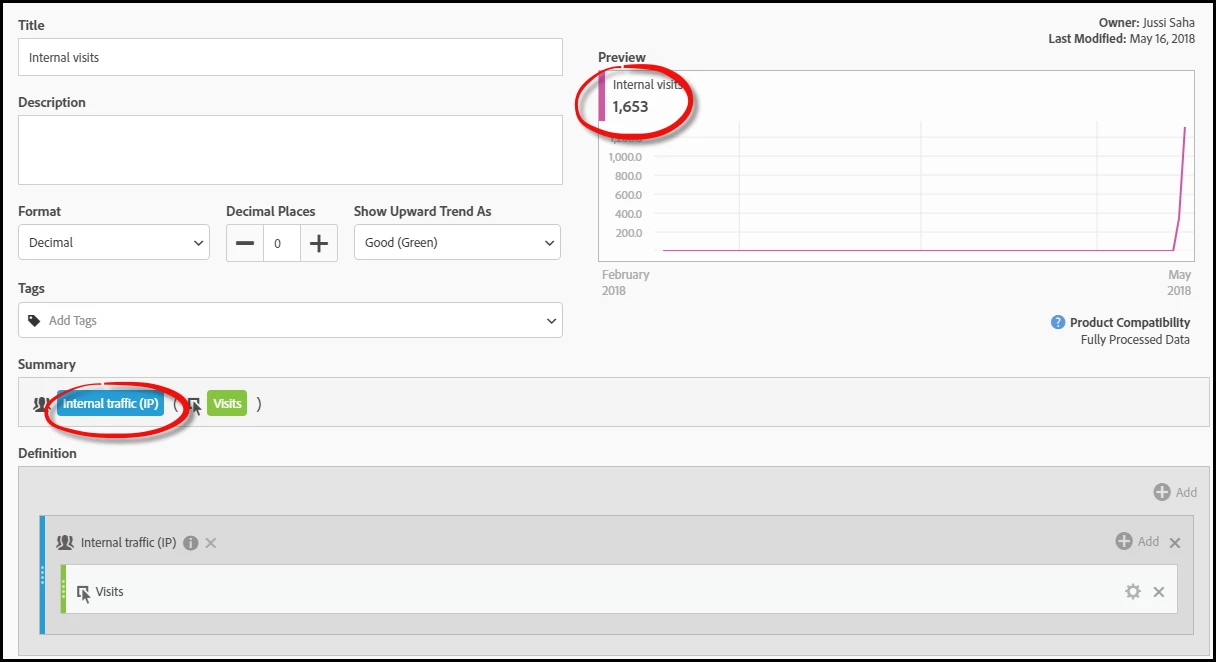
And when I create a calculated metric based on this segment, I can see in the preview that I get the same number of visits:
But when I replace the normal visits metric in the report with this new calculated metric, I get nothing, and the message "You do not have access to the requested metric".
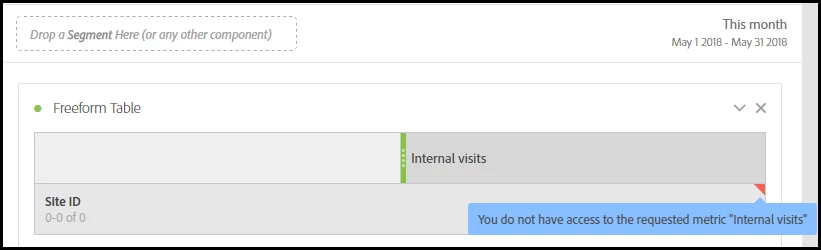
How come I don't have access to the metric when I'm the owner and I just created it myself?

This post is no longer active and is closed to new replies. Need help? Start a new post to ask your question.
Best answer by jusaha1

I have since found a solution for this. It was because the segment was based on a success event that had visibility set to "builders". When I switched it to "visible everywhere" the error disappeared. But I agree it looks like a bug, so I've submitted it to Customer Care.

2 replies

Gigazelle
Adobe Employee
Adobe Employee
June 5, 2018

This is definitely looking like a bug. The steps are outlined really well here - if you can reference this thread when creating a ticket with Customer Care, along with your login company, username, and workspace name, that should be enough information for the agent to troubleshoot.

jusaha1AuthorAccepted solution
Level 2
June 6, 2018

I have since found a solution for this. It was because the segment was based on a success event that had visibility set to "builders". When I switched it to "visible everywhere" the error disappeared. But I agree it looks like a bug, so I've submitted it to Customer Care.