Workspace date comparison doesn't work with custom dates?
- April 6, 2017
- 9 replies
- 10051 views
Test project: one dimension, one metric (Visits).
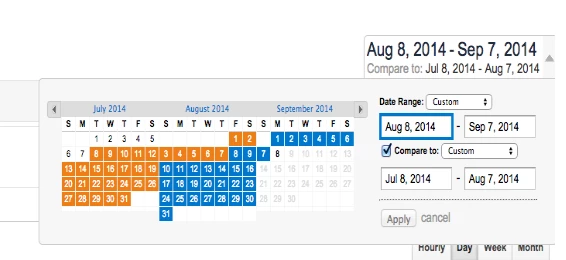
1) I right-click on Visits and select "Compare time periods" and from the options I select "Custom date range to this date range"
2) I choose a date range and now I have Visits (with date range above it), Visits and a Percent Change column showing correct numbers.
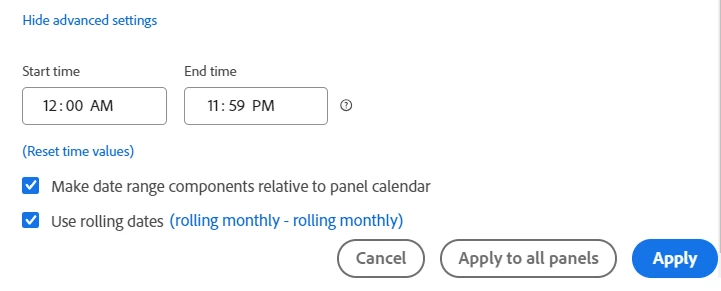
3) I replace the date range above Visits with a pre-built custom date range but the Percent Change no longer reflects the numbers I'm comparing. Why?
Ideally, I would like to be able to change the panel date range and have the comparison date ranges change automatically but there doesn't seem to be a way to do this.
How can I have five metrics with Percentage Change for each one comparing the panel date with the same day of the previous week?
Do I have to manually update each of the five comparison date ranges (five metrics) every time I update the panel date range?
Ali