Reporting API 2.0: Bearer Token | Community
Skip to main content
October 7, 2024
Solved

Reporting API 2.0: Bearer Token

  • October 7, 2024
  • 3 replies
  • 1102 views

Is any API available to automate the Adobe IMS login to fetch the auth code? I am looking to see how can I automate the process of fetching the access token for adobe analytics reporting API 2.0


I place I am stuck is the bearer token use to expire and I want to refresh the token dynamically.


Is there a way out for this?


This post is no longer active and is closed to new replies. Need help? Start a new post to ask your question.
Best answer by bjoern__koth

HI @ankitag3 

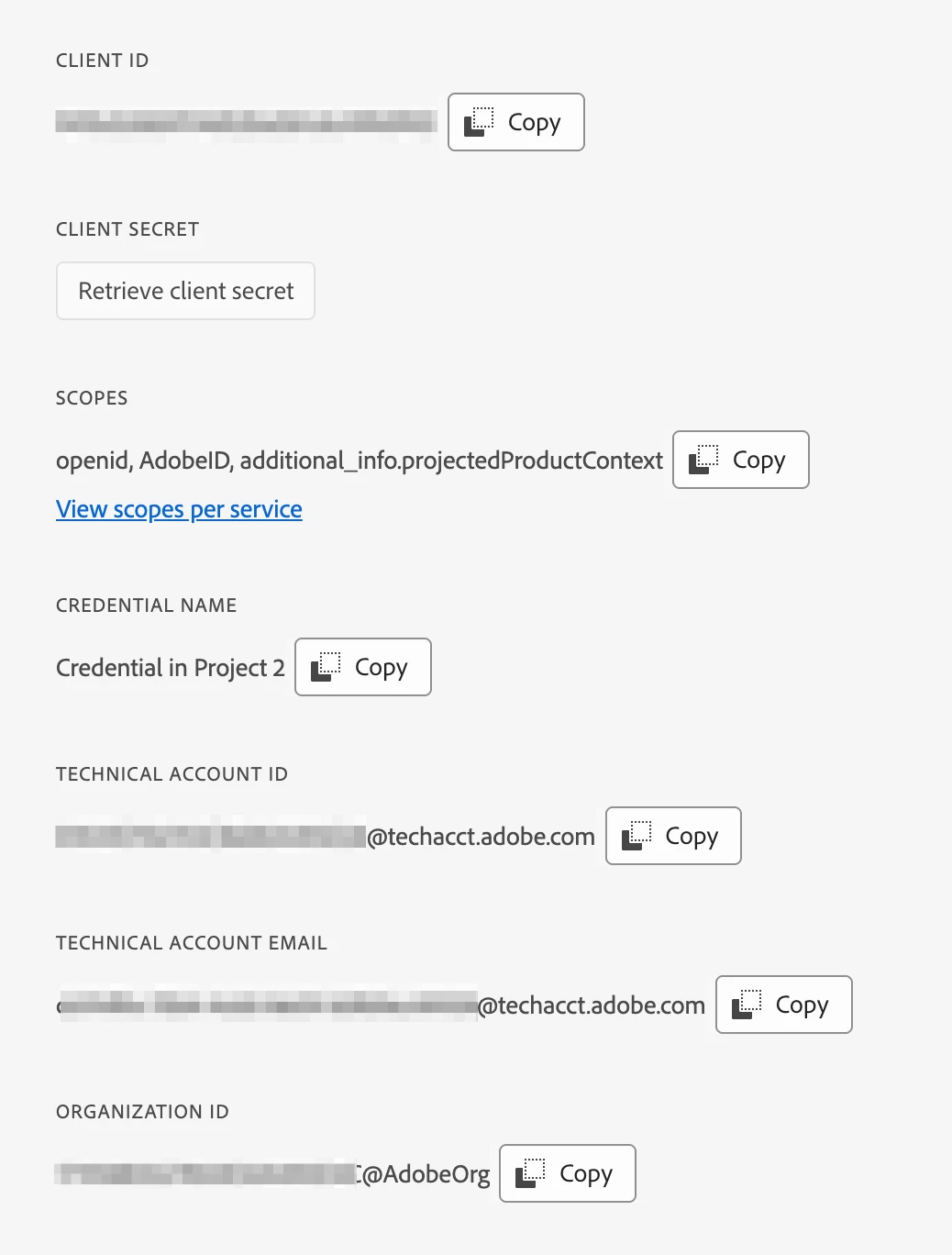
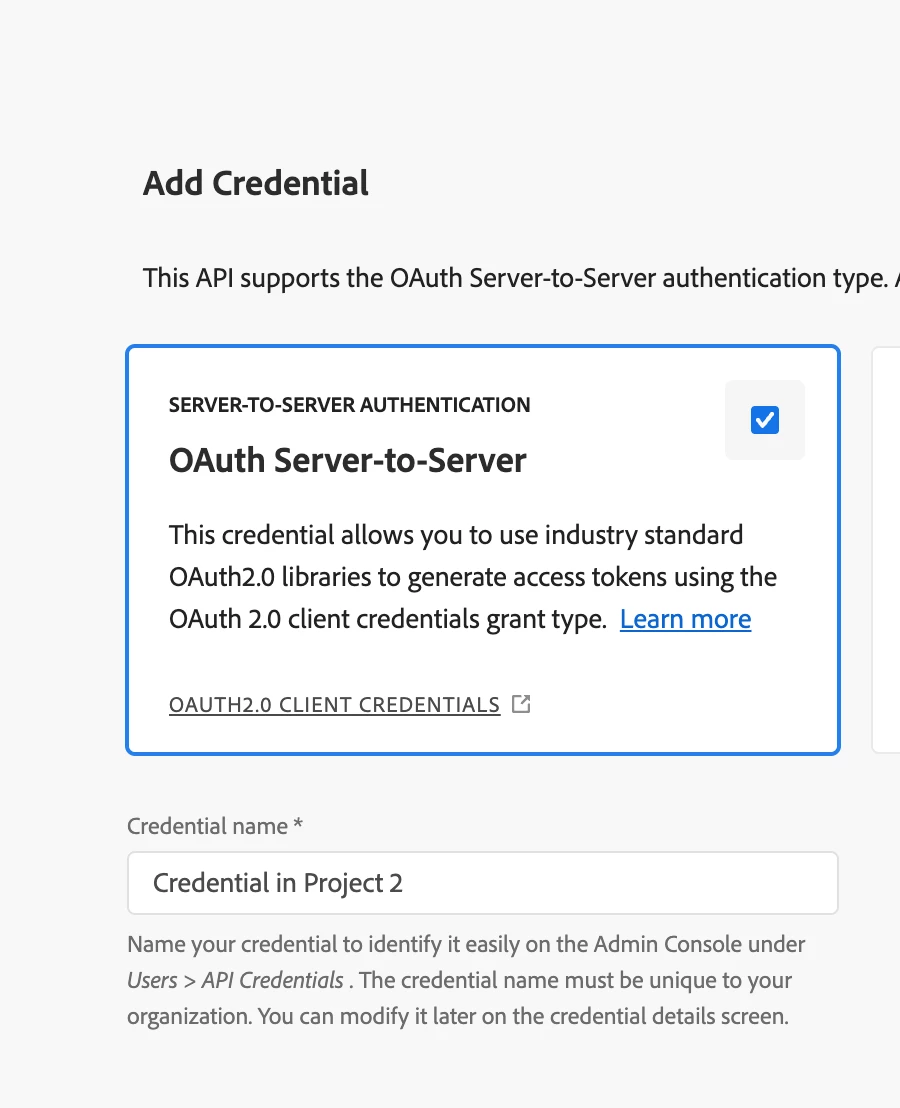
do you really need to refresh the token if you are using the server-side credentials in your API?


Typically these settings should suffice


3 replies

bjoern__koth
Community Advisor and Adobe Champion
bjoern__kothCommunity Advisor and Adobe ChampionAccepted solution
Community Advisor and Adobe Champion
October 7, 2024

HI @ankitag3 

do you really need to refresh the token if you are using the server-side credentials in your API?


Typically these settings should suffice


Cheers from Switzerland!
leocwlau
Community Advisor and Adobe Champion
October 8, 2024

Hi @ankitag3, guessing what is the "automate" you are looking for. As mentioned by @bjoern__koth, the server-to-server authentication is completely automated. The user oauth is using the identification of who is logging in, so there is not "automate" process and must have someone to log in manually.

Amruthesh_AG
Community Advisor
Community Advisor
October 11, 2024

Hi @ankitag3 
Adobe API token will expiry after 24 hours
You can use this code fetch bearer token dynamically.

let accessToken = null;
let tokenExpirationTime = null;

// Function to fetch a new Bearer token
async function fetchBearerToken() {
const response = await fetch('https://example.com/api/token', {
method: 'POST',
headers: {
'Content-Type': 'application/json',
// Include any required credentials or additional headers
},
body: JSON.stringify({
// Include required parameters for token retrieval
username: 'yourUsername',
password: 'yourPassword'
})
});

if (!response.ok) {
throw new Error('Failed to fetch token');
}

const data = await response.json();
accessToken = data.token; // Assuming the token is in `data.token`
const expiresIn = data.expiresIn; // Assuming expiration is provided in seconds
tokenExpirationTime = Date.now() + expiresIn * 1000; // Convert to milliseconds
}

// Function to get the Bearer token, refreshing if necessary
async function getBearerToken() {
const isTokenExpired = !accessToken || Date.now() >= tokenExpirationTime;

if (isTokenExpired) {
await fetchBearerToken();
}

return accessToken;
}

// Example usage in an API request
async function makeApiRequest() {
const token = await getBearerToken();

const response = await fetch('https://example.com/api/protected-resource', {
method: 'GET',
headers: {
'Authorization': `Bearer ${token}`,
'Content-Type': 'application/json'
}
});

if (!response.ok) {
throw new Error('API request failed');
}

const data = await response.json();
return data; // Process your data as needed
}

// Call the API
makeApiRequest()
.then(data => console.log(data))
.catch(error => console.error(error));