Solved
Report Builder - Manage button does not load the wizard
Hello
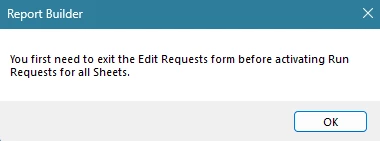
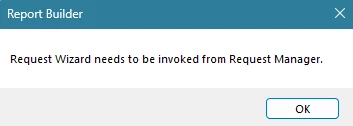
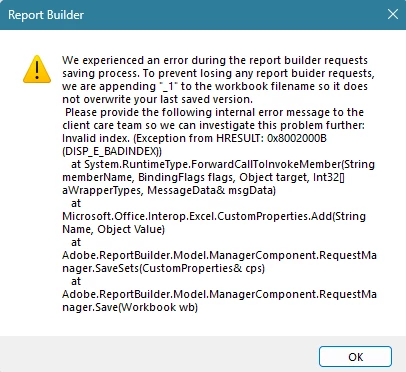
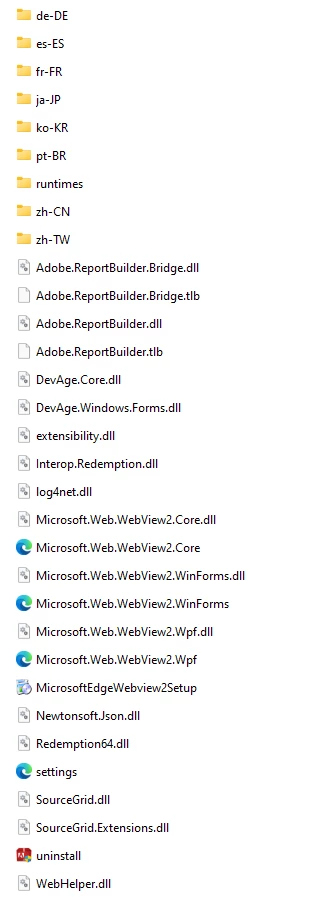
I use report builder to update monthly sheets. Since this months the 'Manage' button does not load / show the wizard to manage all my data blocks. When I click on 'Refresh' though after having clicked on 'Manage' it gives an error message that the 'Edit Requests form' first needs to be exited (see screen shot). When I first click on 'Refresh' it runs the refresh for all data blocks. I have tried to restart my computer, I have deinstalled and reinstalled report builder (version 5.6.57). I use Microsoft Excel for Microsoft 365 (version 2410). Does anyone have an idea what to do and how to solve that?
Thanks a lot!