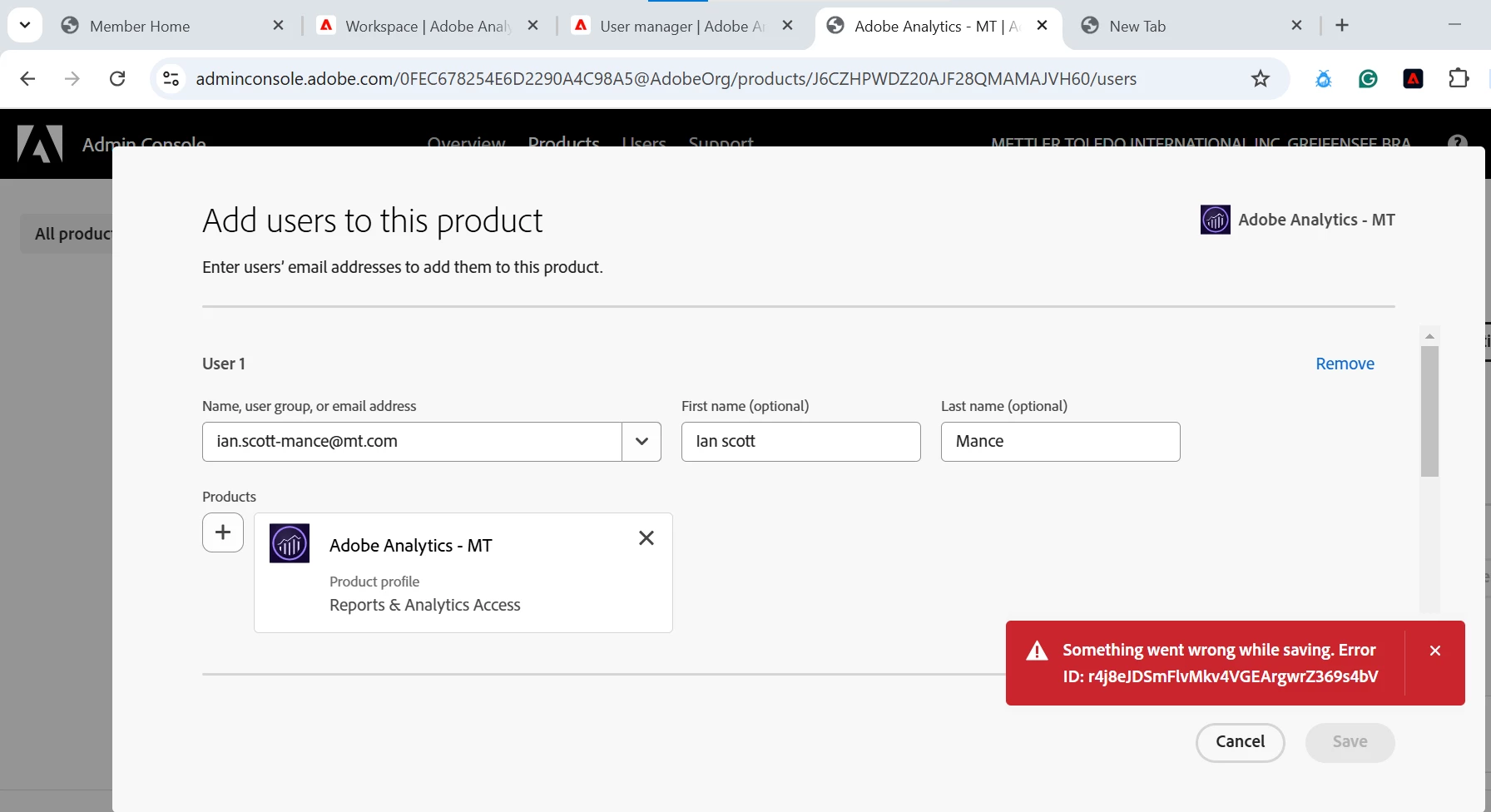
Hi @kirang29990284 ,
Ideally if you are able to add users with other email addresses you shouldn't be facing issues with this email as well. Whatever the reason be, it is not quite clear from the error shown in the screen shot. I'll suggest to check for detailed error logs in the network request that is returning this message in the UI. Here's what you can do,
1. Goto Admin console's add user UI like you have in the screen shot shared
2. Open browser debugger tools - press CTRL+SHIFT+J (CMD+OPT+J on a Mac) or F12
3. Try adding the user which is throwing error
4. Goto Network tab in debugger tools
5. Look for any failed requests from Adobe (most probably with status code 204/302)
6. Got to Response section of this request and you should find the detailed error message
Give it a try and see if you can find more details and use that information to fix the issue.
Cheers!