Need to Track IP Address of Visitors in Adobe Analytics using Data Warehouse | Community
Skip to main content
April 5, 2023
Solved

Need to Track IP Address of Visitors in Adobe Analytics using Data Warehouse

  • April 5, 2023
  • 2 replies
  • 4560 views

I need to Track IP Address of Visitors in Adobe Analytics using Data Warehouse.


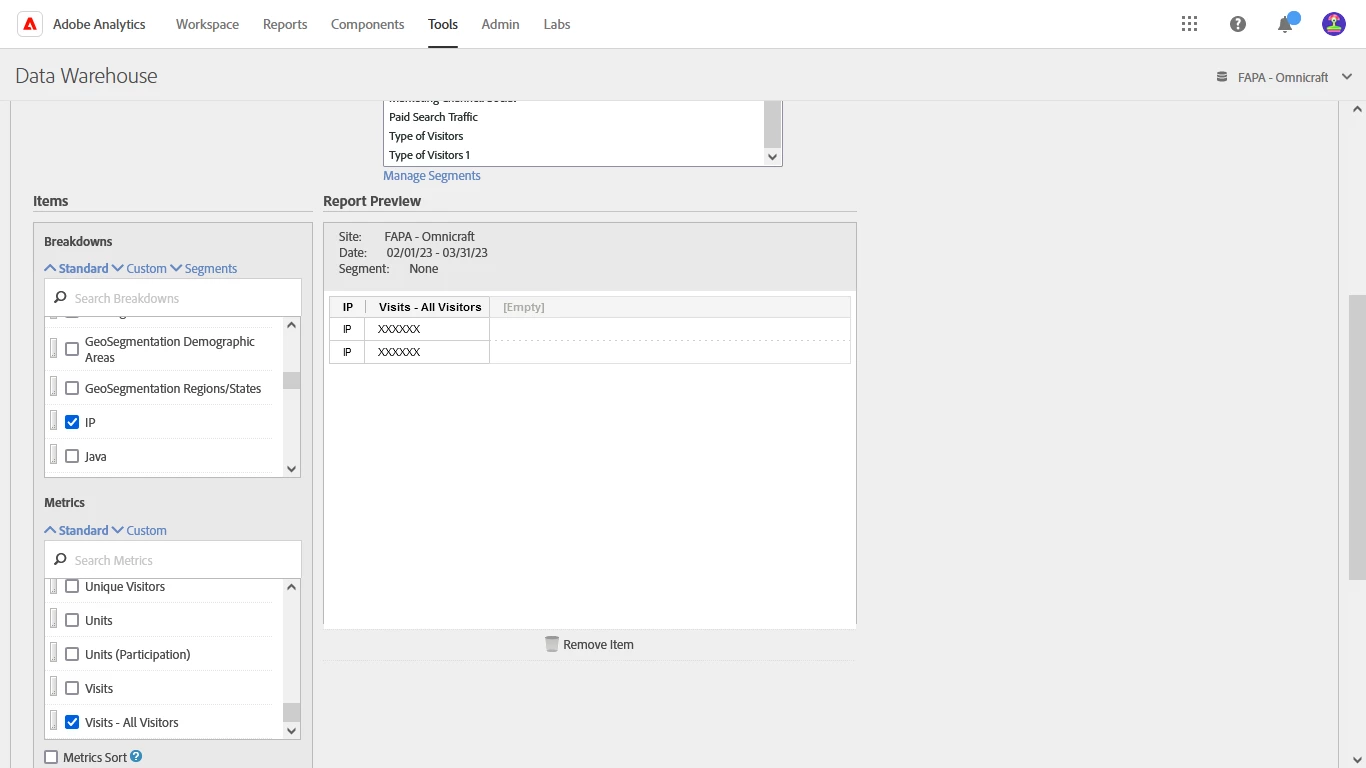
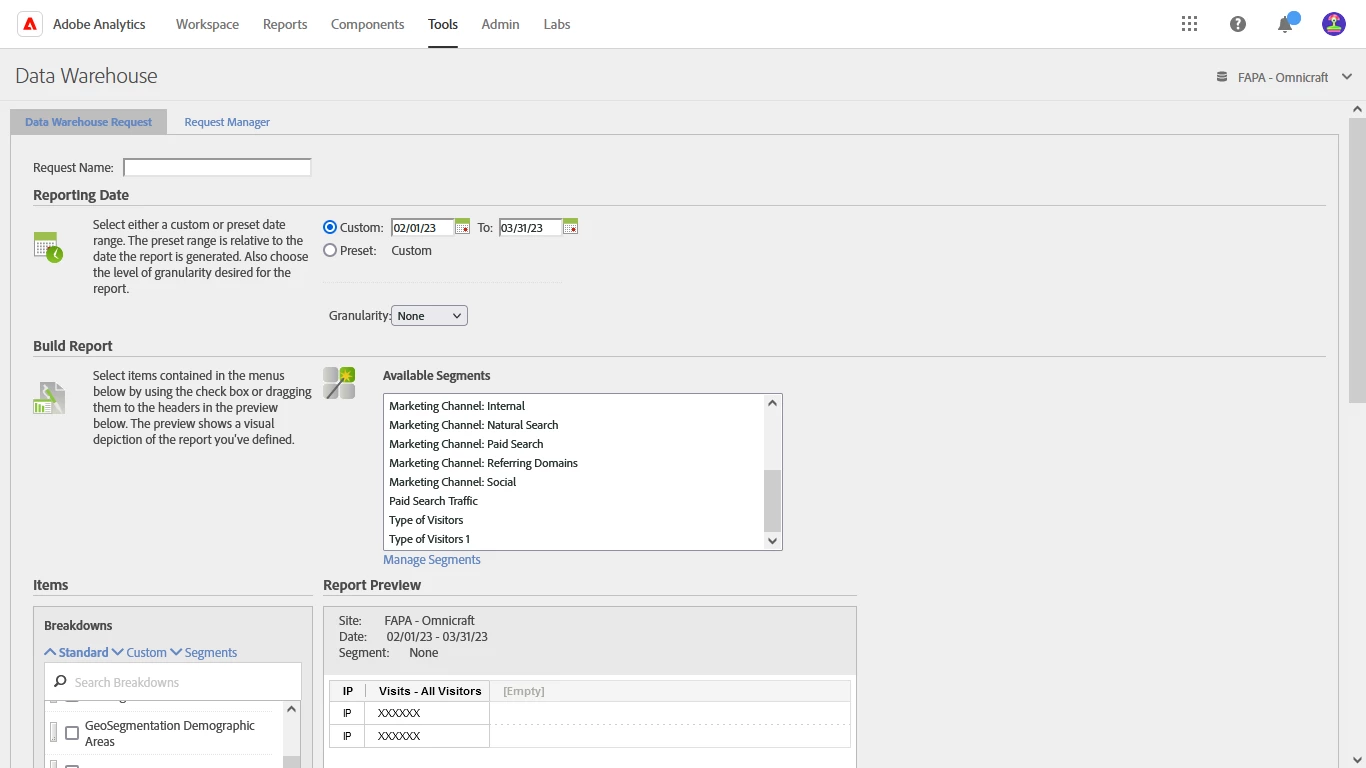
I have created a new Data Warehouse request for fetching IP Address of Visitors in Adobe Analytics, but report is coming blank with no data.


Plz help!!!


This post is no longer active and is closed to new replies. Need help? Start a new post to ask your question.
Best answer by Jennifer_Dungan

That should work... you haven't turned on IP obfuscation have you?

2 replies

Jennifer_Dungan
Community Advisor and Adobe Champion
Jennifer_DunganCommunity Advisor and Adobe ChampionAccepted solution
Community Advisor and Adobe Champion
April 5, 2023

That should work... you haven't turned on IP obfuscation have you?

April 5, 2023

Hi Jennifer, 


Thanks for a quick reply!!!


No i haven't turn on IP obfuscation, can you please guide me with steps how ill turn on IP obfuscation.

yuhuisg
Community Advisor
Community Advisor
April 5, 2023

In an Analysis Workspace project, build a freeform table with the same "IP" dimension and "Visits - All Visitors" metric. Do you get any rows of data there?

If you don't, then there is most likely an implementation error.

  • Verify that your "IP" dimension is being populated correctly. Since AA can get your users' IP addresses from its backend, you should have a Processing Rule that sets your "IP" dimension with the IP address.
  • Verify that your "Visits - All Visitors" metric's success event has been setup properly in your implementation. Since your metric is named "Visits - All Visitors", I think it's not one of AA's built-in metrics, but something that has been custom implemented with s.events success events.
Hemang35
Level 5
April 5, 2023

there is a workaround to collect and store IP addresses using a custom variable (eVar) or prop, but it requires some implementation steps:


First, you'll need to implement a custom JavaScript code on your website to capture the visitor's IP address. Here's an example using an external API to retrieve the IP address:

fetch('https://api.ipify.org?format=json') .then(response => response.json()) .then(data => { // Store the IP address in a global variable, so it's accessible when the Adobe Analytics request is sent window.visitorIpAddress = data.ip; }) .catch(error => { console.error('Error fetching IP address:', error); });


Next, you'll need to create a new eVar or prop in the Adobe Analytics admin interface and name it "Visitor IP Address" (or something similar).

Once you've created the eVar or prop, update your Adobe Analytics implementation to set the eVar or prop's value to the visitor's IP address captured in step 1:

s.eVarX = window.visitorIpAddress; // Replace 'X' with the number of the eVar you created in step 2 // or s.propY = window.visitorIpAddress; // Replace 'Y' with the number of the prop you created in step 2


With the IP address being tracked in Adobe Analytics, you should now be able to create a Data Warehouse request that includes the "Visitor IP Address" eVar or prop to obtain the desired data.