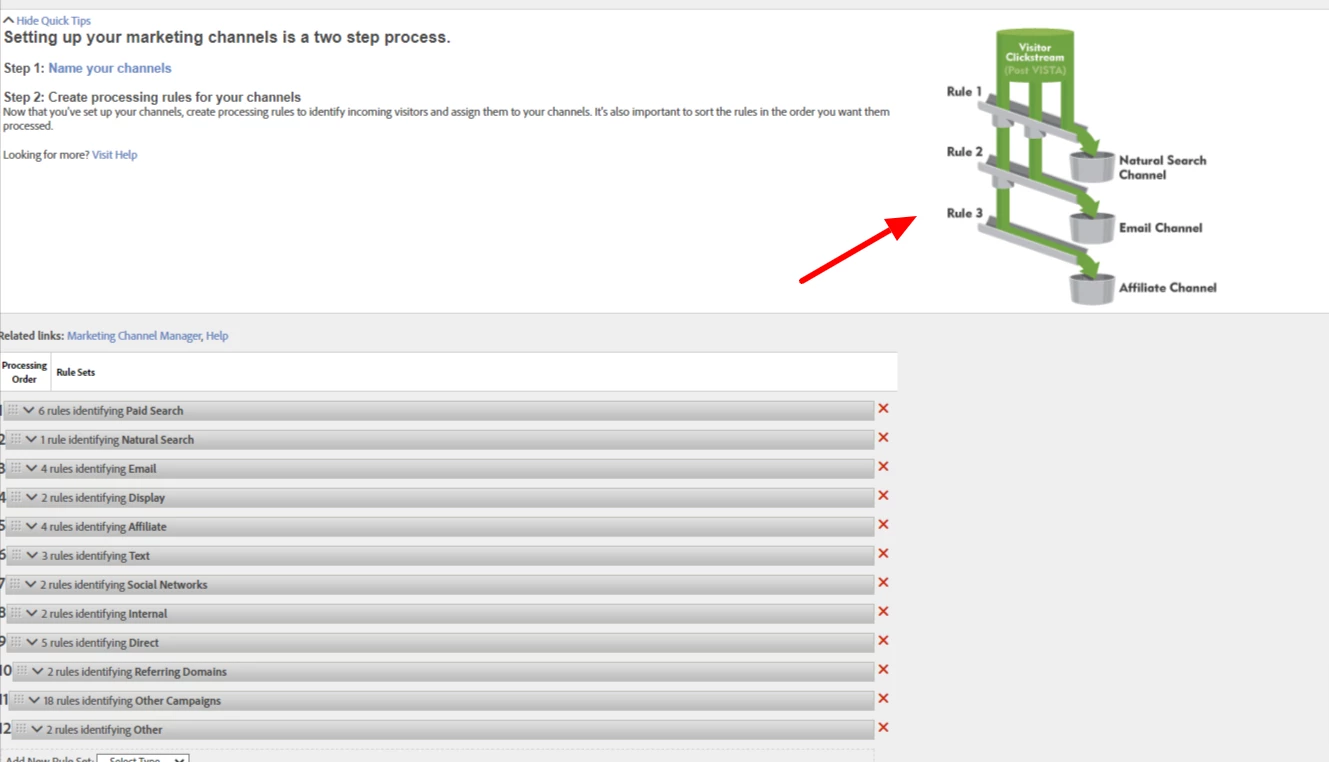
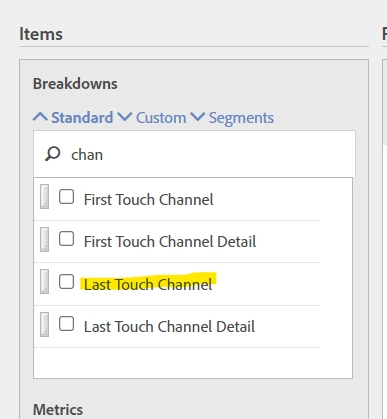
If you are looking at Adobe Data Warehouse, then you should look for Last Touch Channel and Last Touch Channel Detail (Marketing Channel and Last Touch Channel return the same results in Workspace)
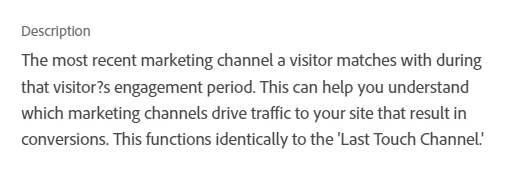
So, in Data Warehouse you can use Last Touch to get the same data:
I don't know what you mean by "want to see if the channel gets the correct value based on marketing channel processing rules workflow"... Are you comparing Workspace to Data Warehouse? Ostensibly you would use the same metrics as you are using in your Workspace....which is generally, but not necessarily be your conversion metrics... (note, if you are using something like UVs, Data Warehouse will pull values per each row, but you can't add them together)
If you are asking about your own Data Warehouse and you are looking for the Raw Data Feeds columns, then you can use:
- va_closer_detail (last touch channel detail)
- va_closer_id (last touch channel id - your team will have to map these ids to your channel ids in Adobe)
- va_finder_detail (first touch channel detail)
- va_finder_id (first touch channel id - same mapping needed as above)
- va_instance_event (Marketing Channel instances)
- va_new_engagement (Marketing Channel New Engagements)