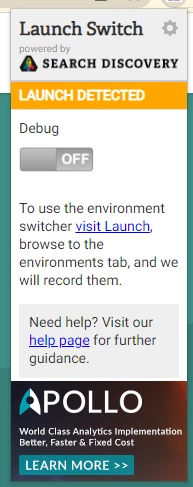
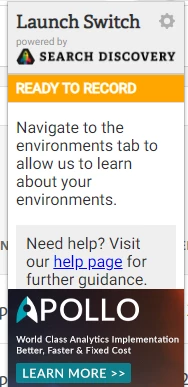
I've had on and off success switching the environment with the Launch Switch application.. once I got stuck in DEV environment and couldn't get back until I uninstalled and reinstalled...
I use a different method... I have a add on called Resource Override, where I can just add URL to URL rules:


I can set up multiple overrides and turn them on/off at will.
I find this tool a little more reliable, as it doesn't actually have to connect into the code or find the correct environment, it simple creates a redirect for any file on the site (as soon as the request is made), and since I know exactly the file locations (from the environments area in launch), I can easily set these up.
IF you have multiple sites, you might want to modify the URL from * to site specific.. but to make sure it loads on every page, use https://www.domain.com/*
You can turn on and off entire rule sets by domain... or at each file...
I still use Launch Switch to get the debug logs in my console, I just don't use its environment switch behaviour... the two tools work together fine for me (and with the cloud debugger - I use the three together frequently). You just have to make sure that you set up your overrides correctly.
Sorry I can't help more with your current issue, and suggesting a third add-on... but it might work better for you, especially if you are having issues....
Good Luck!
Update: I should have posted a link to the Resource Override Extension: https://chrome.google.com/webstore/detail/resource-override/pkoacgokdfckfpndoffpifphamojphii