Help with creating a segment that groups a range of mixed values | Community
Skip to main content
juliusonyancha
Level 4
September 20, 2024
Solved

Help with creating a segment that groups a range of mixed values

  • September 20, 2024
  • 2 replies
  • 996 views

Hi,


I am trying to create a grouping of mixed values captured in Adobe, for example,

Low =<40

Pass >40 to <60

Merit >60


Now the values are captured in Adobe as,

"percentile": 30

"percentile": 51

"percentile": 50

"percentile": 62,


Any advise on how best to great groups without using contains

 

This post is no longer active and is closed to new replies. Need help? Start a new post to ask your question.
Best answer by bjoern__koth

That is a good question. I don't think numeric ranges are supported in segment building. Also not regular expressions.


Maybe in general, bucketing through classifications could be a way to go (in that case not having a segment)?

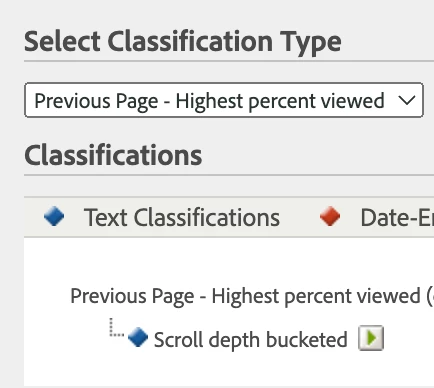
For example, this is what I am using for scroll depth (based on the getPercentPageViewed plugin dimensions)


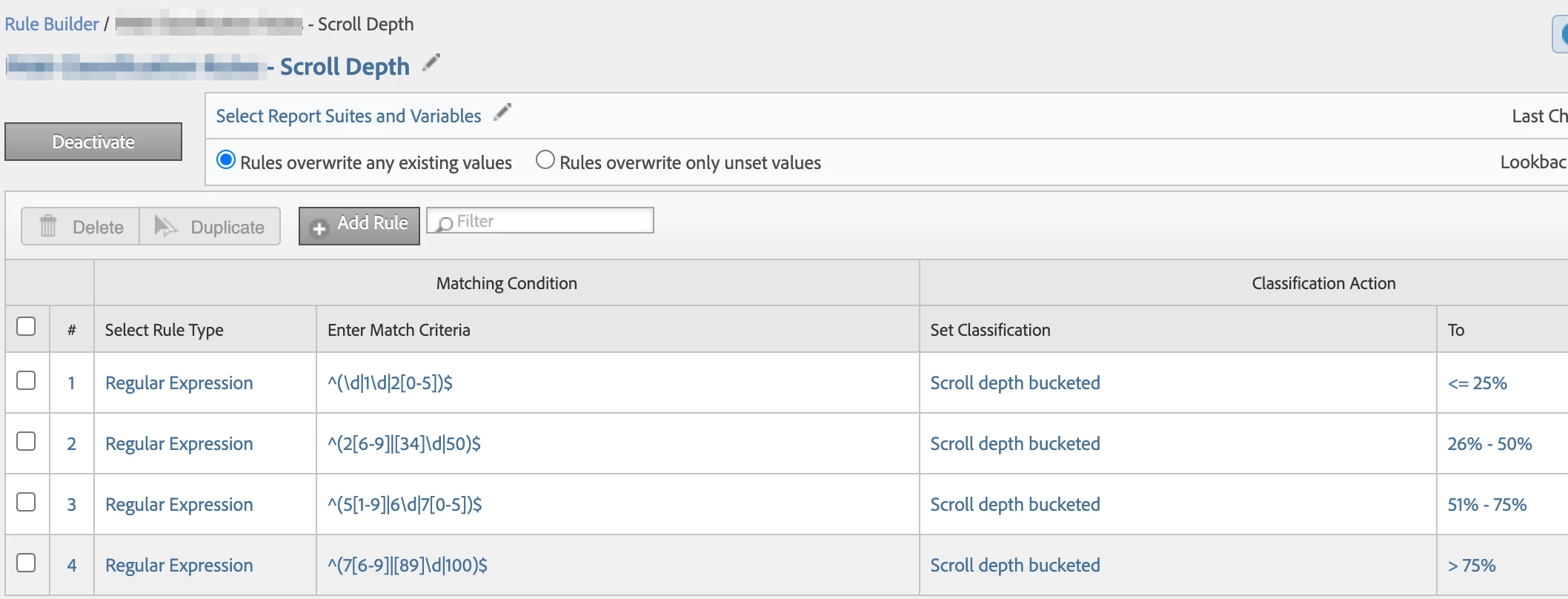
and using regex classification rules to bucket them

this page is super at generating regular expression for numeric ranges


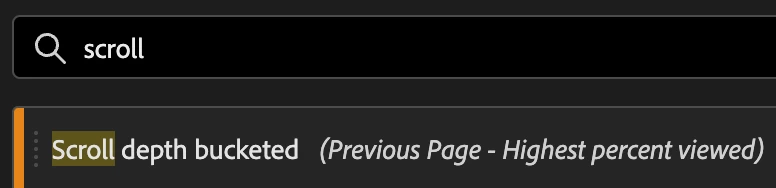
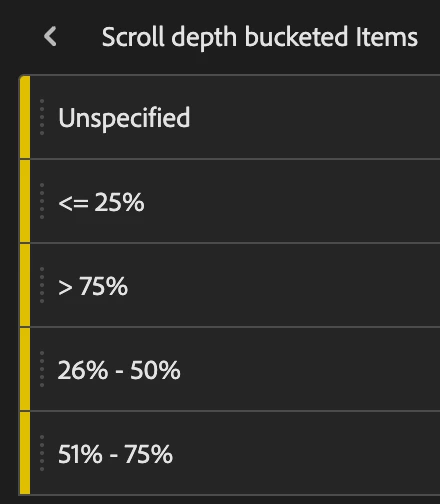
On Analysis Workspace side, it looks like this


2 replies

bjoern__koth
Community Advisor and Adobe Champion
bjoern__kothCommunity Advisor and Adobe ChampionAccepted solution
Community Advisor and Adobe Champion
September 20, 2024

That is a good question. I don't think numeric ranges are supported in segment building. Also not regular expressions.


Maybe in general, bucketing through classifications could be a way to go (in that case not having a segment)?

For example, this is what I am using for scroll depth (based on the getPercentPageViewed plugin dimensions)


and using regex classification rules to bucket them

this page is super at generating regular expression for numeric ranges


On Analysis Workspace side, it looks like this


Cheers from Switzerland!
juliusonyancha
Level 4
September 20, 2024

This is helpful, thanks @bjoern__koth @mandygeorge 

MandyGeorge
Community Advisor and Adobe Champion
September 20, 2024

I agree with @bjoern__koth. Your best bet is to create a classification. You could use the rule builder with a regex statement, or you could use the classification importer. If those values aren't going to change, then it might be simpler to upload a file with the pairings instead of writing different regex statements. 

If you do need to do visit/visitor level stuff with those values, you can still use the classification values in a segment.

bjoern__koth
Community Advisor and Adobe Champion
September 20, 2024

Good point, I tend come up with the nerdier approaches 😂

Cheers from Switzerland!
Jennifer_Dungan
Community Advisor and Adobe Champion
September 20, 2024

Nothing wrong with the nerdy approach!