Getting "Failed to load page" when logging in to adobe analytics | Community
Skip to main content
September 20, 2021
Solved

Getting "Failed to load page" when logging in to adobe analytics

  • September 20, 2021
  • 1 reply
  • 5001 views

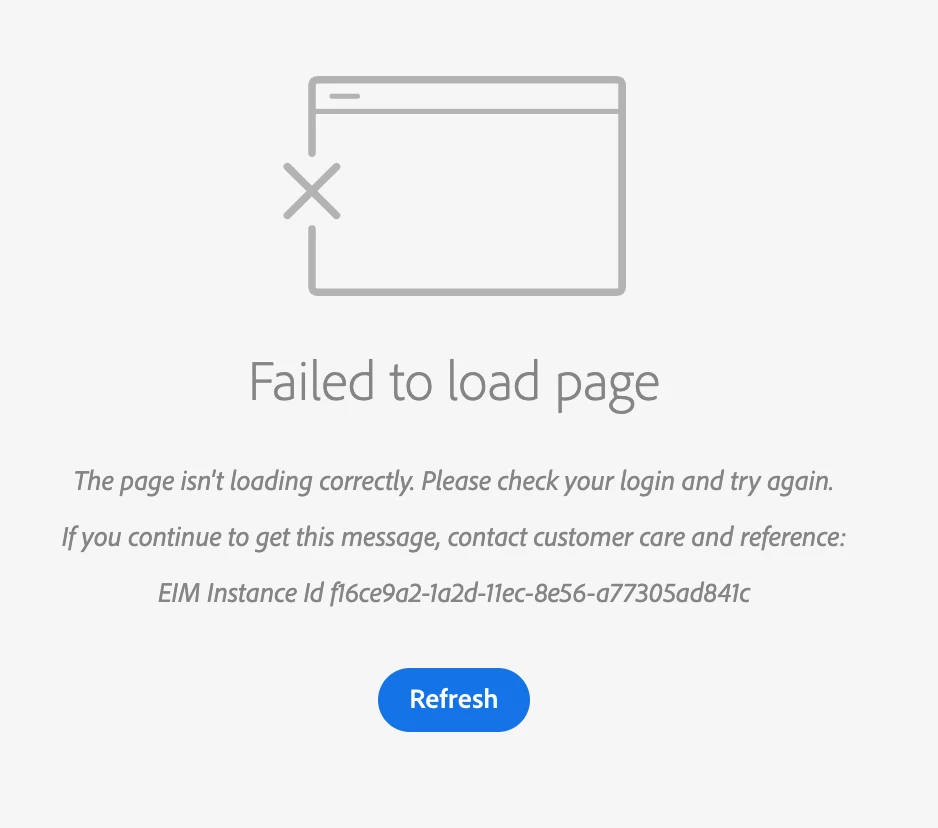
Hello, I am getting this error attached in the image below when I log into one of our domains. I have tried clearing cookies & cache and trying different browsers, but still getting the same error.
This post is no longer active and is closed to new replies. Need help? Start a new post to ask your question.
Best answer by amgup

@emily-1  Can you please make sure the account you select while logging in ? If you are using Adobe ID than use Personal Account option and if you are using Federated ID than select School Account option ?

If you are doing above as expected than please get the Expiration Setting of your account checked from one of the admins. It might be possible that the Account expiration date has reached.

Also, please let me know whether you are newly added in the company ?

1 reply

amgupAccepted solution
Level 7
September 20, 2021

@emily-1  Can you please make sure the account you select while logging in ? If you are using Adobe ID than use Personal Account option and if you are using Federated ID than select School Account option ?

If you are doing above as expected than please get the Expiration Setting of your account checked from one of the admins. It might be possible that the Account expiration date has reached.

Also, please let me know whether you are newly added in the company ?

emily-1Author
September 20, 2021

@amgup I am signing into Adobe with my organization's single sign on, so I'm not really sure where to check the account option you described in the first part. I have two 'organizations' in my account, and when I access the one I was using before it's fine, but when I try to switch to the other organization I am getting the error I posted above.

July 12, 2024

Hi @amgup I am having a similar issue when I try to log in. The error message I get is: EIM Instance Id 1d33d1e2-3c23-11ec-bd78-87e3fd22dd5c


I am selecting the right account using the Personal Account option. I am newly added to the company so I don't know if this might cause an issue? Please can you help


@heeah1, it will start working automatically in 30-40 min.