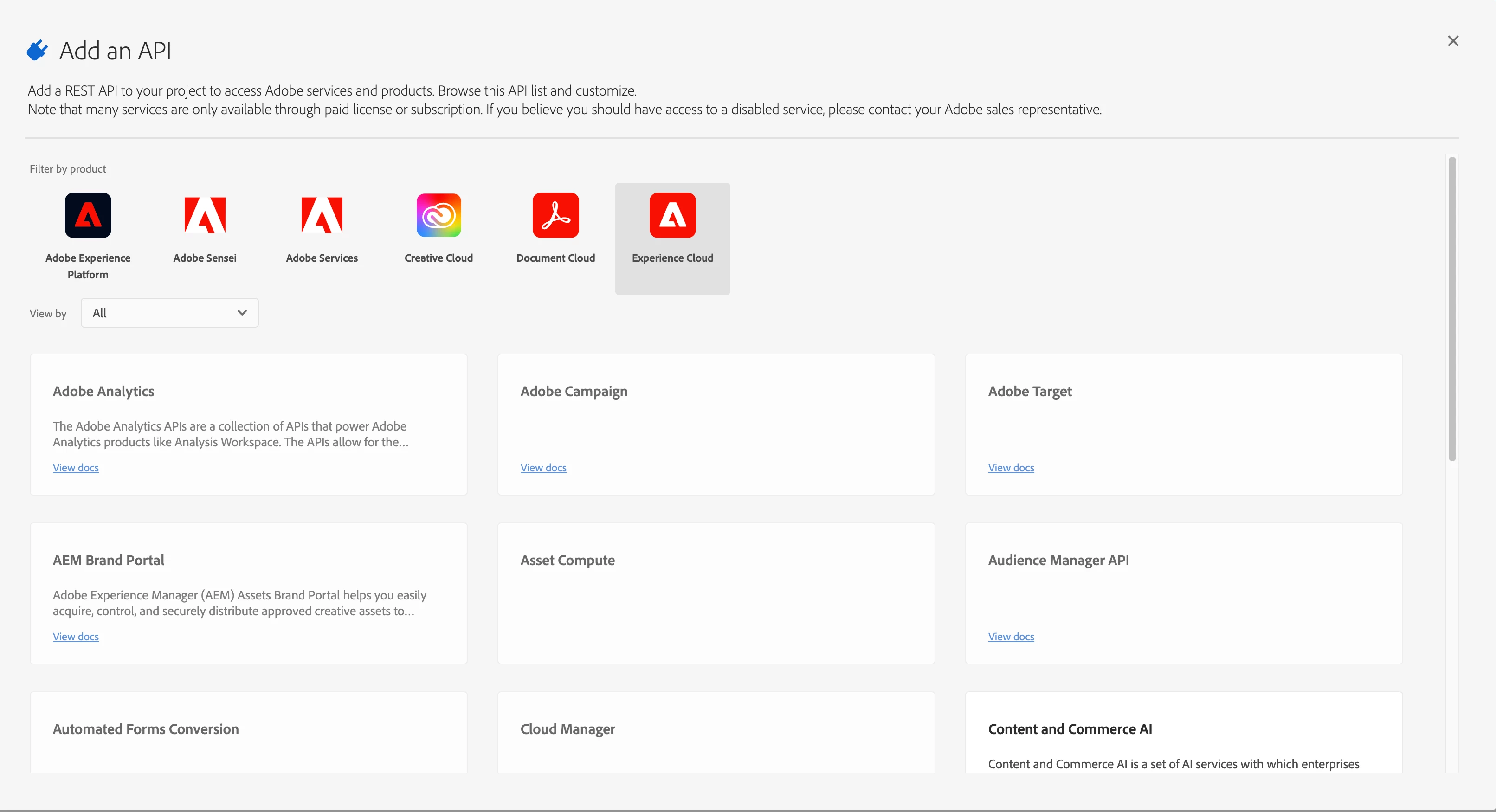
Hey @user00758
As an administrator, the Admin Console enables you to create and manage developer accounts. When you add developers to product profiles on the Admin Console, you provide these developers with the access privileges to create API credentials (on Adobe I/O). Also, on Adobe I/O, developers can associate the API credentials they create with product profiles, but only the product profiles to which the developer has access.
When API calls are made from the API credentials that developer creates, these calls executed with the API credentials of the associated product profiles.
The Developers tab of a product profile allows you to add developers to that product profile.
Click the desired product in the left rail.
Select a product profile (or create one, if required) from the list and go to the Developers tab.
Click Add Developer in the upper-right corner.
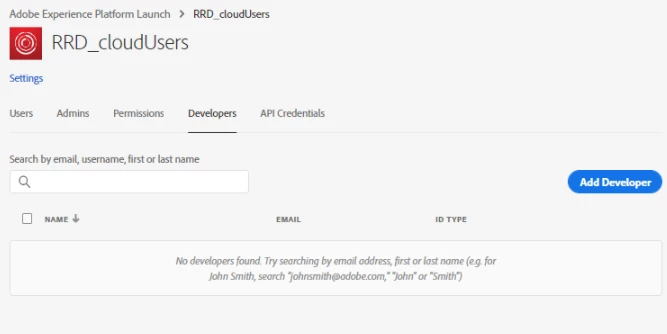
- Enter a name or email address. You can search for existing users or add a user by specifying a valid email address, and filling the information on the screen.

Click Save.
The developers are added to the selected product profile.