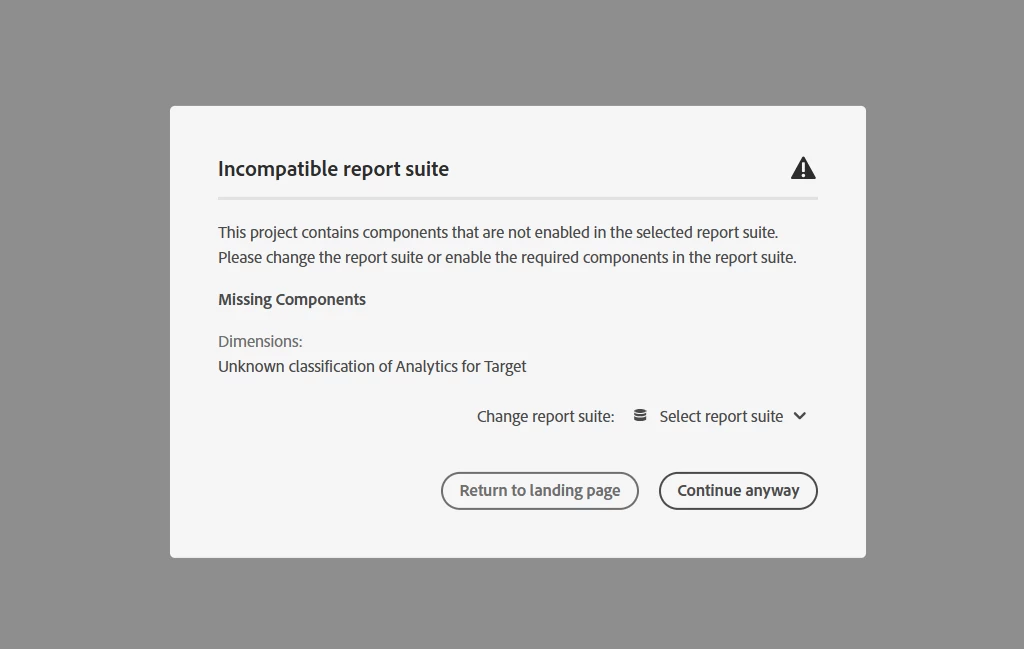
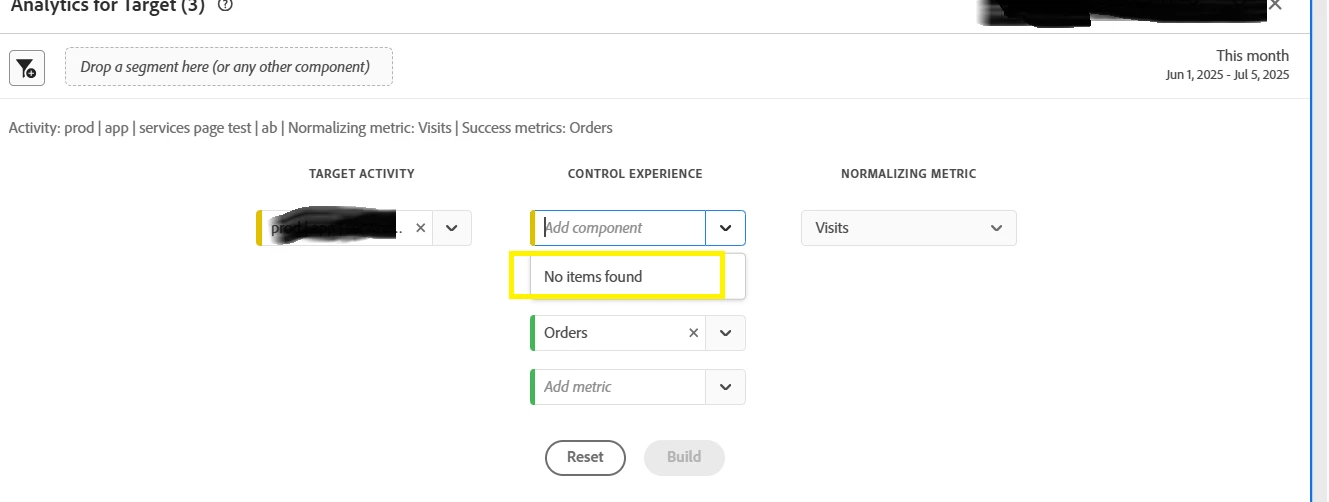
That error usually means the report suite you’re using for the app doesn’t have all the required A4T components enabled, especially the classifications like activity name, experience, offer, etc.
You might want to double-check that the report suite selected for the mobile app is A4T-enabled. Just because it works for your web suite doesn’t mean the same setup exists for mobile, they need to be configured individually.
Also, it’s worth confirming whether the necessary classifications for A4T (like the "Analytics for Target" ones) have been provisioned for the mobile suite. If not, you’ll probably need to contact Adobe Client Care to get those enabled, that usually resolves the “incompatible report suite” error.
And if you’re using the AEP Mobile SDK, make sure the A4T configuration is properly set up within the mobile app implementation too.
Once the report suite has the right components, the A4T reports should work without that error.
Hope this helps!