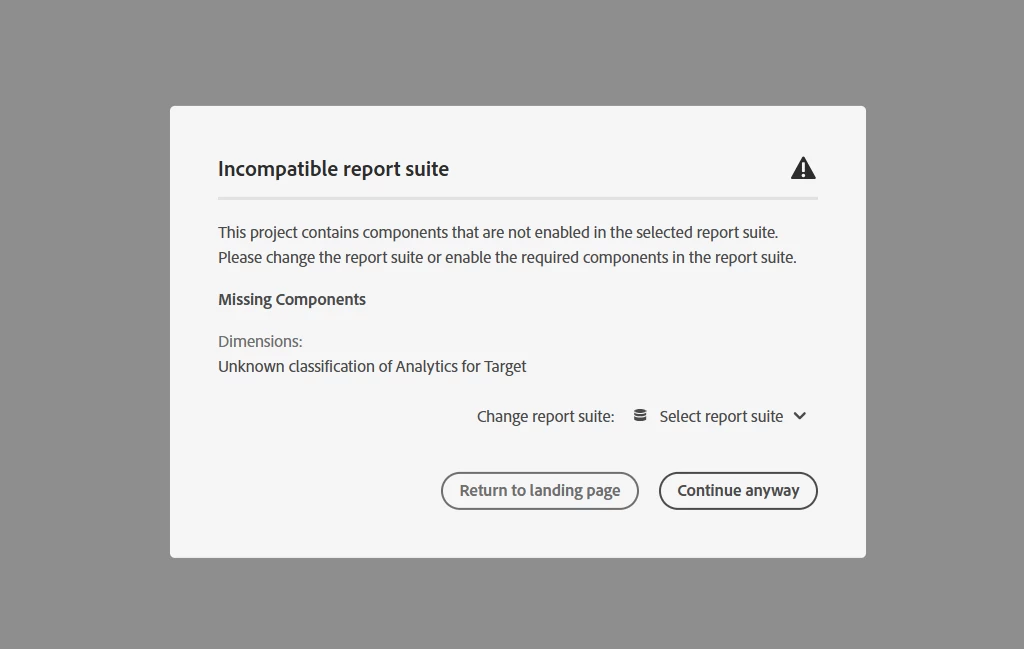
If you are seeing “No Control Experience Found,” it usually means the A4T data from Target isn’t getting stitched into the Analytics hit from the mobile app.
Since your app is using the AEP Mobile SDK, it’s worth checking a few things:
-
Make sure both the Target and Analytics extensions are properly set up in your mobile Launch property.
-
Confirm that the SDK is actually sending Target metadata (like activity and experience) with the Analytics hit, this does not happen automatically in all cases.
-
You might need to manually pass those values.
Even though the report suite has the classifications, A4T reporting only works if the right data is passed during the hit.
If everything looks correct in the setup and it’s still not working, it could help to capture a debug log or network call and check if the Target activity data is actually being sent to Analytics.
And the last thing would be to consult the Adobe Support team for deeper analysis.
Hope that helps!