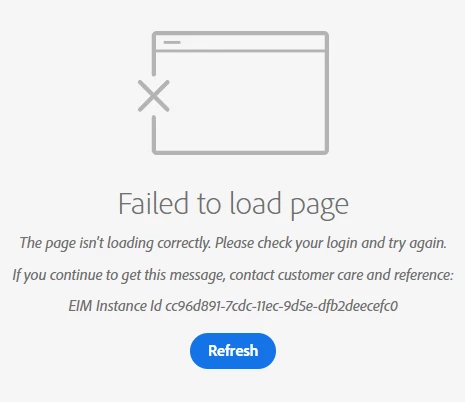
Error: Failed to load page when logging into Adobe Analytics : Bad Gateway 400 | Community
Skip to main content
January 24, 2022
Solved

Error: Failed to load page when logging into Adobe Analytics : Bad Gateway 400

  • January 24, 2022
  • 2 replies
  • 1838 views

Hi Minds,


I get this error recently when trying to log into my Adobe Analytics account and go into the analytics reporting section. This is not a new account as I have been using this from more than 6 months now. I use Chrome on HP Probook. I also tried logging in on Firefox, but got the same error, which is strange. Also, I tried login after clearing Cache and Cookies.


Please let me know what I could do to fix this. Thank you!

This post is no longer active and is closed to new replies. Need help? Start a new post to ask your question.
Best answer by aman_gup98

@rajat_120  Can you once contact any analytics admin in your company and get your account validity checked once from the Admin -> Users management section ? May be your account is expired and they can increase it from the Analytics itself. 

2 replies

aman_gup98Accepted solution
January 24, 2022

@rajat_120  Can you once contact any analytics admin in your company and get your account validity checked once from the Admin -> Users management section ? May be your account is expired and they can increase it from the Analytics itself. 

Rajat_120Author
January 24, 2022

Thanks Aman for your response.
If that is the case then I have to check with my super admin to extend my accounts validity.
I will keep the forum updated if that resolves my problem.

Regards,
Rajat 

January 24, 2022

@rajat_120 I have also saw this problem, this issue comes due to low interent speed sometimes.