Content Download metric data does not have any value when associated with one specific segment. | Community
Skip to main content
Level 2
September 15, 2023
Solved

Content Download metric data does not have any value when associated with one specific segment.

  • September 15, 2023
  • 2 replies
  • 800 views

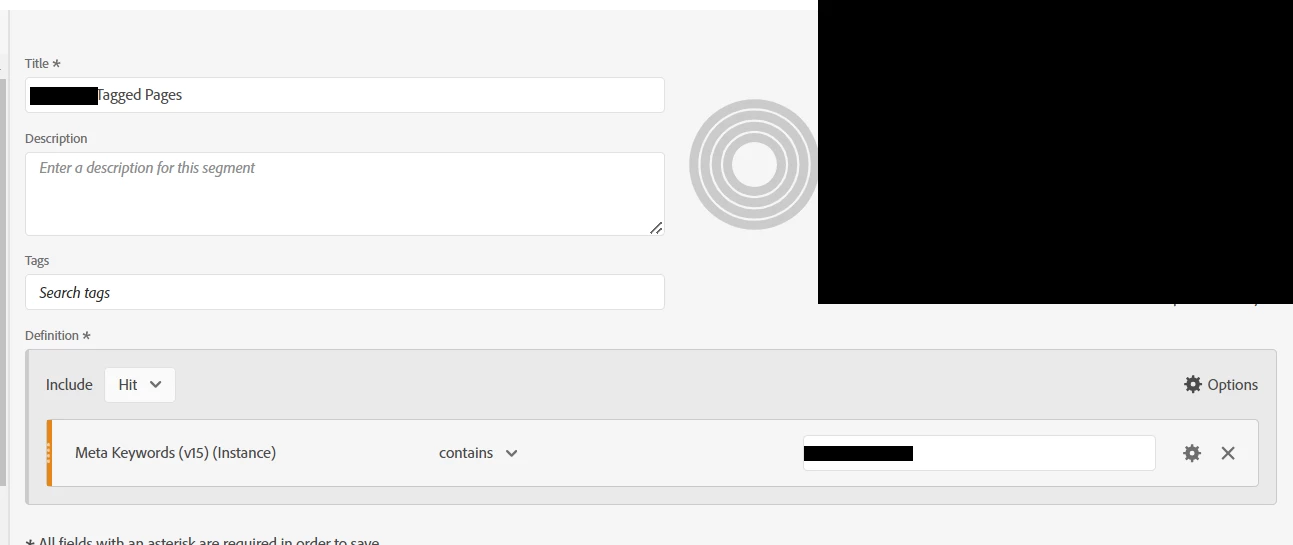
Hello! We would like to have data about the number of content download. I created a free form panel with the Page Name and the content download metric. However, when we add a segment that filter according to the meta Keywords (Hit level), there is no values. 
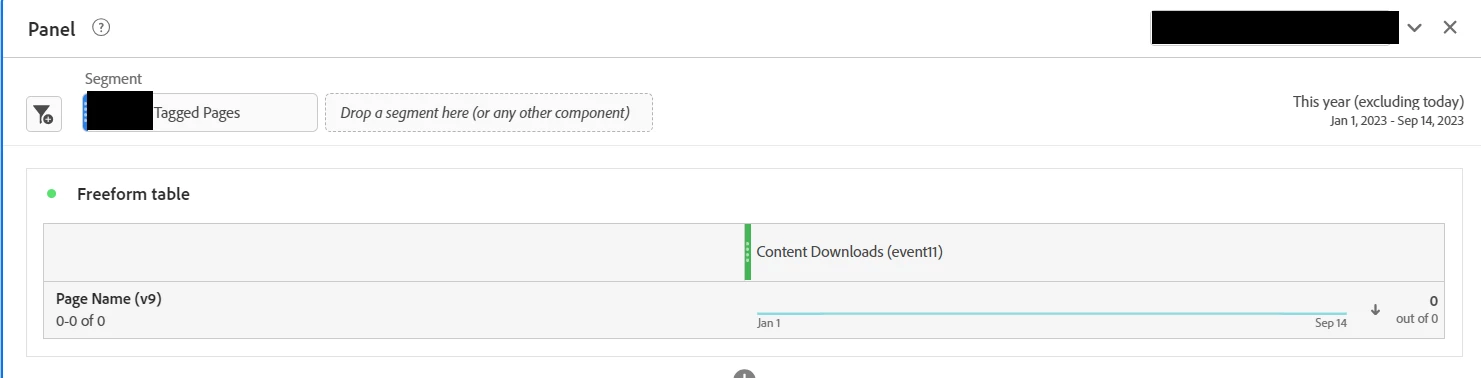


Do you have any ideas why? 

Thanks in advance! 

This post is no longer active and is closed to new replies. Need help? Start a new post to ask your question.
Best answer by isinha

@valentinch1- That implies there are no hits where there is an instance of that keyword variable and the content downloaded event/metric. You can try using non-instance (persisting value) dimension value in the segment and see if that helps. If it doesn't help, you will need to check and ascertain that there are hits with the combination.

Additionally, as you are fetching Page dimension - check if all such hits are link calls - in those cases, you won't see it in Page dimension. Try pulling a trended report (like just drag and drop Month or Day and replace Page dimension with it in the freeform table) and verify.

2 replies

isinhaAdobe EmployeeAccepted solution
Adobe Employee
September 15, 2023

@valentinch1- That implies there are no hits where there is an instance of that keyword variable and the content downloaded event/metric. You can try using non-instance (persisting value) dimension value in the segment and see if that helps. If it doesn't help, you will need to check and ascertain that there are hits with the combination.

Additionally, as you are fetching Page dimension - check if all such hits are link calls - in those cases, you won't see it in Page dimension. Try pulling a trended report (like just drag and drop Month or Day and replace Page dimension with it in the freeform table) and verify.

Jennifer_Dungan
Community Advisor and Adobe Champion
September 15, 2023

If your "content download" event is sent on an action, there is no Page Name... page names (and urls) are removed from actions (s.tl) because this is what is used to determine what calls trigger "page views".


Even though you will see the pageName and url (g) being sent during testing, it will be removed.


This is why many users set up replication eVars for pageName and URLs so that they have them available on all hits (page view and actions).


You can use dynamic variables (eVarX = "D=pageName" or "D=g"), or you can replicate the values in Processing Rules... the values are stripped after either of these solutions are run.


While you can use a custom attribution to associate the Page Name to your actions, it's usually just easier to make sure that you have a proper correlation dimension that is easier for everyone in your org to use...