Can I get the native metrics, dimensions and segments through API 2.0? It seems I can only get some of them. | Community
Skip to main content
October 16, 2024
Question

Can I get the native metrics, dimensions and segments through API 2.0? It seems I can only get some of them.

  • October 16, 2024
  • 2 replies
  • 1096 views

I'm trying to leverage API 2.0 to build a system like Powever BI (https://experienceleague.adobe.com/en/docs/analytics-learn/tutorials/integrations/power-bi/adobe-analytics-connector-in-power-bi) and get the data but have some issues.

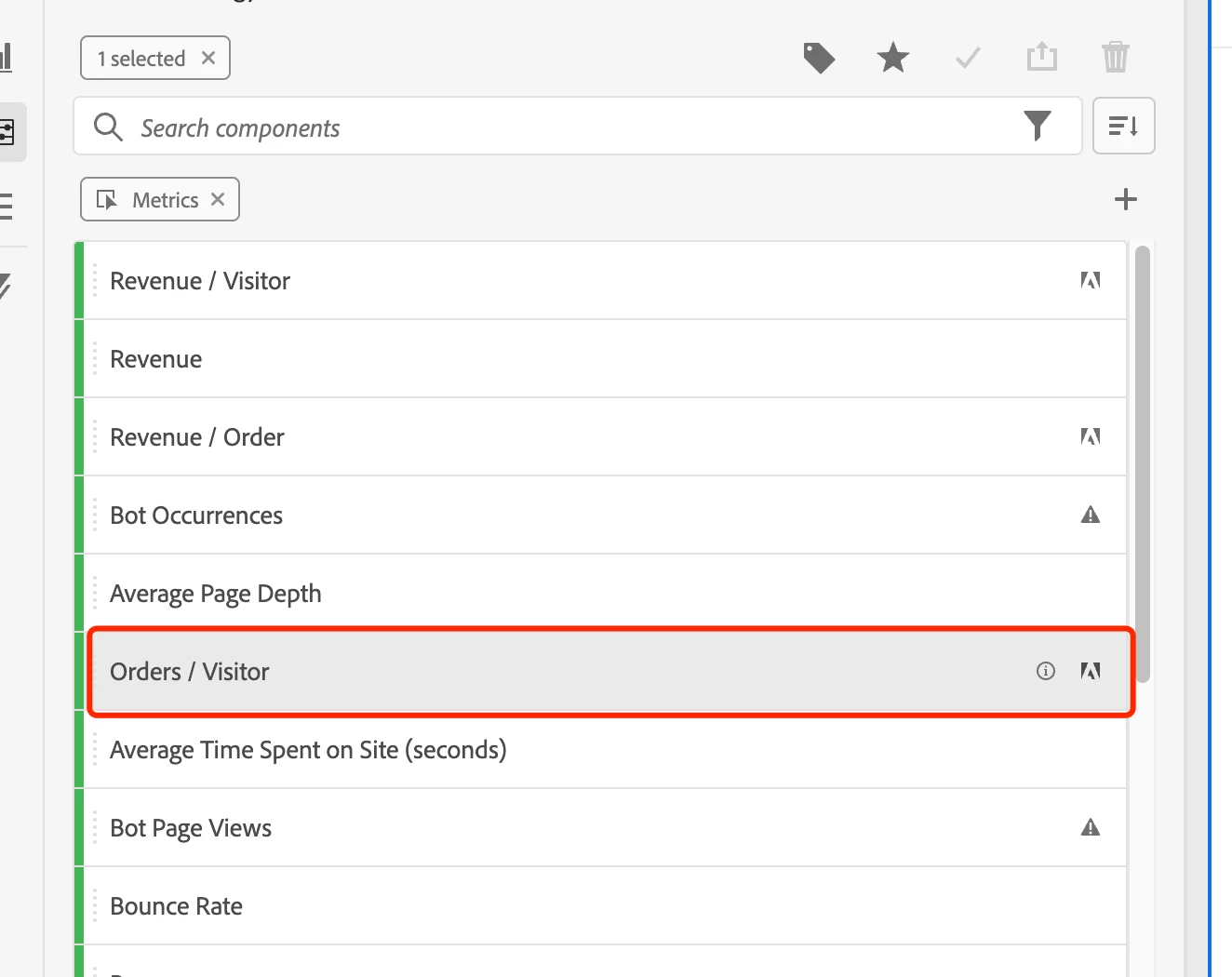
1. For metrics, I can't get the ones with a small Adobe logo like below, it seems to be a calculated metric based on "Orders" and "Unique Visitor" (which I can get from the API response), and I also can't get it from the CalculatedMetrics API.
 

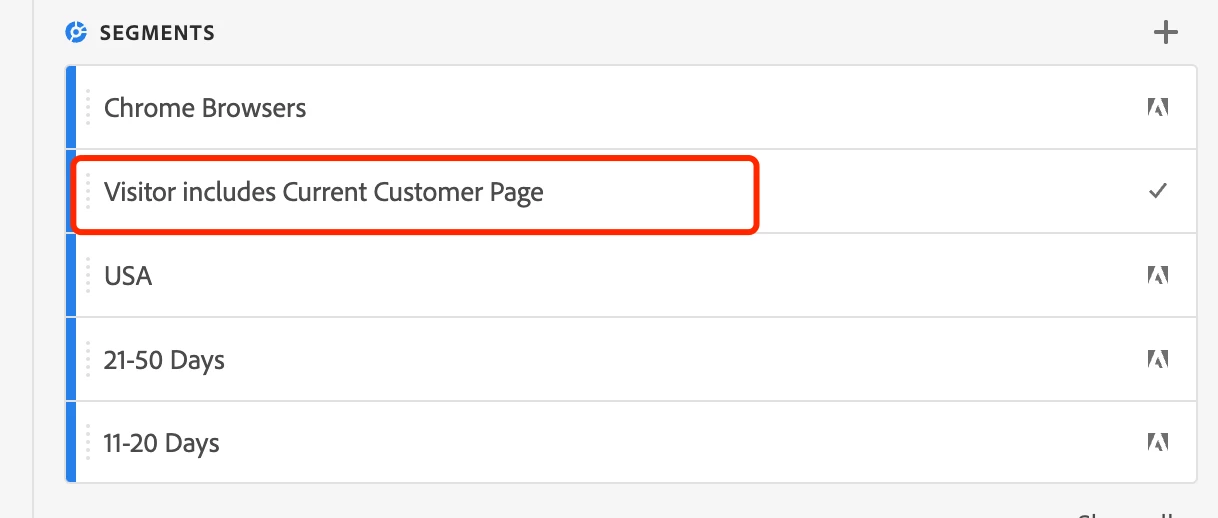
2. The same thing happened with "Segments", for all the items I can only get the ones without the "Adobe" logo, and I don't know if others can be fetched.
 

3. I noticed in the Adobe Analytics Workspace that there's a feature called "Enabled Debugger", which can give me the necessary payload to run a report, just wonder if it's possible to get that payload through API? Like retrieving the definition of a freeform table.


Thanks.


This post is no longer active and is closed to new replies. Need help? Start a new post to ask your question.

2 replies

ZhenYa2Author
October 16, 2024

Update: I managed to get all the segments by adding both includeType "template" and "all", but there's no such thing for the metrics API.


Jennifer_Dungan
Community Advisor and Adobe Champion
October 16, 2024

I am not sure what the PowerBI capabilities are, but if it's similar to Report Builder (which uses APIs) calculated metrics may not be available. Same with the segment, there are some segments which are incompatible with Report Builder and Data Warehouse, but work fine in Workspace and direct APIs calls.


However, if you can run APIs directly, you can use the Debugger to help get the API calls. I am not sure what you mean by "which can give me the necessary payload to run a report, just wonder if it's possible to get that payload through API".... the Debugger will give you the API calls. Workspace is built using the API, and what the debugger provides you is the exact calls that were used.


Now, obviously you would need to make some adjustments... you would want to parameterize the date range, and you might not need all the "Freeform Table" title information, etc... but the basics of what you need to pull should all be there.


Just note that depending on the complexity of your table (i.e. if you have breakdowns) you will need to run multiple API calls, one for each breakdown.

Jagpreet_Singh_
Community Manager
Community Manager
October 21, 2024

Hi @zhenya2  Did you find the suggestions helpful? Let us know if you need any further information! If the solution works for you, please mark the answer as correct to help others. And if you’ve found your own solution, we’d love for you to share it with the community. Thank you!