Solved
Auto-sizing visualisations PDF truncated
Hi,
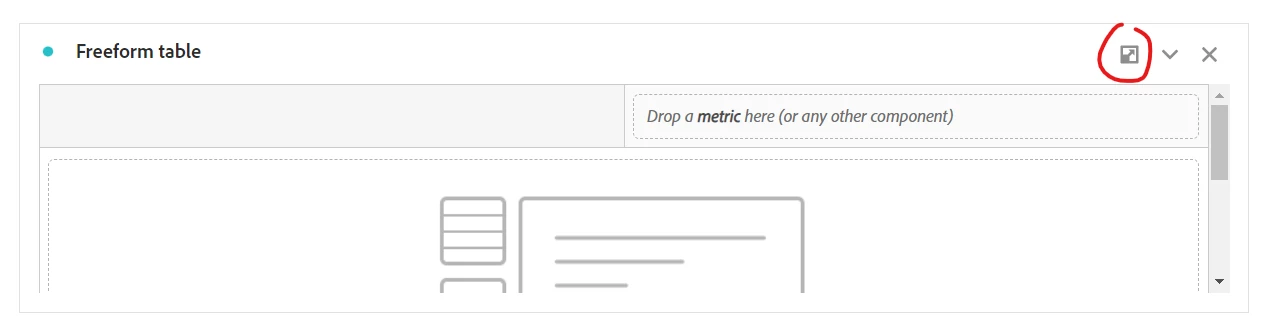
Where do I find this top-right corner button? I honestly cannot find anything, anywhere to auto-size visualisations.

Hi,
Where do I find this top-right corner button? I honestly cannot find anything, anywhere to auto-size visualisations.
If a graph is in-between pages, it is generated incorrectly
oooh, interesting... that probably needs to be logged as a defect with Client Care so that they can get the engineers on fixing it!
FYI, when you generated the PDF, did you do so from inside the Workspace (normal send or schedule report), or the new send PDF from the Workspace home page? I've heard there have been some issues with the rendering when using the new feature.... so when you log the ticket, provide as much detail as possible, and share the report or a screenshot (or both) of the issue with Client Care so they can see what is happening.
Good Luck!
Enter your E-mail address. We'll send you an e-mail with instructions to reset your password.