Adobe's End of Life Notice | Community
Skip to main content
JyotiSharmaV
Community Advisor
Community Advisor
December 13, 2023
Solved

Adobe's End of Life Notice

  • December 13, 2023
  • 1 reply
  • 1815 views

Hi Community,


Pls help me understand what is going away with this by the end of this year?


Thx

This post is no longer active and is closed to new replies. Need help? Start a new post to ask your question.
Best answer by Jennifer_Dungan

To the best of my knowledge, here is what will be sunset:
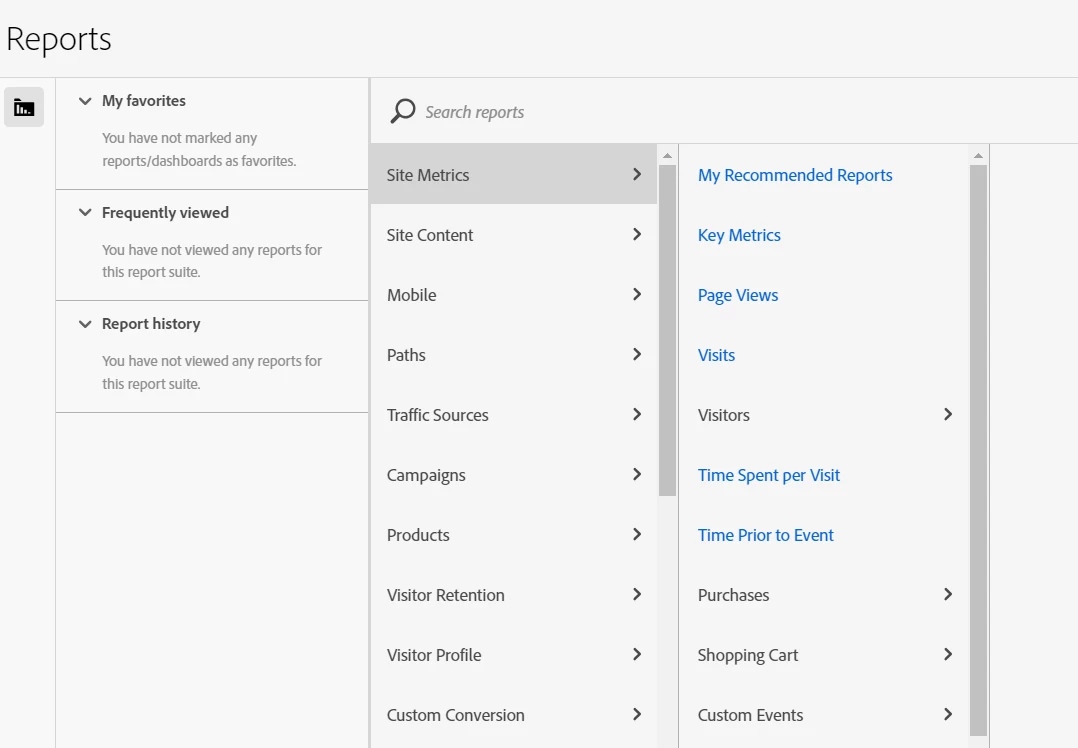
 

  • Reports - i.e. the old reporting interface
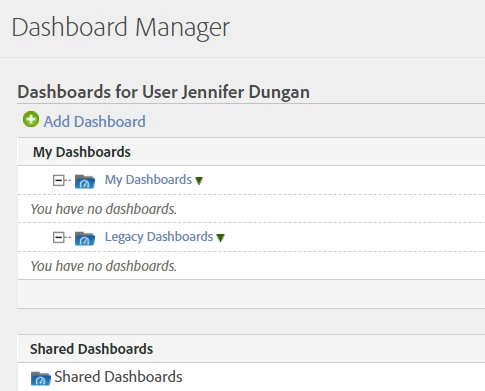
  • Along with the above, the old Dashboard/Reportlets will also be sunset
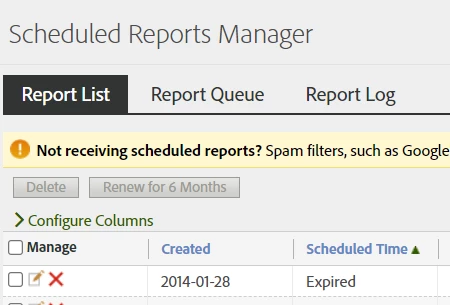
  • This probably means that the old Scheduled Reports Manage will also be deprecated (I don't know what this means for scheduled report builder reports which are currently managed here with the legacy reports)
  • Data Workbench
    (no photo, I don't have this, and I just get a message about the shutdown)


As far as I am aware, the following will still be available:

  • Report Builder Reports (not sure how we will manage all existing reports though, see above)
  • Analytics API version 1.4 (API 2.0 is the new API, it's definitely going to remain as Workspaces are built using it)
  • Workspaces / Mobile Scorecards
  • Real Time Reports
  • Data Warehouse (they wouldn't have released a new UI recently if they were planning to shut it down)


Is there anything in particular that I missed above that you are concerned about?

1 reply

Jennifer_Dungan
Community Advisor and Adobe Champion
Jennifer_DunganCommunity Advisor and Adobe ChampionAccepted solution
Community Advisor and Adobe Champion
December 13, 2023

To the best of my knowledge, here is what will be sunset:
 

  • Reports - i.e. the old reporting interface
  • Along with the above, the old Dashboard/Reportlets will also be sunset
  • This probably means that the old Scheduled Reports Manage will also be deprecated (I don't know what this means for scheduled report builder reports which are currently managed here with the legacy reports)
  • Data Workbench
    (no photo, I don't have this, and I just get a message about the shutdown)


As far as I am aware, the following will still be available:

  • Report Builder Reports (not sure how we will manage all existing reports though, see above)
  • Analytics API version 1.4 (API 2.0 is the new API, it's definitely going to remain as Workspaces are built using it)
  • Workspaces / Mobile Scorecards
  • Real Time Reports
  • Data Warehouse (they wouldn't have released a new UI recently if they were planning to shut it down)


Is there anything in particular that I missed above that you are concerned about?

RobertBlakeley
Community Advisor
Community Advisor
December 13, 2023

Just to amplify a bit:

The "favorite" designations you have set in Reports will not carry over into Workspace.

Any Dashboards and Bookmarks built in the Reports interface will need to be rebuilt within the Workspace UI. 

Any schedules you set in Reports will not carry over into Workspace. You will need to set up those schedules again in Workspace for your new Workspace reports.

In some cases you can "migrate" your reports into the Workspace format and then save them in Workspace.

  1. Open your report in the Reports interface.

  2. Select the Try in Workspace button. This will open the report in Workspace
     
  3. In the Workspace interface, select Project > Save.