Adobe Report Builder Not Launching | Community
Skip to main content
July 21, 2020
Solved

Adobe Report Builder Not Launching

  • July 21, 2020
  • 1 reply
  • 1814 views

Hi Guys,


I downloaded the report builder a couple of weeks ago and it all worked fine, however now when i start excel and try and access the builder through the add-ins ribbon the sign in screen does not appear and the sheet continues to load with the only other window opening being but it never progressing from there. 
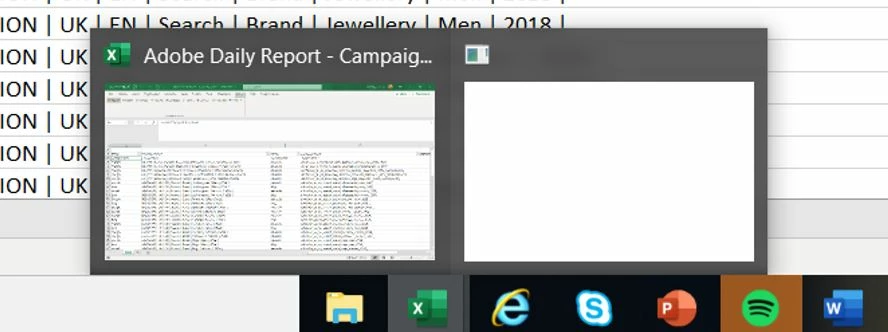
Has anyone experienced this and if so found a solution? 


Thanks,

Nick

This post is no longer active and is closed to new replies. Need help? Start a new post to ask your question.
Best answer by Pablo_Childe

Hi have you by chance changed, PC or network you connect to? If so make sure your firewall is not blocking ports 80 and 443. I have also seen in some larger network environments something called vlan(IT may have connected you to a new one). It then blocks those 2 ports.

1 reply

Adobe Employee
July 21, 2020

Hi @nickhockin ,

Can you please try the following:

1) What is the default browser? Are you able to access Analytics in the default browser? You may want to try deleting cache/cookies of the default browser and see.

2) Can you please try upgrading your RB version and see if that works?

3) Are you on VPN? If yes, can you please try accessing outside VPN network or on a different network?

Thanks!

Pablo_Childe
Community Advisor
Pablo_ChildeCommunity AdvisorAccepted solution
Community Advisor
July 24, 2020

Hi have you by chance changed, PC or network you connect to? If so make sure your firewall is not blocking ports 80 and 443. I have also seen in some larger network environments something called vlan(IT may have connected you to a new one). It then blocks those 2 ports.