Adobe Analytics Workspace or Admin Issues | Community
Skip to main content
New Member
August 30, 2022
Question

Adobe Analytics Workspace or Admin Issues

  • August 30, 2022
  • 1 reply
  • 960 views

Anyone else having odd admin issues?


I'm getting quite a few user permission issues lately when trying to access Adobe Analytics Workspaces. It seems my Adobe Analytics Admin Access is being replaced with Enterprise PDF Services Developer Access and it removes my ability to do anything in the analytics platform.


Just wondering if anyone else experienced this and found a workaround. Maybe an SSO issue?
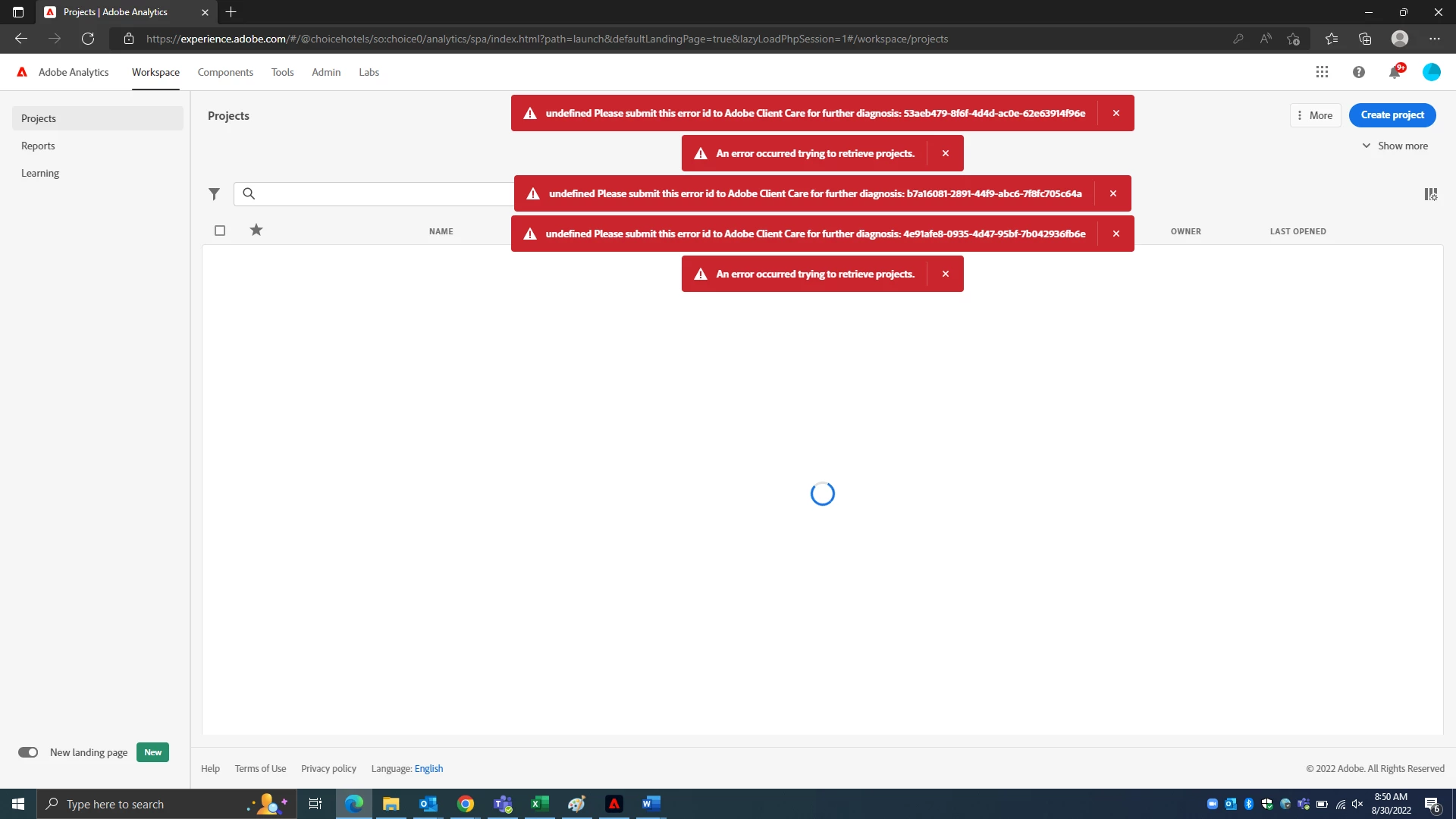
 

Thanks,


Josh

This post is no longer active and is closed to new replies. Need help? Start a new post to ask your question.

1 reply

Jennifer_Dungan
Community Advisor and Adobe Champion
August 30, 2022

There is currently some ongoing maintenance and some minor and potential issues on status.adobe.com right now... these issues could be related to that. After the maintenance is complete, and the issues are resolved, and you are still experiencing issues, let us know.. 


But I am also seeing random issues as I have been working today, so I suspect these are related.

JoshTe2Author
New Member
September 9, 2022

Hi Jennifer,


It seems to be something unrelated to the maintenance. Servers appear to be "Available" without problems. Another issue is my Adobe Analytics Admin rights seem to bounce around between Adobe Analytics and this Enterprise PDF Services Dev product (image below). When it's PDF I seem to have the issues and I can't add/remove/update other users either.


Jennifer_Dungan
Community Advisor and Adobe Champion
September 9, 2022

Ok.. have you tried using Incognito Mode to log in? With the account updates, your cookies (between your org and the new personal account) may have gotten a bit corrupted.... I've had similar issues in the past....


Before we jump right into clearing the "world" of your Adobe cookies, let's try a checking to see if the behaviour improves when you start with a completely new session and all new cookies.


If this test is successful, I can walk you through clearing just the Adobe cookies (unless you really want to clear everything.... which I avoid as much as possible since I don't want to re-login to everything else completely unrelated to my problem, and I would not subject you to unless it was really needed)