
Scrollable terms and conditions box within a form | Community
Skip to main content
Dan_Stevens_
Level 10
August 31, 2016
Solved

Scrollable terms and conditions box within a form

  • August 31, 2016
  • 2 replies
  • 3187 views

Has anyone done something like this with a Marketo form?  Scrollable Text Demo
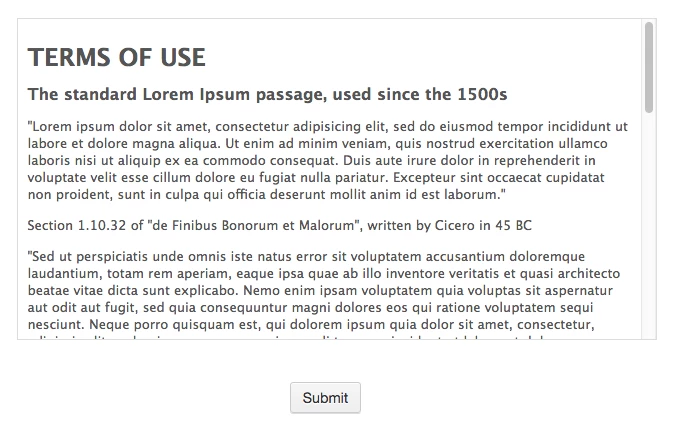
I've done it in the past when coding the form by hand on a page - just wondering if it can be done with Marketo forms (and custom CSS).  Note, that the field should accept HTML content for formatting purposes.

This post is no longer active and is closed to new replies. Need help? Start a new post to ask your question.
Best answer by SanfordWhiteman

Marketo form with must-scroll Terms and Conditions: MktoForms :: Scroll EULA

2 replies

SanfordWhiteman
Level 10
August 31, 2016

Just put it in the a rich text area.  That demo doesn't even check to see if you've scrolled to the bottom, which is usually the test of good faith.

SanfordWhiteman
SanfordWhitemanAccepted solution
Level 10
August 31, 2016

Marketo form with must-scroll Terms and Conditions: MktoForms :: Scroll EULA

Dan_Stevens_
Level 10
August 31, 2016

Thanks Sandy.  I had a member of my team create something similar (https://pages.avanade.com/Sitecore-Symp-UGV_landing-page.html ) - very rough draft with unformatted content, but I think we have the approach figured out.

BTW, like the additional touch of adding in the notification to scroll down!