Hi,
This is how the Admin Console looks like when multiple instances are deployed
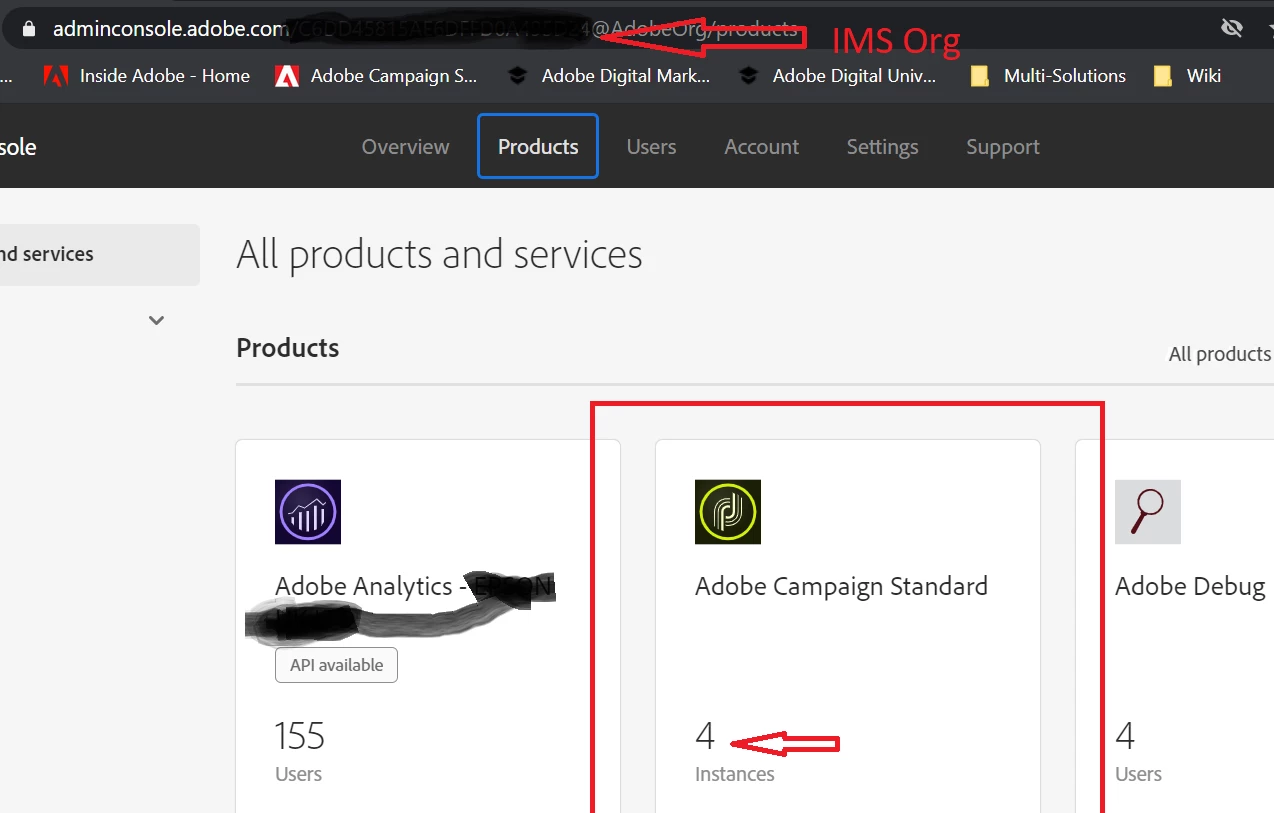
You go into Adobe Campaign and you'll see the list of instances
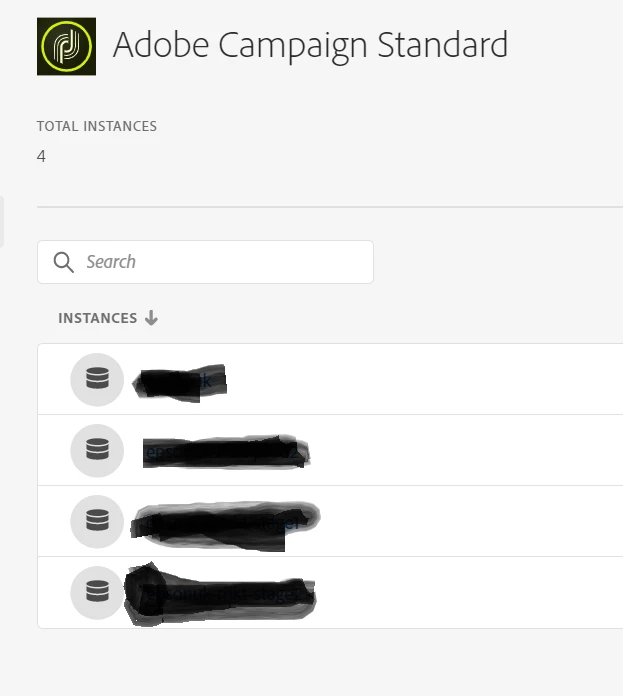
You go into each instance and you've got the list of users which you can extract by copy/paste by 100 form the screen or you'll go into each Product Profile and you can extract users for each Product Profile then externally you would have to aggregate all the files into one.... The user list itself under Product doesn't allow you to export, just add but if your list of users sin't too long, copy from the screen and paste it in Excel works pretty well, also not as neat as a direct export.
Thanks
Denis